
Label or regex rules
Handle familiar labels and more structured naming patterns.
Smart batch organization
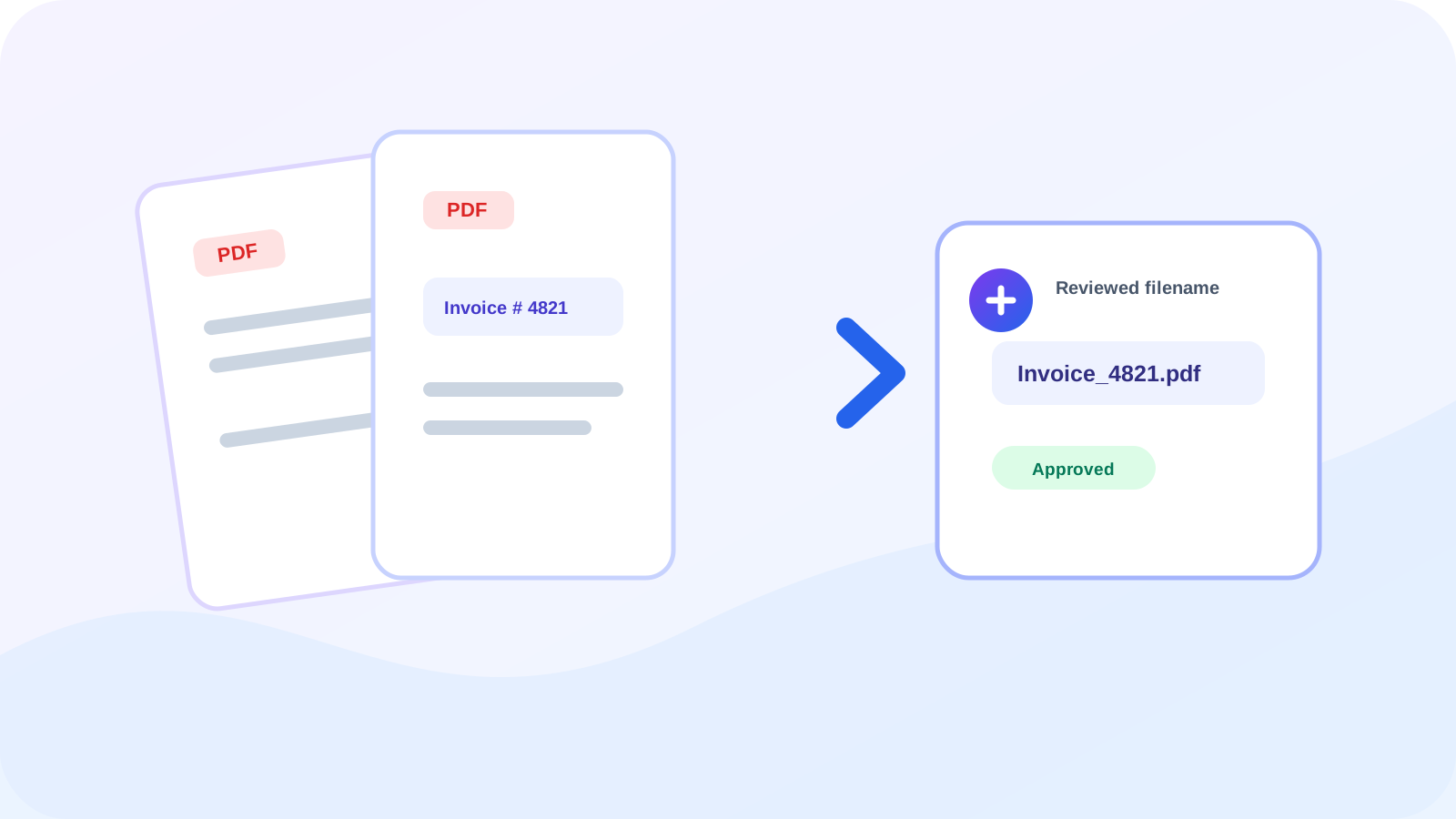
Create consistent filenames from invoice numbers, reference labels, or custom text patterns—with review before download.
Original PDF bytes remain unchanged. OCR-derived low-confidence values are marked for review and cannot enter the ZIP until approved.
Simple, reviewed workflow
Build a naming rule, analyze one PDF or a batch, correct uncertain results, and download unchanged PDFs under reviewed filenames.
Choose text after a label or use a regular-expression match.
Select a batch and analyze native text with OCR fallback where required.
Correct missing or low-confidence values before approval.
Save one file or package approved filenames in a ZIP.
Handle familiar labels and more structured naming patterns.
Uncertain scan results remain blocked until manually approved.
Duplicate proposed names are resolved deterministically.
The workflow changes downloaded names, not document content.
Practical guides
File Organization · 9 min read
Create consistent PDF filenames from invoice numbers, reference labels, dates, or other reviewed document text.
Read guideBatch PDF · 8 min read
Use OCR confidence, manual approval, and collision-safe naming when organizing batches of scanned PDF files.
Read guideFrequently asked questions
Yes. Choose the label rule and enter the label used before the invoice number.
It can use the existing OCR fallback. Low-confidence OCR values must be reviewed and approved.
No. The original PDF bytes are preserved; only the downloaded filename changes.
The file is marked for review so you can enter and approve a filename manually.
Yes. The first capture group is used when present; otherwise the complete match becomes the detected value.
Native text analysis and supported OCR routing use the established document-intelligence workflow. The page explains review status before any download.
Use OCR PDF for scanned-document recognition or cleanup, with results available for review.
Use Extract PDF Text to export or reuse content from PDF files.
Use Make PDF Searchable for scanned-document recognition or cleanup, with results available for review.
Use Bulk File Compressor for a focused document analysis or multi-file workflow.