On this page
Test a representative sample
Include clean scans, faint pages, rotated pages, and examples from different templates. A rule that succeeds on one invoice may fail on another supplier format.
Treat OCR confidence as a signal
Confidence helps prioritize review; it is not a guarantee. A high-confidence value can still be the wrong field, while a low-confidence value may be easy to correct manually.
Protect the archive workflow
Keep original filenames in a manifest when traceability matters. Download the reviewed batch separately and spot-check the resulting ZIP before replacing an established archive.
- Retain originals.
- Review every exception.
- Avoid sensitive data in filenames.
- Confirm duplicate handling.
Put the workflow into practice
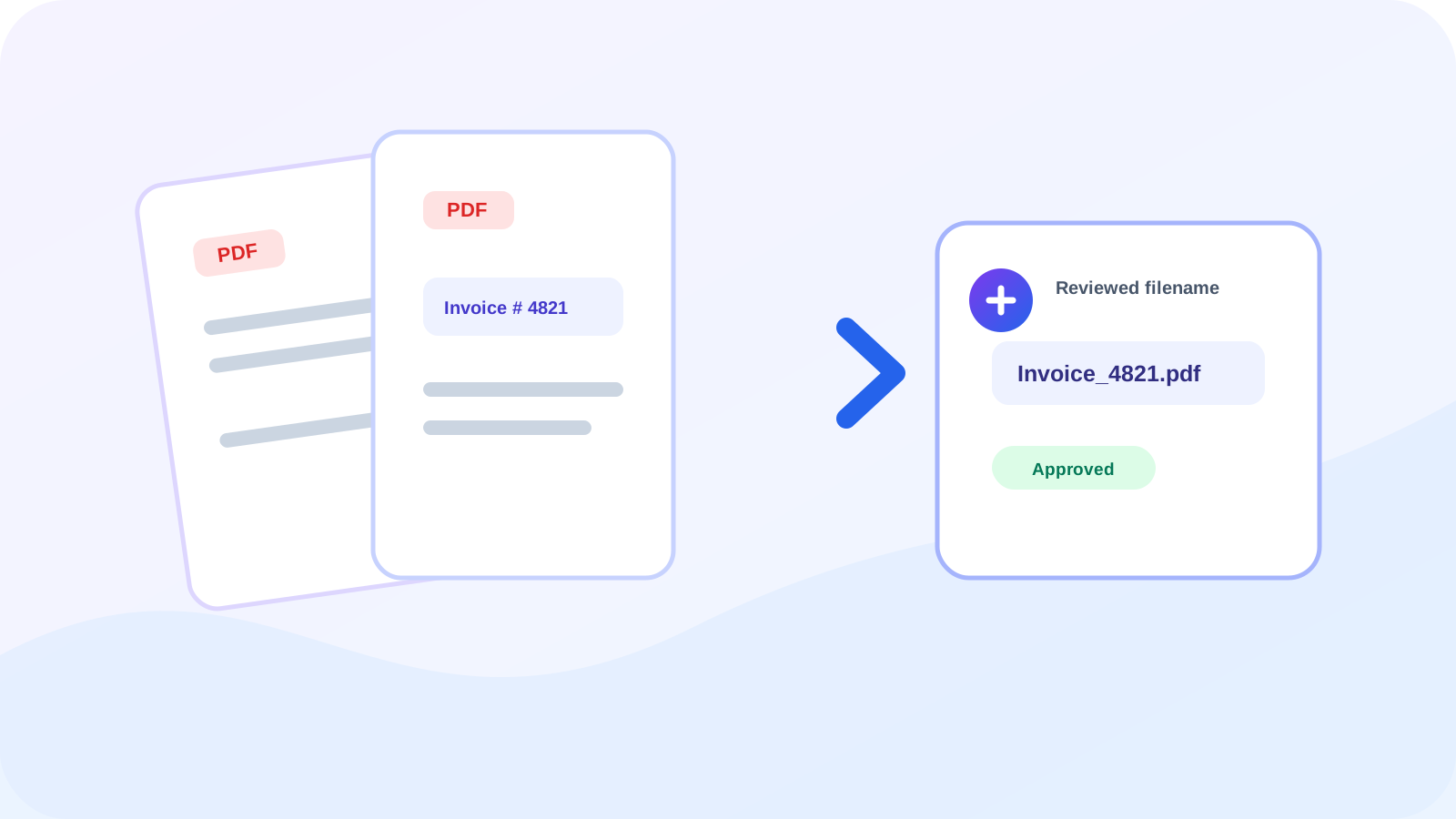
Use OCR confidence, manual approval, and collision-safe naming when organizing batches of scanned PDF files.
Try Rename PDF FilesFrequently asked questions
Clear answers before you rename
Can scanned PDFs be renamed automatically?
OCR can suggest names, but uncertain or missing values should be reviewed before download.
Why should original filenames be retained?
They provide a trace back to the source when a rule or OCR result needs investigation.
Can I use a regular expression?
Yes. A capture group can isolate the part of a consistent text pattern that should become the filename.