
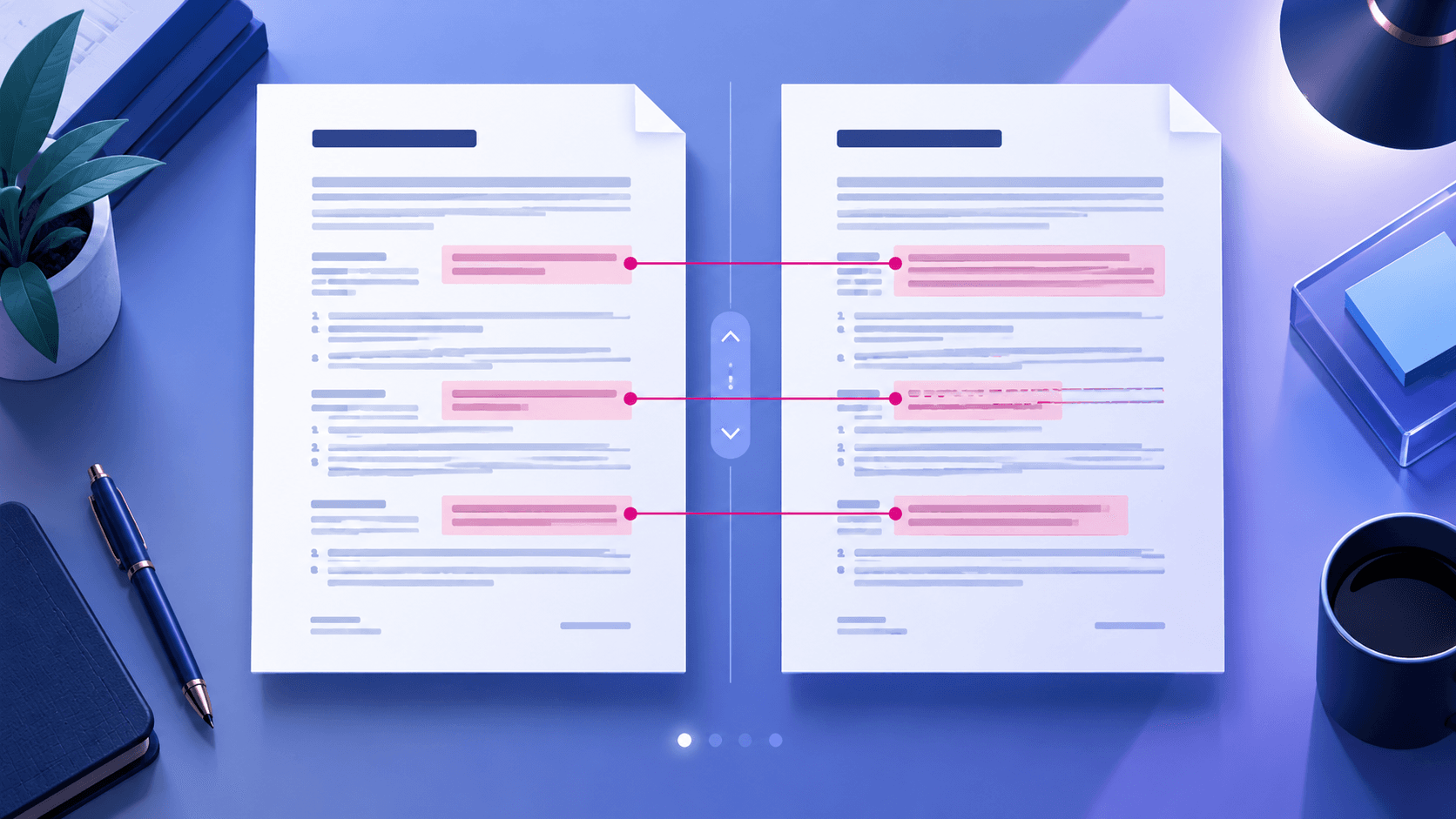
PDF comparison
Compare Two PDFs and Find Meaningful Changes
Separate wording, visual, geometry and page-level changes from ordinary rendering noise.
Read articleCompare two PDF files page by page and highlight visual differences directly in your browser.
Higher sensitivity highlights smaller visual changes.
Compared locally in your browser
Both files stay on this device. Text extraction and page rendering are used only for this browser session. Results support review and are not a legal conclusion.
A clear three-step workflow
The tool stays focused: add the right source, make an informed choice, then inspect the output before using it.
Choose a clear baseline and revised document.
Review alignment, page correspondence and difference sensitivity.
Confirm each important result against both source documents.
Tool profile
Compare PDF aligns two documents and reports visual, text and geometry differences. The review workspace is designed to help confirm changes rather than treat every detected pixel as equally important.
Practical example: Compare a revised contract with its approved draft, then distinguish wording changes from shifted line wrapping and pagination.
Know before processing: Font substitution, scanning noise, antialiasing, rotation and page-size changes can produce false positives. Comparison is review assistance, not a legal conclusion.
Compare text and rendered page differences
Identify added or removed pages
Expose page-size and orientation changes
Review differences page by page
Core tasks
Specific needs
Detailed questions
Frequently asked questions
Yes when usable text exists, while visual comparison also detects images, layout and rendered differences.
Font rendering, antialiasing, compression, alignment and scan noise can change pixels.
They should be reported explicitly so later pages are not all treated as shifted mismatches.
No. It assists review; consequential findings require appropriate human confirmation.
Connected workflow
Expert guides
Detailed, tool-specific guidance with practical limits and verification steps—not generic conversion copy.
PDF comparison
Separate wording, visual, geometry and page-level changes from ordinary rendering noise.
Read article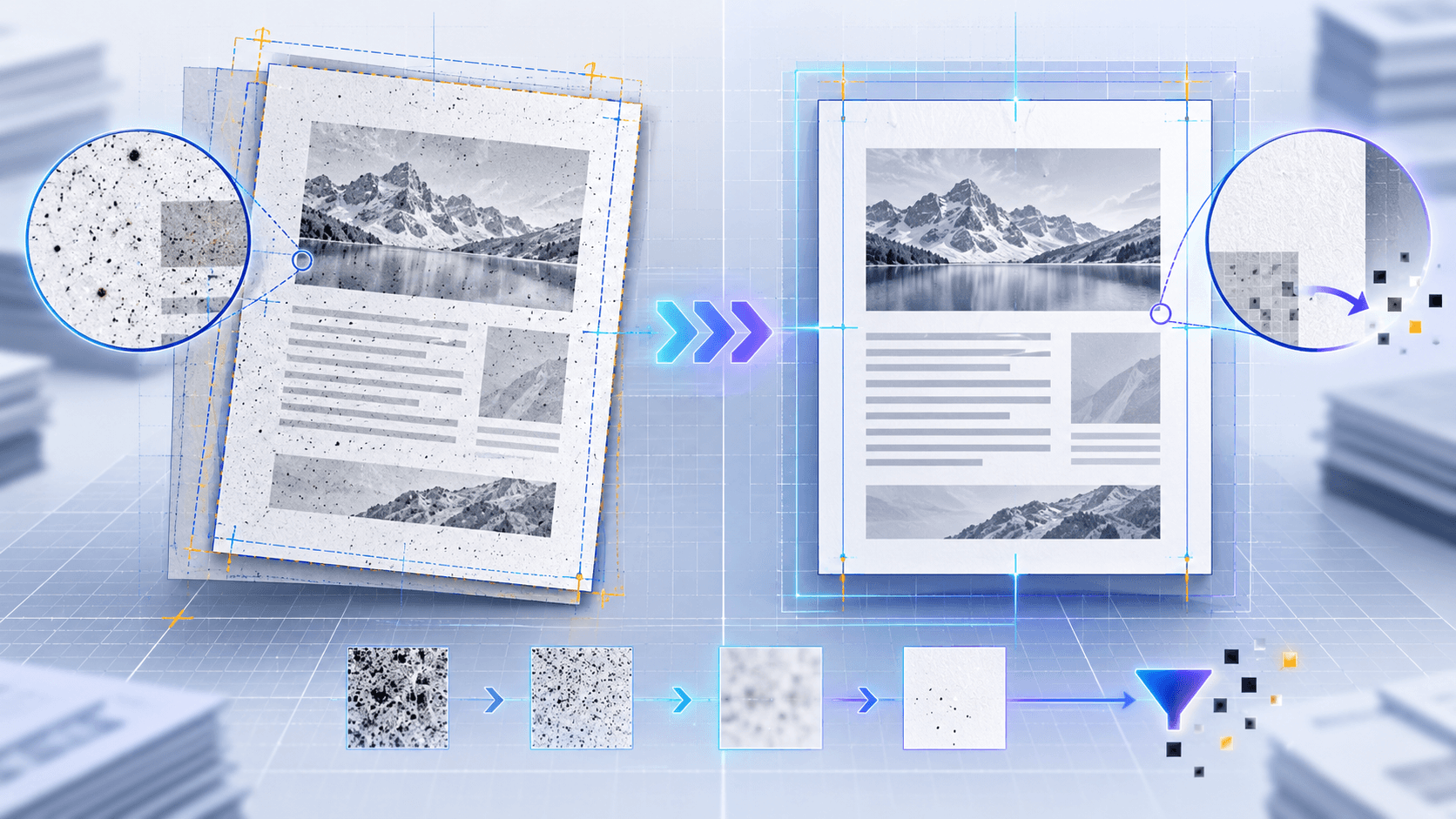
Comparison accuracy
Use alignment, movement tolerance, margin exclusion and rendering-noise filters correctly.
Read article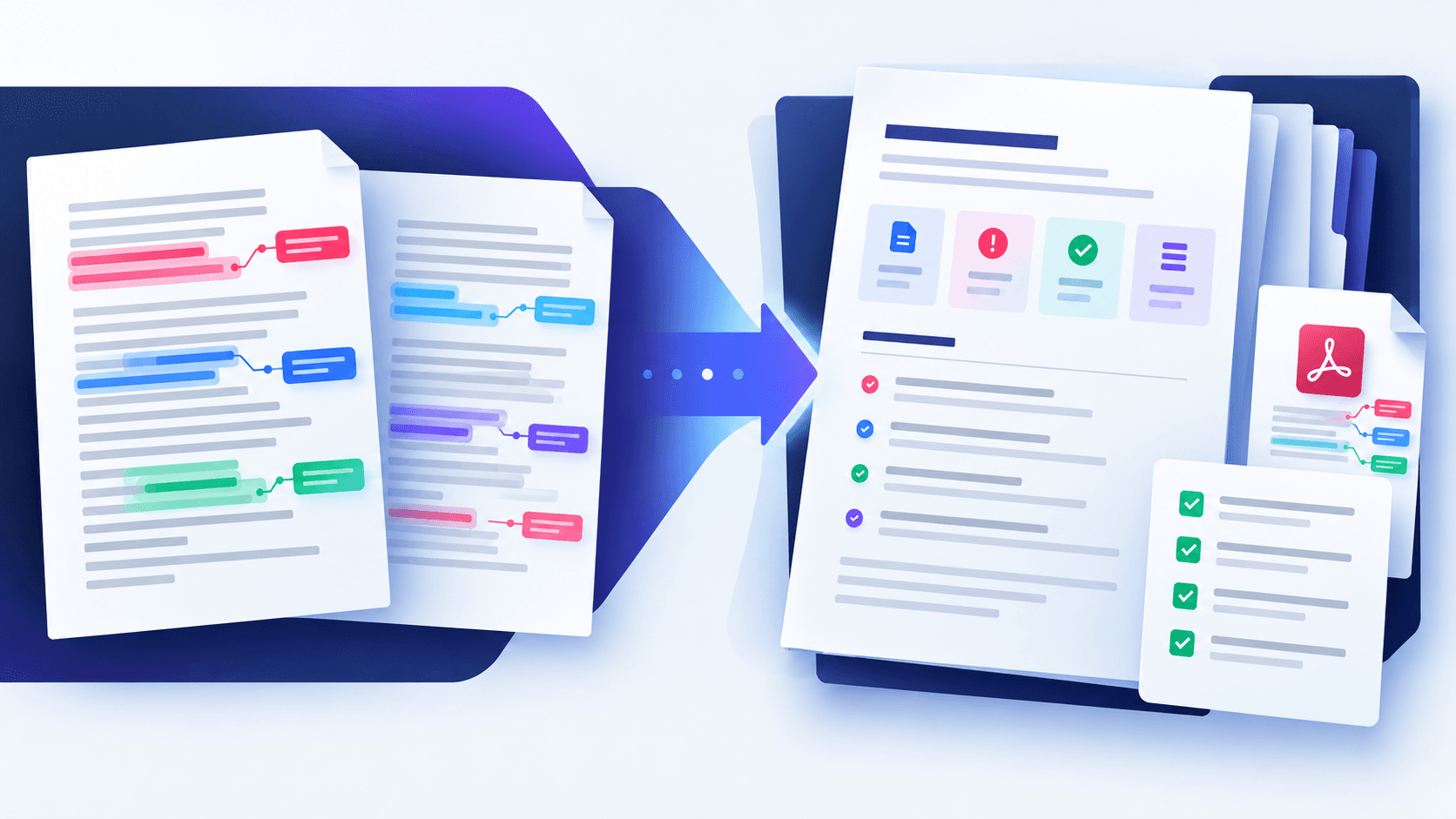
Review workflow
Turn detected differences into a structured record for approval, audit and handoff.
Read article