On this page
Text and visual differences answer different questions
Text comparison finds inserted, removed or changed wording when usable text exists. Visual comparison catches moved objects, images and layout changes even when extraction is weak.
Neither signal is enough alone. Unchanged wording can move into the wrong section, while scan noise can change pixels without changing meaning.
Alignment determines whether results are useful
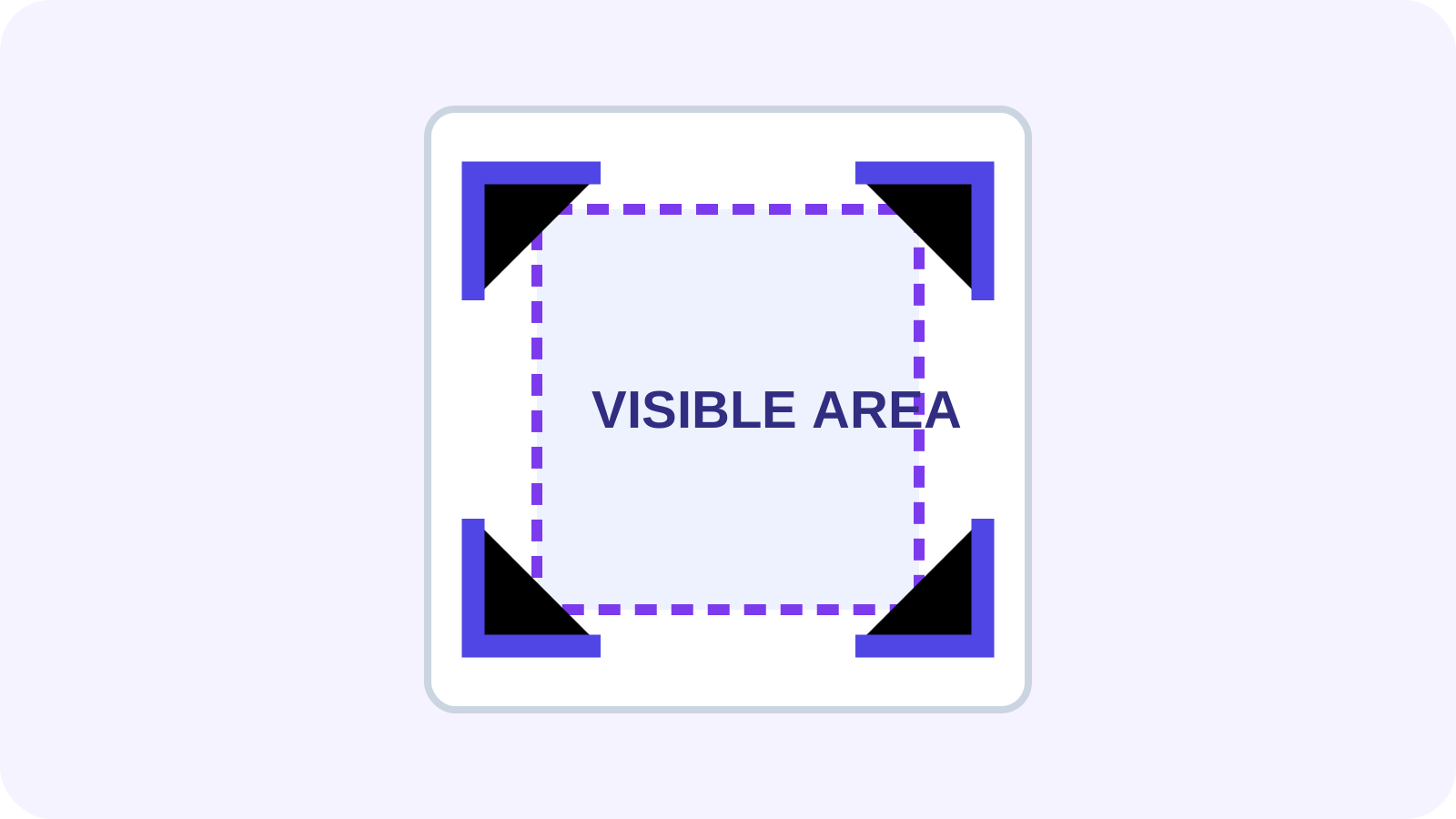
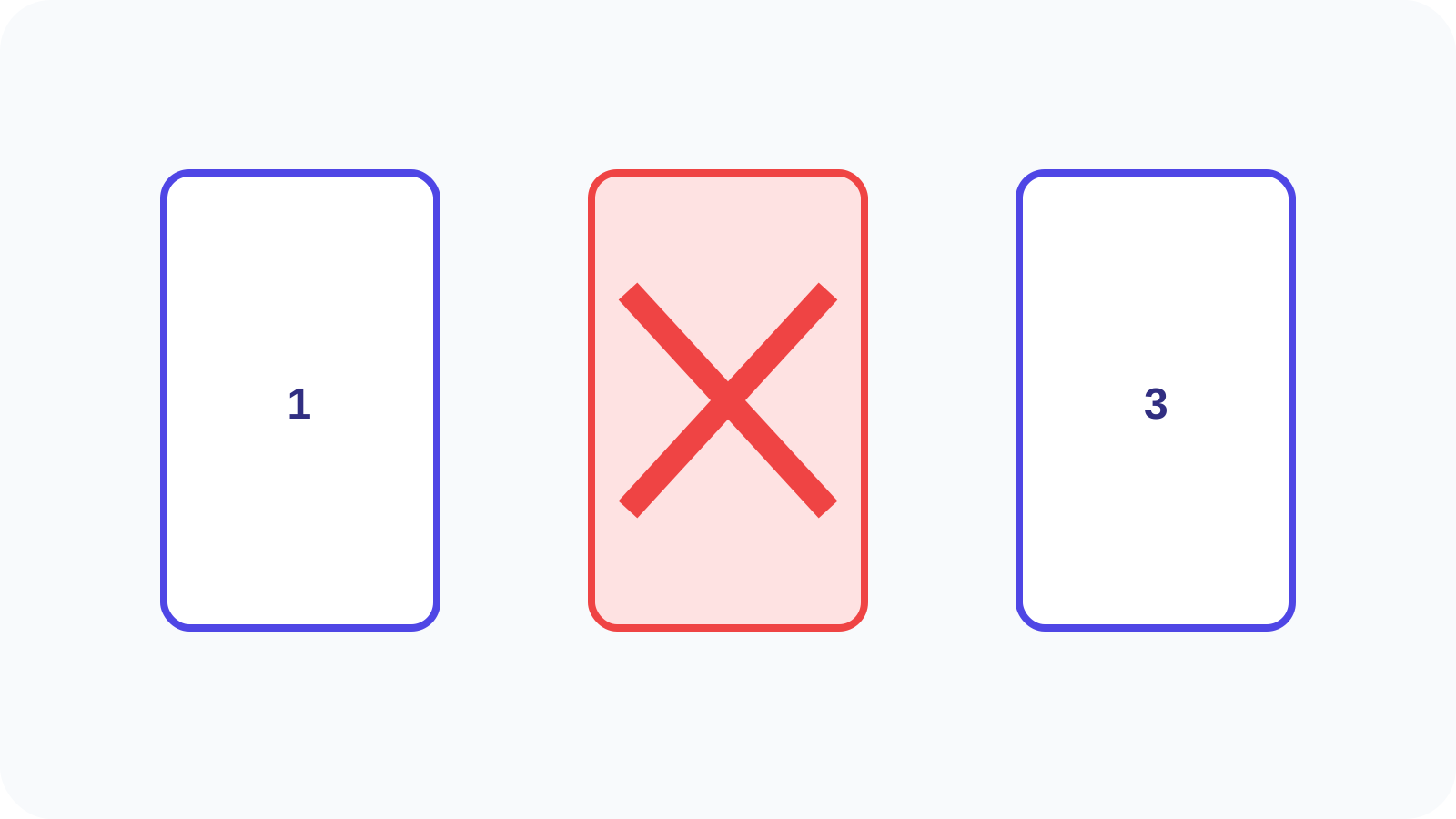
Added or removed pages shift later comparisons if matching relies only on page number. Unmatched pages should be reported explicitly. Rotation, crop boxes and page-size changes can also make identical content appear different.
Identify geometry changes before interpreting a dense visual diff and use a clear baseline and revision.
Recognize common false positives
Font substitution, antialiasing, compression, scan speckles, timestamps and line wrapping can create low-value differences. Thresholds reduce noise but can hide small meaningful marks.
Review high-impact regions instead of relying on one difference count.
| Signal | Possible meaning | Review |
|---|---|---|
| Text changed | Edited wording | Read both passages |
| Pixels changed | Layout or rendering | Inspect side by side |
| Page size changed | Reformat or crop | Check dimensions |
| Page missing | Add/remove/reorder | Confirm structure |
Use a defensible review workflow
Review added and removed pages first, then text changes and visual-only differences. Record accepted changes and unresolved anomalies. Comparison assists review but does not establish legal equivalence.
Correct the source when possible. Redact confirmed sensitive content, protect an accepted revision and retain both inputs plus review notes when traceability matters.
Put the workflow into practice
Arrange source documents, select the pages you need, and create one PDF locally in your browser. Review the result before choosing any optional next step.
Try Compare PDFFrequently asked questions
Clear answers before you merge
Can Compare PDF find text changes?
Yes when usable text exists, though reading order affects results.
Why can identical pages differ?
Rendering, compression, alignment or scan noise can change pixels.
How are added pages handled?
They should be explicitly unmatched so later pages do not all shift.
Is comparison a legal conclusion?
No. Important findings require appropriate human confirmation.