On this page
Record the scope of the comparison
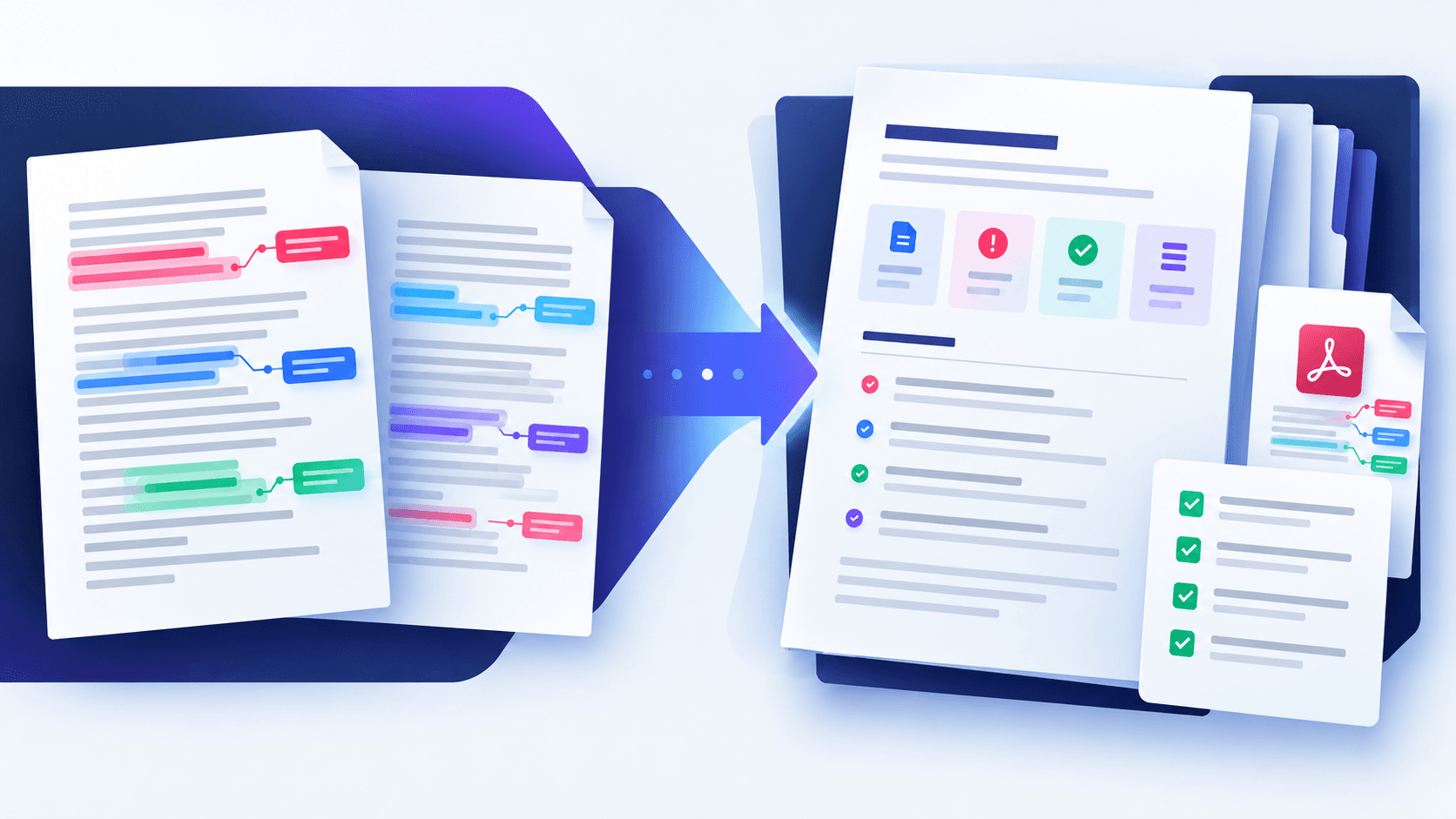
Identify the baseline and revised filenames, page counts and the time of comparison. Record the profile and any excluded margins so another reviewer understands what the result represents.
A report should distinguish detected evidence from reviewer conclusions. It must not claim that undetected changes are impossible.
Organize findings by page and change type
List added or removed pages first, followed by text changes, page geometry changes and visual-only differences. Include the measured changed area as context rather than using it as a severity score.
Link every finding to a page so reviewers can reopen the side-by-side or overlay view and verify it against both sources.
Add review decisions outside the detection engine
A detected change can be accepted, rejected, expected or unresolved. Those decisions belong to the review process and should name the responsible reviewer when governance requires it.
Do not allow automated labels to substitute for legal, financial, clinical or compliance judgment.
Preserve an audit-ready handoff
Keep source documents, the generated report and any annotated output together under the applicable retention policy. Protect sensitive packages and avoid embedding unnecessary document content in logs.
Re-run comparison if either source changes. A report is evidence about a specific pair of files and settings, not a permanent statement about future versions.
- Identify both source versions
- Record profile and exclusions
- List findings by page
- Separate detection from approval
- Retain sources with the report
Put the workflow into practice
Arrange source documents, select the pages you need, and create one PDF locally in your browser. Review the result before choosing any optional next step.
Try Compare PDFFrequently asked questions
Clear answers before you merge
Is a comparison report proof that files are equivalent?
No. It documents detected evidence and settings; important conclusions still require review.
Should the report include document text?
Only what is necessary and permitted. Minimize sensitive content in exported reports.
Can I share an annotated difference image?
Yes, after checking that it does not disclose content to unintended recipients.
When should I run the comparison again?
Whenever either source file or the intended comparison settings change.