On this page
Why visually identical PDFs can produce differences
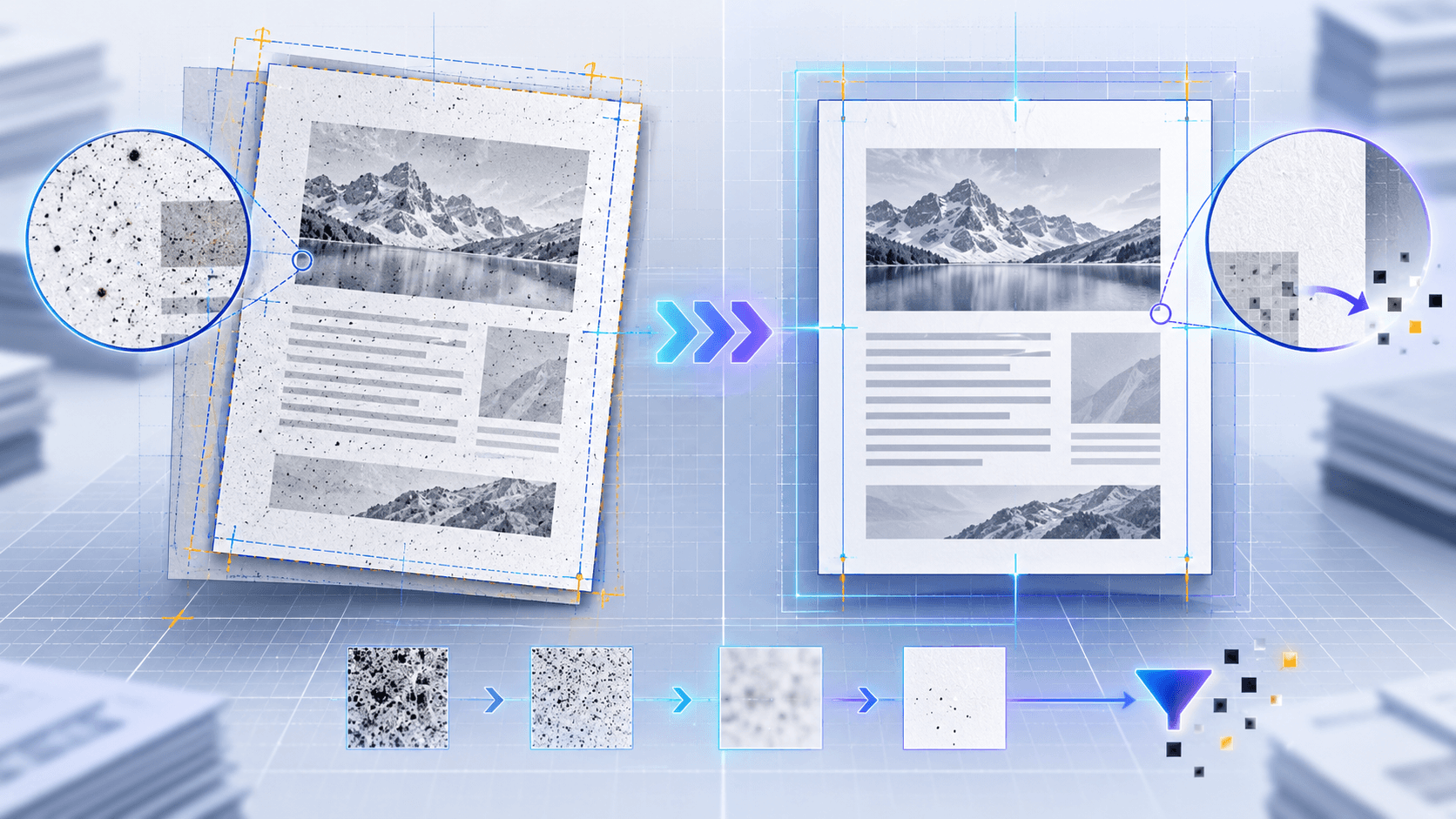
PDF viewers rasterize fonts, vectors, transparency and images. Different generators, font substitutions, antialiasing and compression can change pixels even when wording remains equivalent. Scanned copies add speckles, skew and lighting variation.
Treat a high pixel count as a signal to inspect, not proof of a substantive edit. Combine text, visual and geometry evidence.
Align page geometry before interpreting pixels
A small translation or page-size change can mark nearly every edge as different. Compare page dimensions and orientation first, then use synchronized views to determine whether content moved or the entire page was re-rendered.
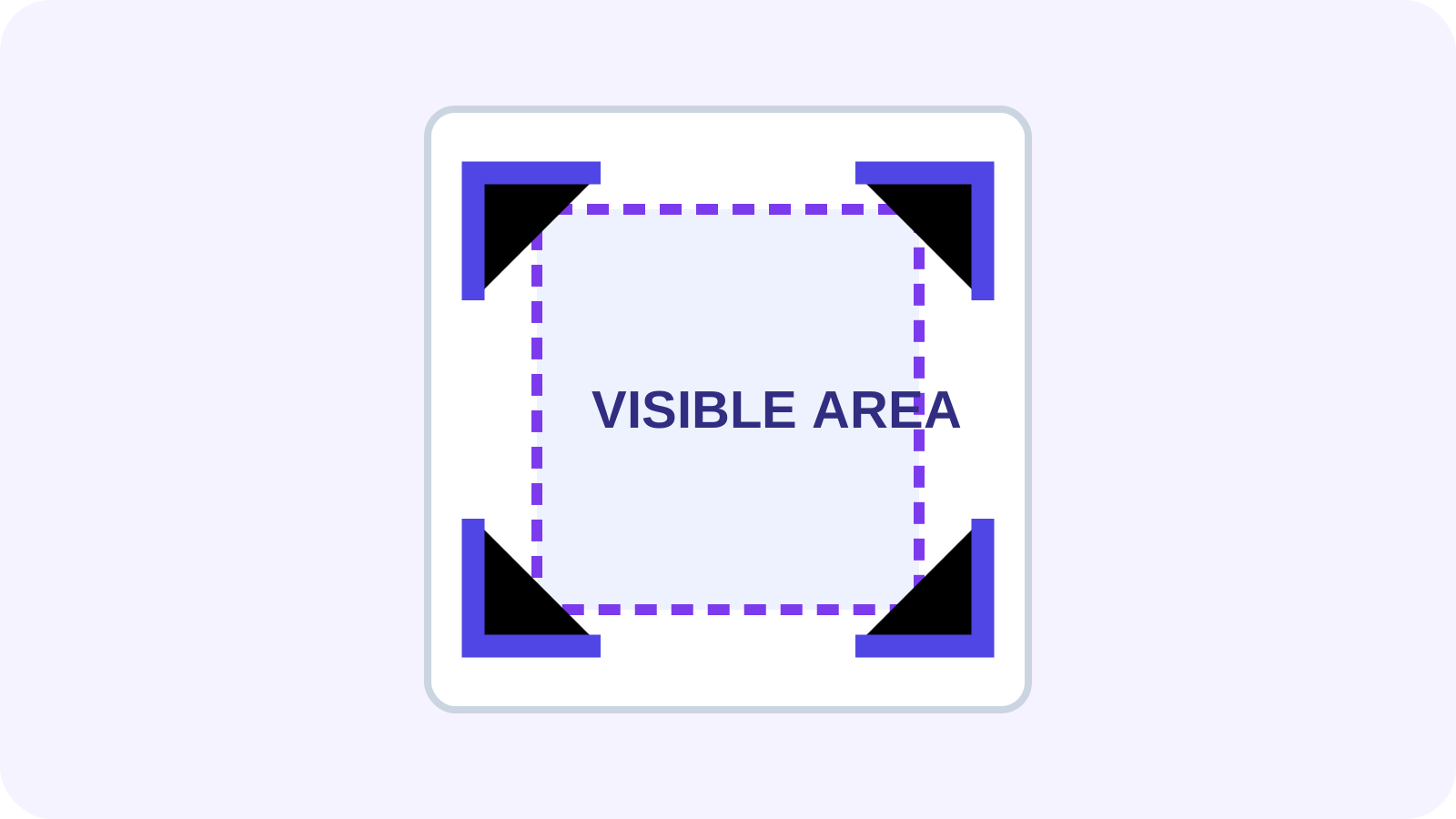
Outer margins often contain scanner shadows or crop variation. Excluding a narrow margin can improve the signal, but do not ignore margins when stamps, signatures or annotations may appear there.
Choose a comparison profile deliberately
Balanced comparison suppresses common rendering noise. Text-focused comparison prioritizes extracted wording and tolerates more visual variation. Pixel-perfect comparison exposes tiny appearance changes and is appropriate when graphics or exact output fidelity matters.
| Profile | Best for | Primary risk |
|---|---|---|
| Balanced | General document review | May suppress very small marks |
| Text-focused | Contracts and policies | Can miss visual-only edits |
| Pixel-perfect | Artwork and output QA | More false positives |
Review changes in a reliable order
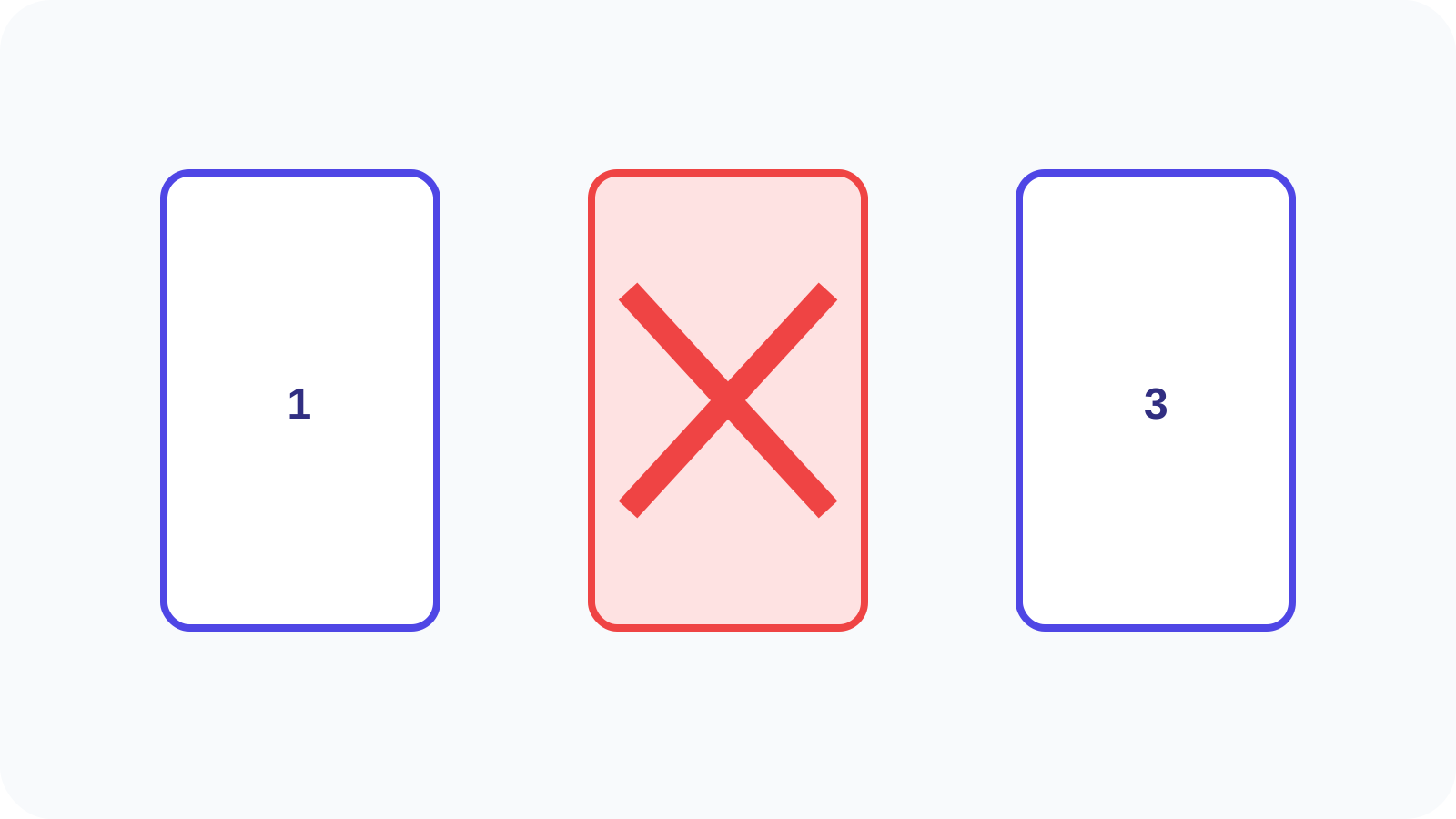
Check added and removed pages, page-size changes and orientation before reviewing text and visual regions. Use the change navigator rather than scanning an undifferentiated red overlay.
Confirm important findings in both source files. Preserve the originals and record the selected comparison profile when the result supports an approval workflow.
Put the workflow into practice
Arrange source documents, select the pages you need, and create one PDF locally in your browser. Review the result before choosing any optional next step.
Try Compare PDFFrequently asked questions
Clear answers before you merge
Should I always use the highest sensitivity?
No. High sensitivity detects smaller pixel changes but also increases rendering-noise findings.
When should margins be included?
Include them when stamps, signatures, page numbers or annotations near edges matter.
Does alignment change the PDFs?
No. Alignment is a comparison aid and does not modify either source file.
Can scanned PDFs be compared?
Yes, but scan noise and skew make careful profile selection and human review more important.