On this page
Use automatic analysis for text-heavy scans
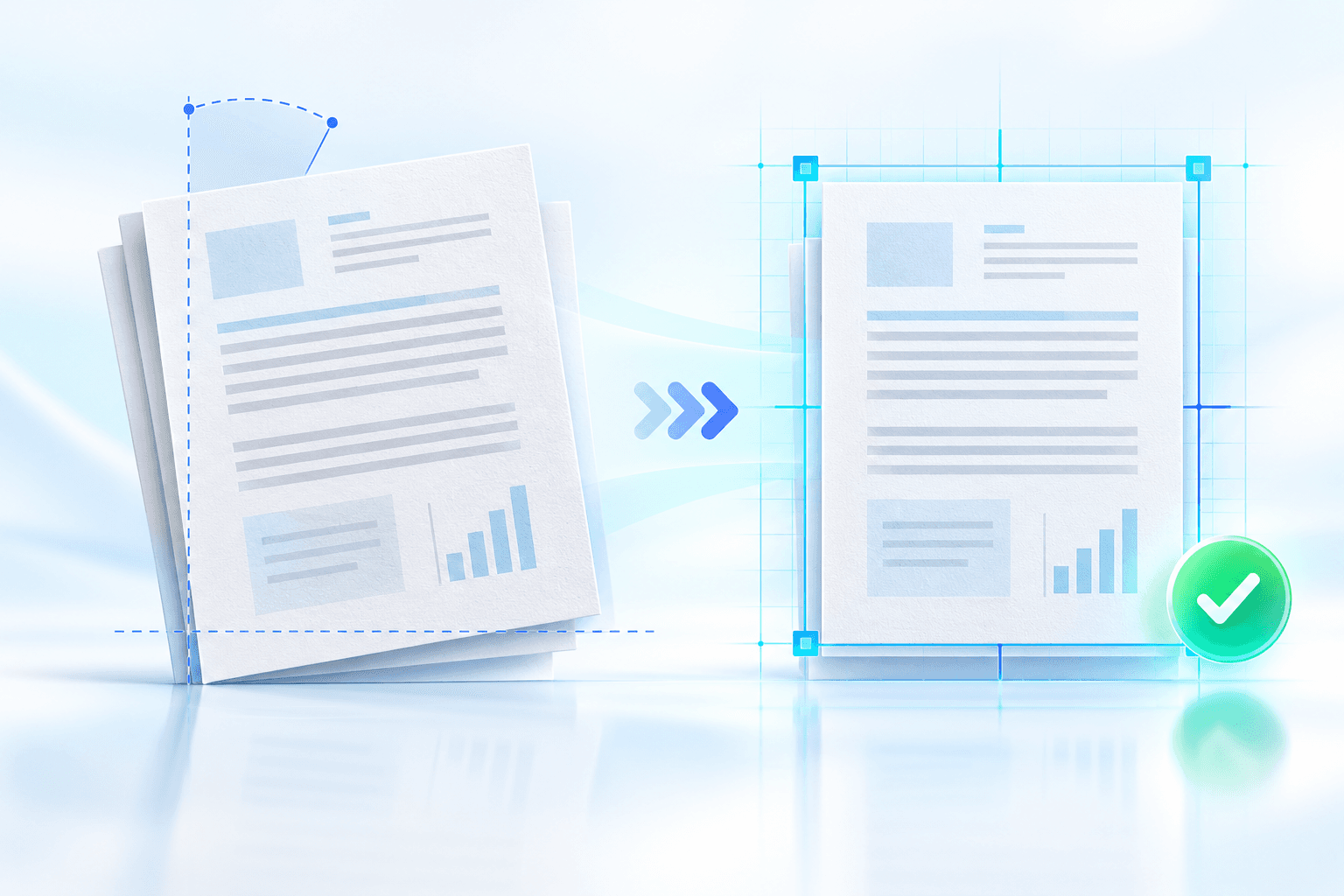
Automatic mode analyzes page content to estimate the correction angle. A minimum tilt threshold prevents tiny, visually irrelevant movements from triggering a rebuild.
The confidence floor can hold uncertain corrections for review rather than applying a weak estimate. Mixed scripts should use the OCR analysis language that best represents the document.
Use manual mode for known geometry
Manual mode applies the exact selected correction to pages in scope. It is useful for batches from the same scanner or camera setup and for pages where table rules provide clearer visual evidence than OCR.
Positive and negative values correct opposite tilt directions. Preview the page against the alignment grid and start with small adjustments.
Add a controlled fine adjustment
Automatic detection can be shifted by a small fine-adjustment value when a scanner has a consistent mechanical bias. Keep the adjustment conservative because it is added to every automatic estimate.
Review the page-by-page evidence table after processing. It distinguishes corrected pages, already-straight pages, pages outside the selected range and low-confidence pages held for review.
Put the workflow into practice
Arrange source documents, select the pages you need, and create one PDF locally in your browser. Review the result before choosing any optional next step.
Try Deskew PDFFrequently asked questions
Clear answers before you merge
Which method is better for a long PDF?
Automatic mode is efficient for text-heavy pages; inspect low-confidence pages and representative results.
Why was a page not corrected?
It may be below the minimum tilt, outside the selected range or below the confidence floor.
Can I add a consistent scanner offset?
Yes. Automatic mode includes a fine-adjustment control from −3° to +3°.