On this page
Use editable reflow for document reuse
Reflow converts reviewed lines into Word paragraphs, infers conservative heading styles and can reconstruct simple delimiter-based tables. It is the most useful mode for rewriting, searching and copying content.
Complex columns, floating graphics and tightly positioned forms are not exact in reflow mode. Inspect the resulting reading order and table boundaries.
Use facsimile when appearance matters most
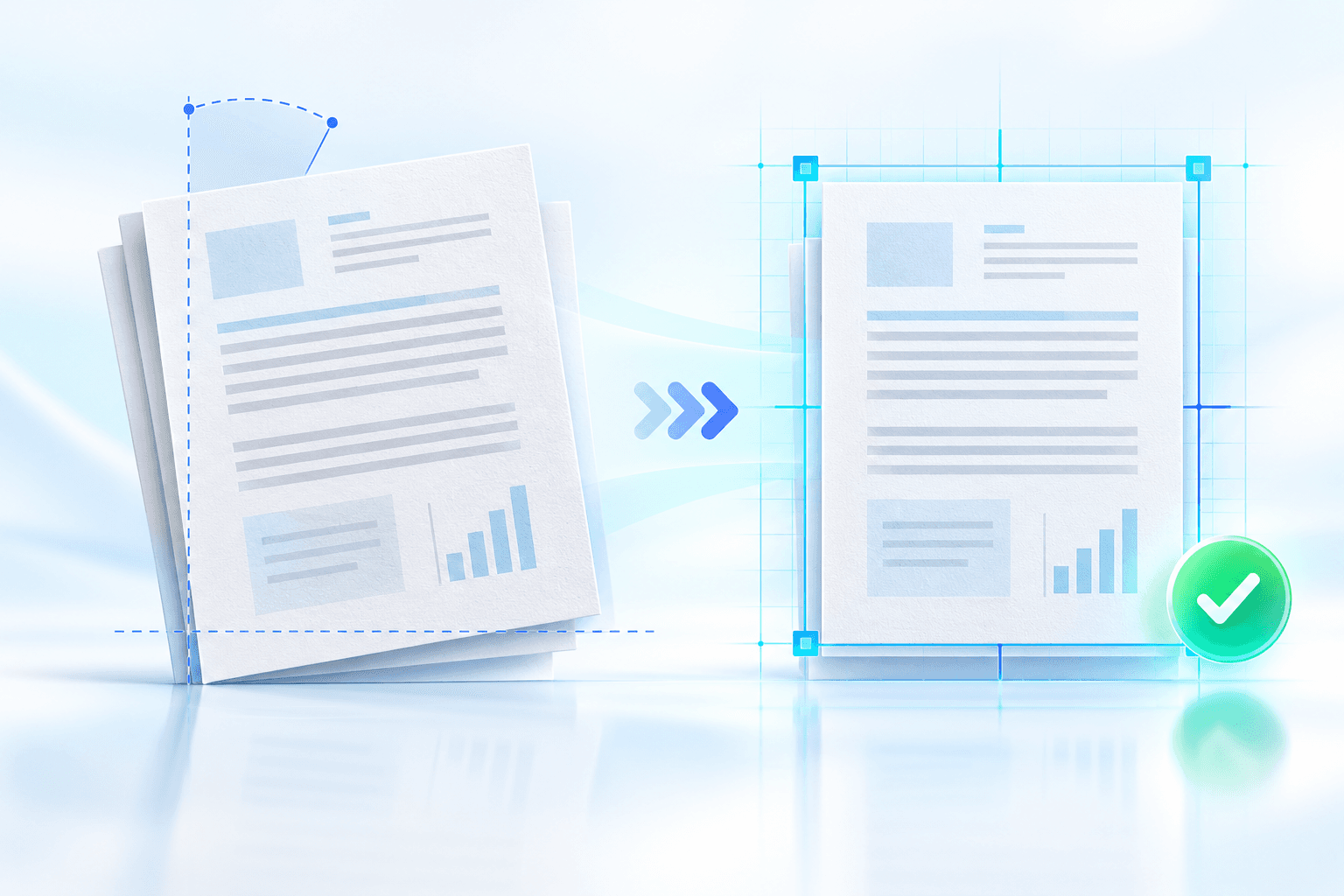
Facsimile embeds a rendered image of each source page inside Word. This retains the visible scan, including stamps and layout, but the page content itself is not independently editable.
Use a balanced image resolution for a practical file size. Keep the original PDF because a Word facsimile is still a derivative rendering.
Use hybrid output for review and handoff
Hybrid mode places the source-page image before its editable OCR transcript. Reviewers can compare the visual evidence and corrected text within one DOCX.
Package verification confirms the required Word parts, media relationships and non-empty document body. It verifies structure, not the semantic correctness of every recognized word.
Put the workflow into practice
Arrange source documents, select the pages you need, and create one PDF locally in your browser. Review the result before choosing any optional next step.
Try OCR PDF to WordFrequently asked questions
Clear answers before you merge
Which mode looks most like the scanned PDF?
Visual Facsimile most closely preserves the visible page because it embeds a rendered page image.
Which mode is easiest to edit?
Editable Reflow provides the most editable Word structure.
What does DOCX verification prove?
It confirms the Word package has required parts, relationships, document content and expected embedded images. It does not prove OCR text is error-free.