On this page
Separate tilt from page orientation
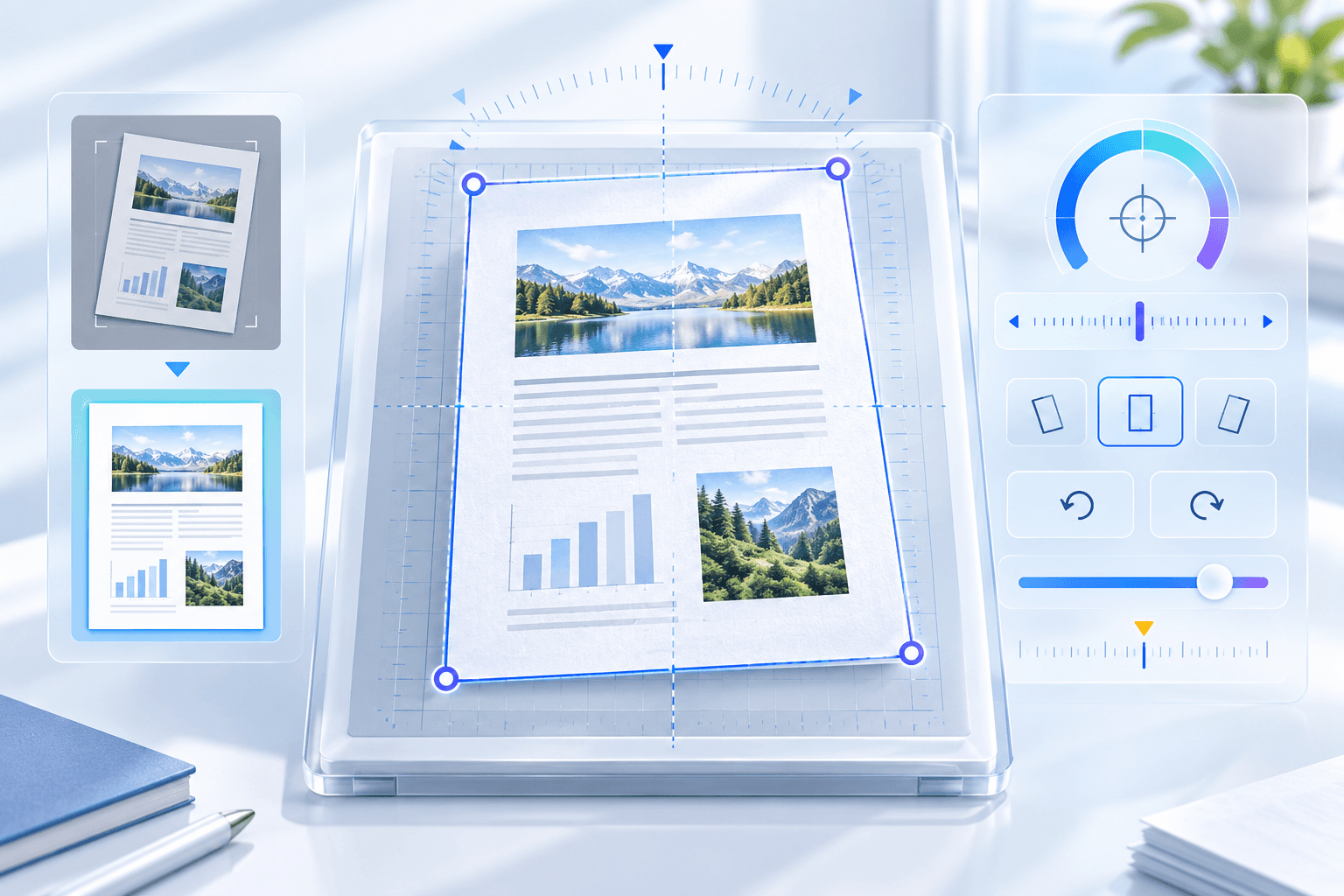
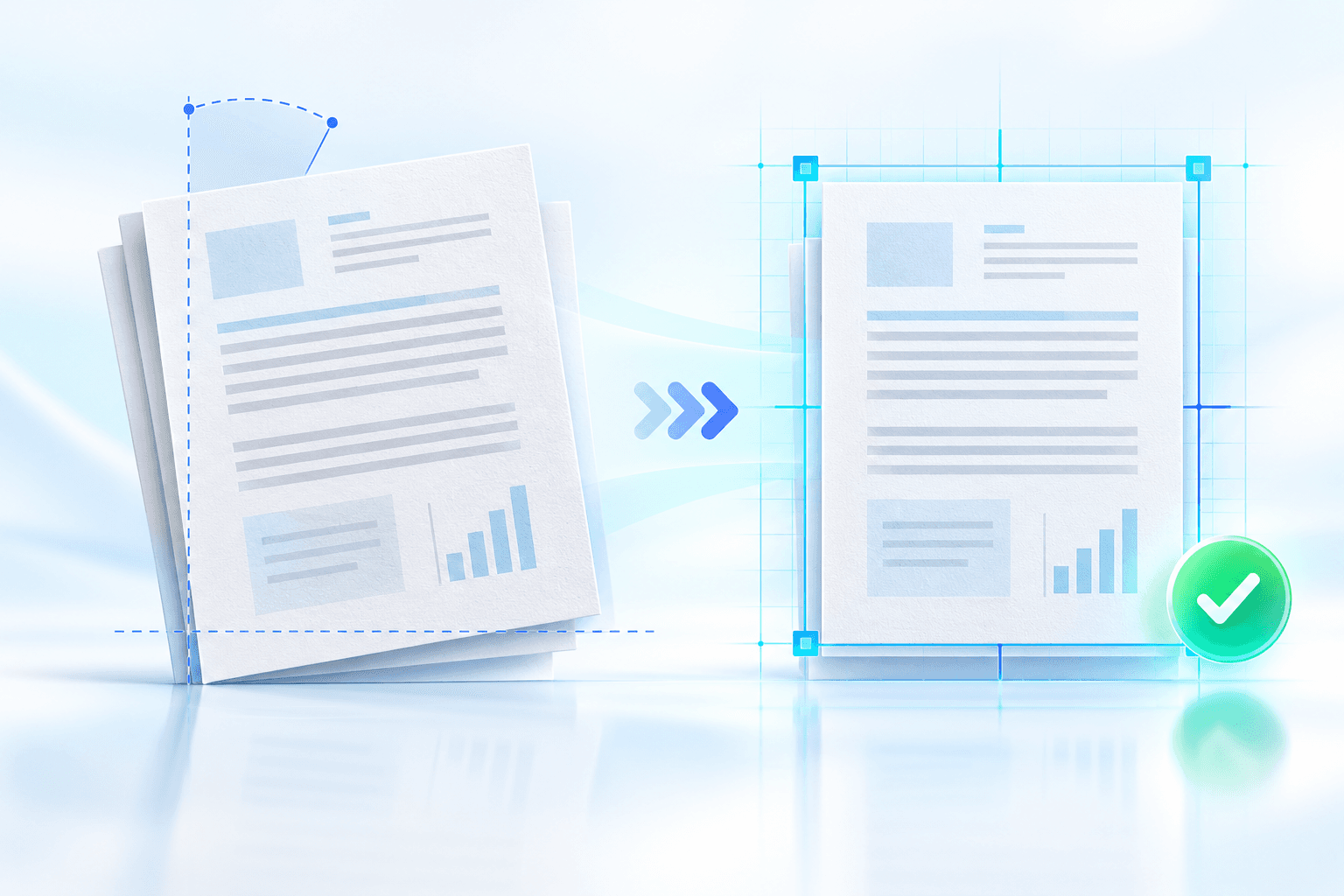
Deskew is designed for small angles, commonly a fraction of a degree through several degrees. A sideways or upside-down page requires a 90° or 180° orientation correction instead.
Use horizontal baselines, table rules and page borders as visual evidence. Blank pages, photographs and sparse diagrams provide weak automatic alignment signals.
Protect the edges during rotation
Rotating a rectangular page changes its outer bounds. A fixed-size output must slightly scale the page to keep all four corners visible; an expanded canvas retains scale but changes page dimensions.
Preserve Page is appropriate for stable print geometry. Expand Canvas is useful when maintaining full raster scale matters more than identical page dimensions.
| Framing | Page dimensions | Edge behavior |
|---|---|---|
| Preserve page | Maintained | Fits all rotated corners |
| Expand canvas | May increase | Keeps full raster scale |
Choose a useful rendering resolution
150 DPI is suitable for screen review, 200 DPI balances clarity and size, and 300 DPI is preferable for archival scans, fine print or later OCR.
Deskewing scanned pages rebuilds them as raster PDF pages. Keep the original source and avoid repeatedly deskewing or resaving an already processed copy.
Put the workflow into practice
Arrange source documents, select the pages you need, and create one PDF locally in your browser. Review the result before choosing any optional next step.
Try Deskew PDFFrequently asked questions
Clear answers before you merge
What angle can Deskew PDF correct?
The studio supports small corrections up to the configured maximum, currently between 1° and 20°.
Will deskew clip page corners?
Preserve Page fits the rotated page inside its original geometry; Expand Canvas enlarges the canvas to retain full scale.
Does deskew preserve selectable text?
Scanned pages are rebuilt as raster pages. Run OCR afterward when you need searchable text.