
On this page
Confirm that OCR is actually required
Try selecting and searching the source. Nexynto also samples pages for native text and image content, classifying the file as text-based, scanned, mixed or uncertain.
Mixed documents require care: native pages should not be OCRed unnecessarily, while image-only pages still need recognition.
Improve the scan before recognition
Better pixels improve recognition, but OCR cannot restore detail that is absent from the scan.
- Use a clean source at adequate resolution.
- Correct severe skew and page rotation.
- Choose the correct OCR language.
- Avoid shadows, curved bindings and clipped edges.
- Split double-page spreads when reading order is ambiguous.
Proofread the recognized Word document
Review names, dates, amounts, punctuation and low-contrast areas. Check columns and tables visually against the scan, because correct characters can still appear in the wrong reading order.
Preserve the original scan as evidence and treat the editable DOCX as a reviewed derivative.
Put the workflow into practice
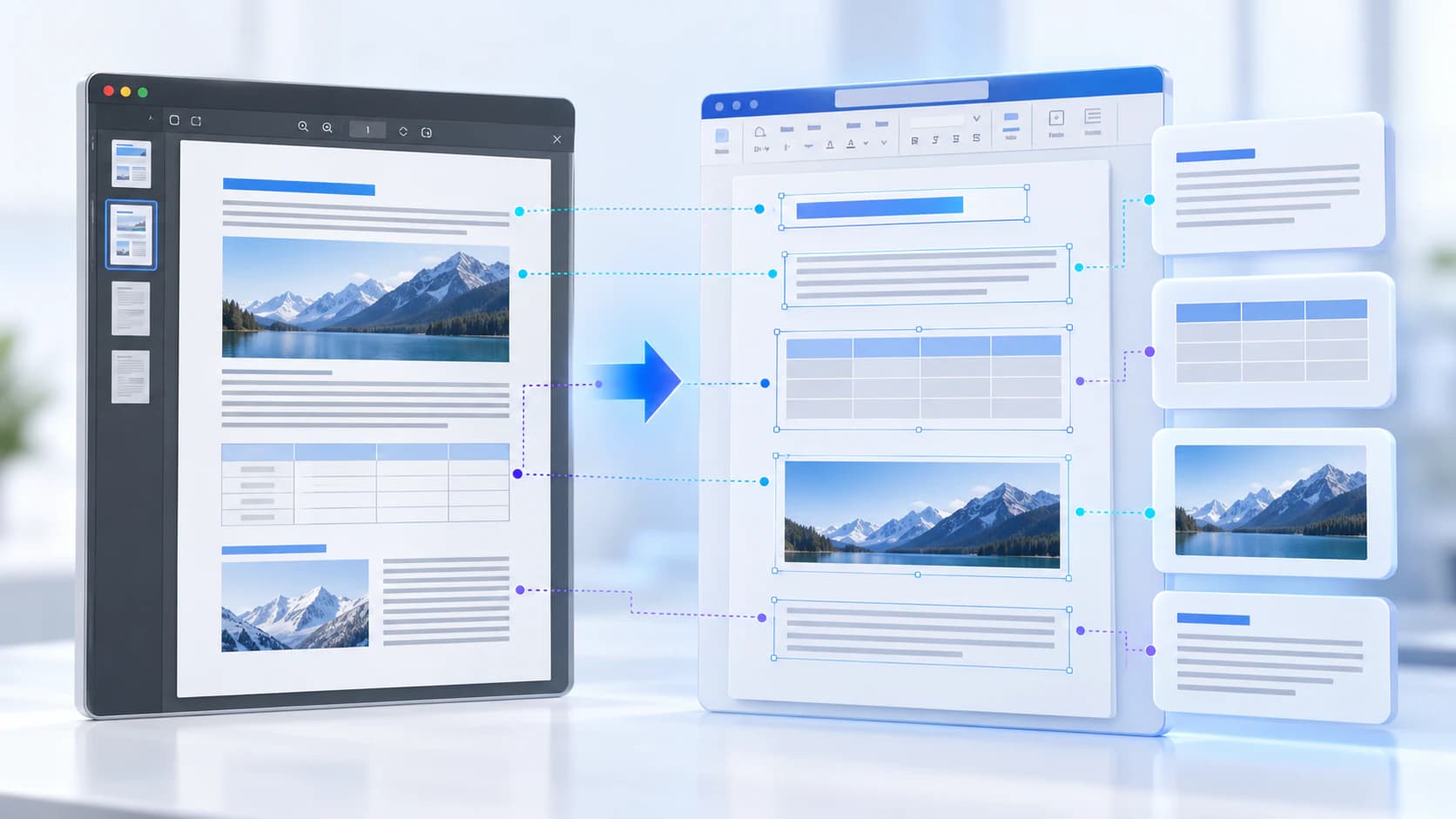
Analyze the source structure, choose the pages you need, and reconstruct an editable DOCX with truthful expectations about reflow and OCR.
Try PDF to WordFrequently asked questions
Clear answers before you convert
Does OCR reproduce the original font?
OCR recognizes characters; it does not recover the exact original typeface from pixels.
Can OCR make mistakes?
Yes. Accuracy depends on language, resolution, contrast, skew and layout complexity.
Should native text pages be OCRed?
Usually no. Native text should be used directly when reliable to avoid recognition errors.