On this page
Use 96 DPI for ordinary screen delivery
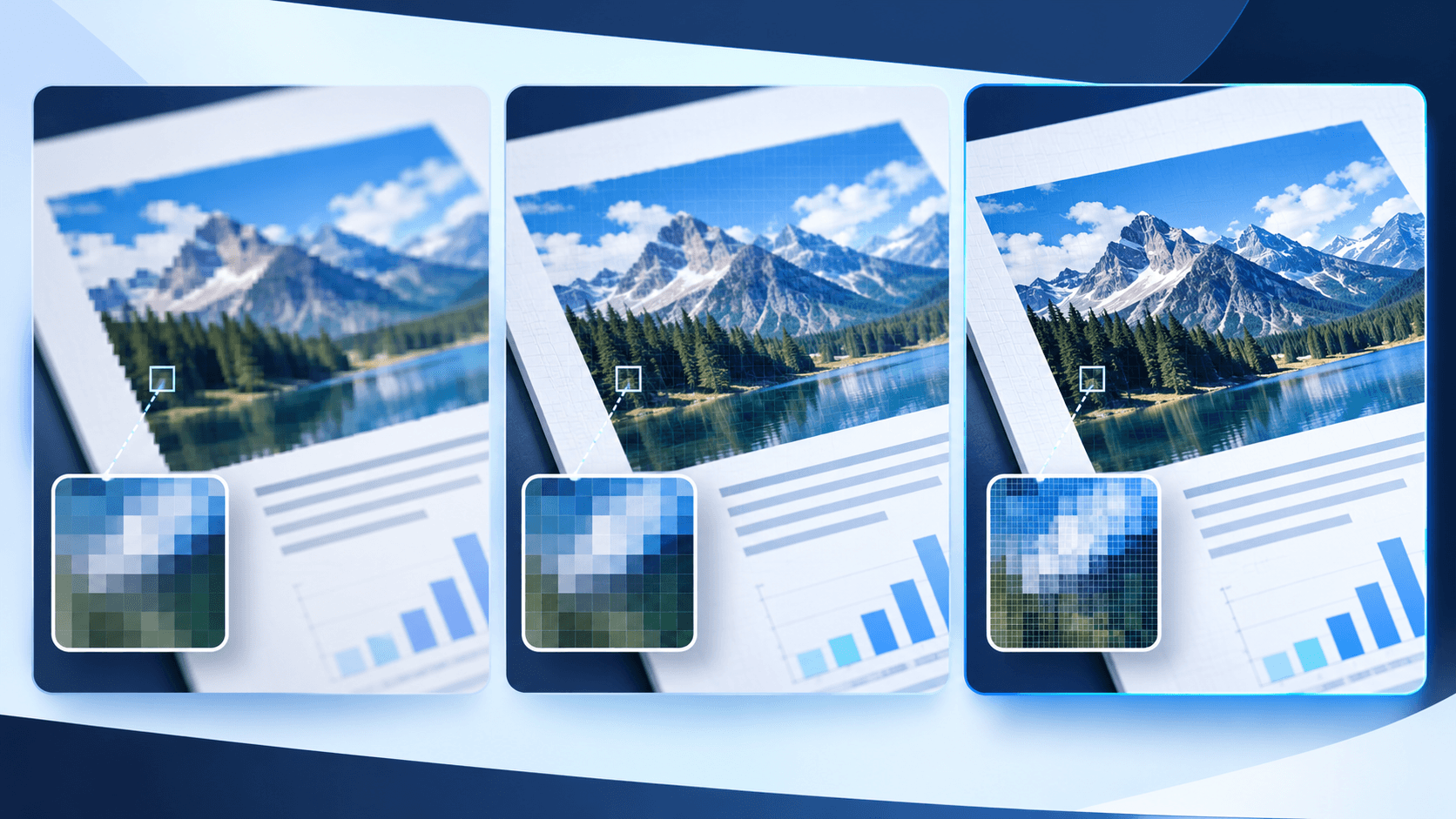
Screen-oriented captures, thumbnails and quick references rarely need print-level resolution. A lower setting processes faster and creates smaller files.
Use 144 or 216 DPI for detailed review
Small type, thin chart lines and zoomable documentation benefit from additional pixels. Inspect the actual output rather than relying only on the page preview.
Reserve 300 DPI for print detail
A 300 DPI capture can be appropriate when the image will be placed at a known physical size. Large PDF pages at 300 DPI may exceed safe browser canvas limits.
Lower the DPI or capture a smaller region when the page is unusually large.
Separate resolution from compression quality
DPI determines pixel dimensions. JPG and WebP quality determine how those pixels are compressed. Increasing quality cannot restore detail that was never rendered.
Put the workflow into practice
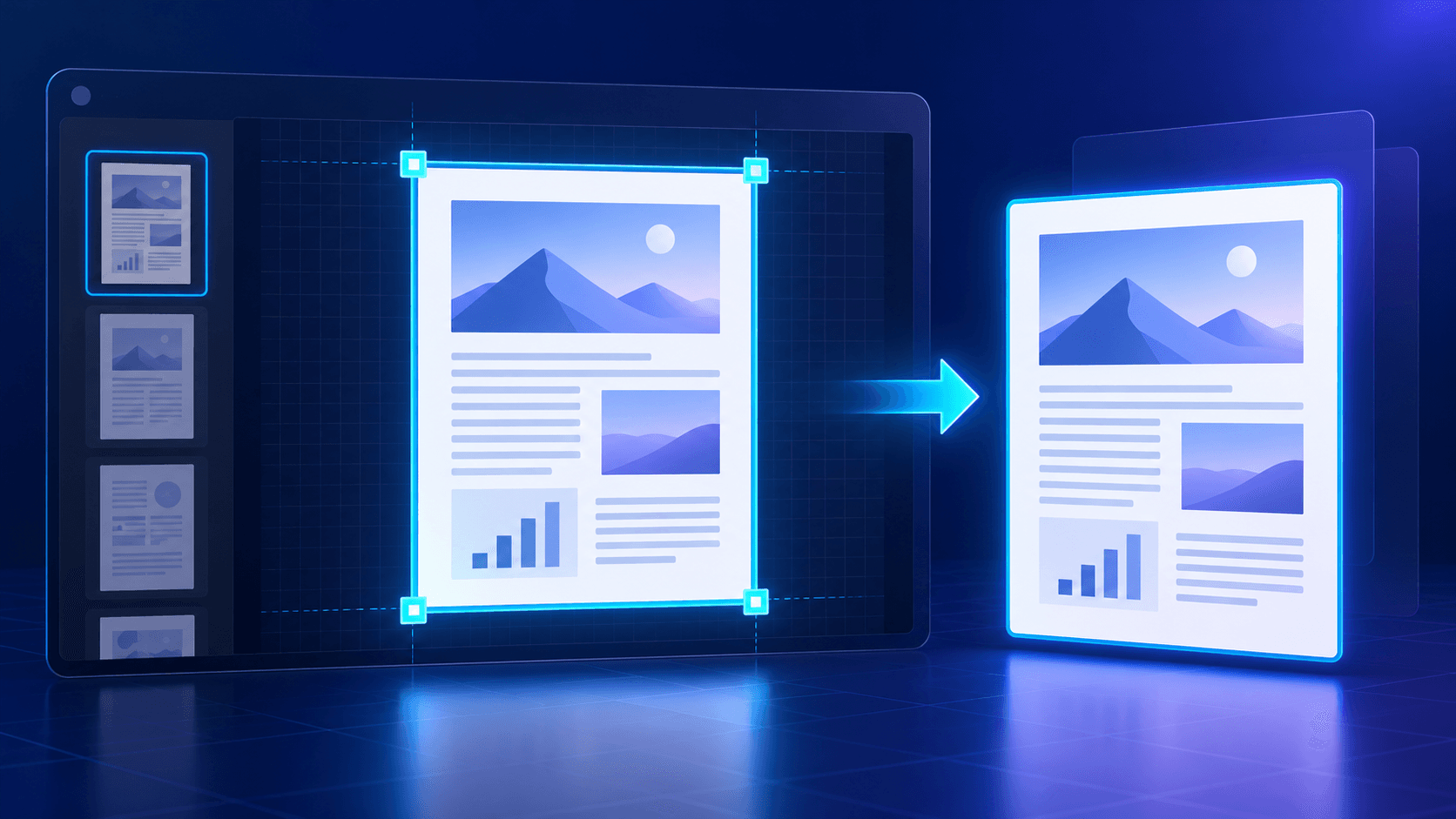
Choose a PDF page, frame the complete page or an exact region, select the scope and resolution, then decode and verify the generated image before download.
Try PDF ScreenshotFrequently asked questions
Clear answers before you capture
Is 300 DPI always better?
No. It uses more memory and creates larger files. Use it only when the destination needs that detail.
What is best for a presentation?
144 DPI is often a practical balance, but the required pixel dimensions depend on slide placement.
Why is a high-resolution capture blocked?
Very large page canvases can exceed safe browser memory limits. Choose a lower DPI or smaller region.
Does JPG quality change pixel dimensions?
No. Quality changes compression, while DPI controls the rendered pixel dimensions.