On this page
Choose between a full page and a focused region
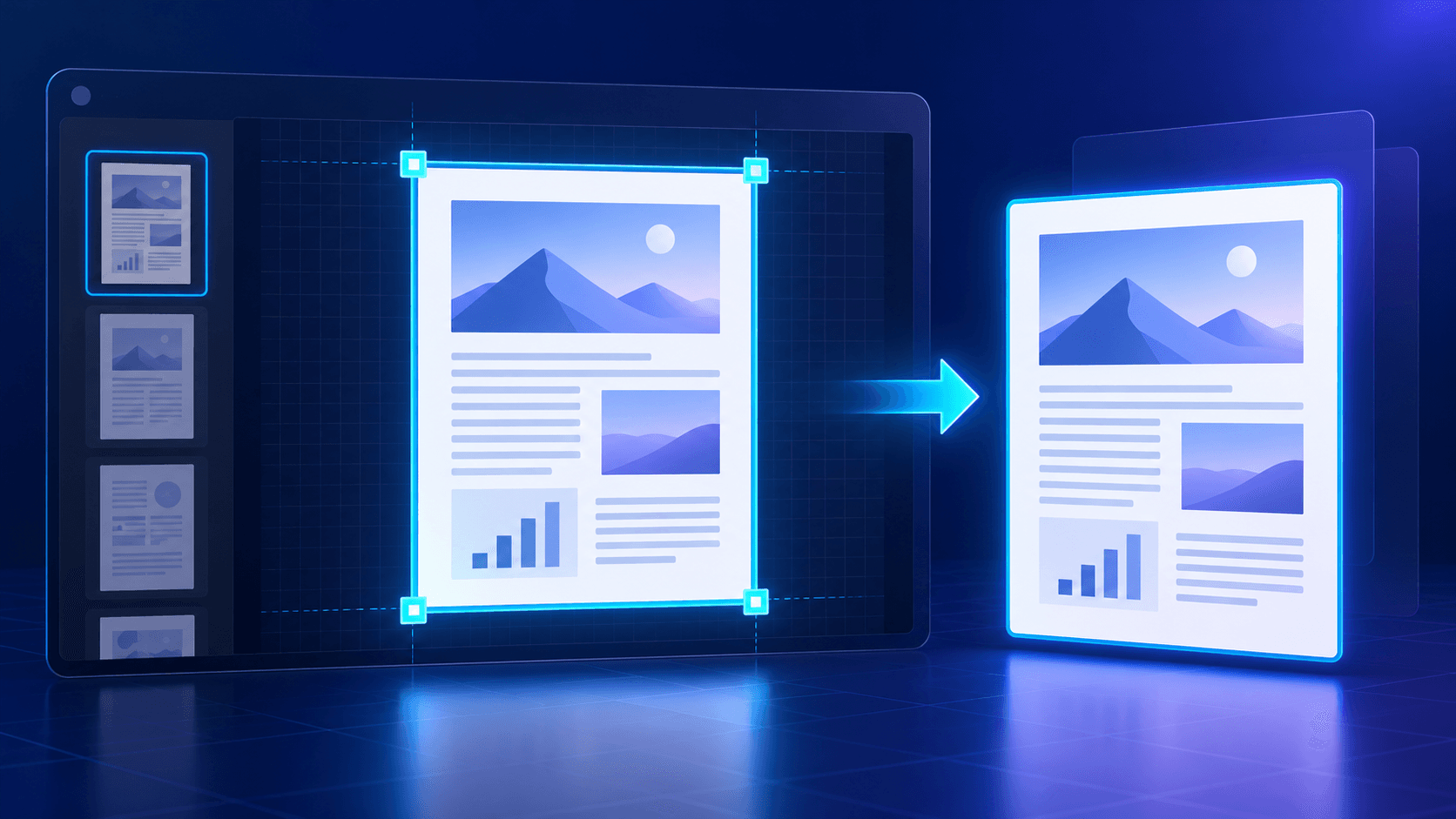
Use a full-page capture when layout, margins or surrounding content are important. Use a region when the destination only needs a chart, signature block, illustration or evidence area.
The crop frame uses proportional page coordinates, so it remains stable when preview zoom changes.
Refine the crop directly and numerically
Draw a new frame on the page, drag inside it to reposition the area and resize it from the corners. Percentage fields help reproduce an exact frame.
Aspect presets are useful for presentation slides, square thumbnails and common media layouts. Free mode is better for irregular document regions.
Choose an output format that matches the content
PNG uses lossless encoding and is a strong choice for text, diagrams and interface graphics. JPG is efficient for photo-heavy regions. WebP often provides a compact balance for web delivery.
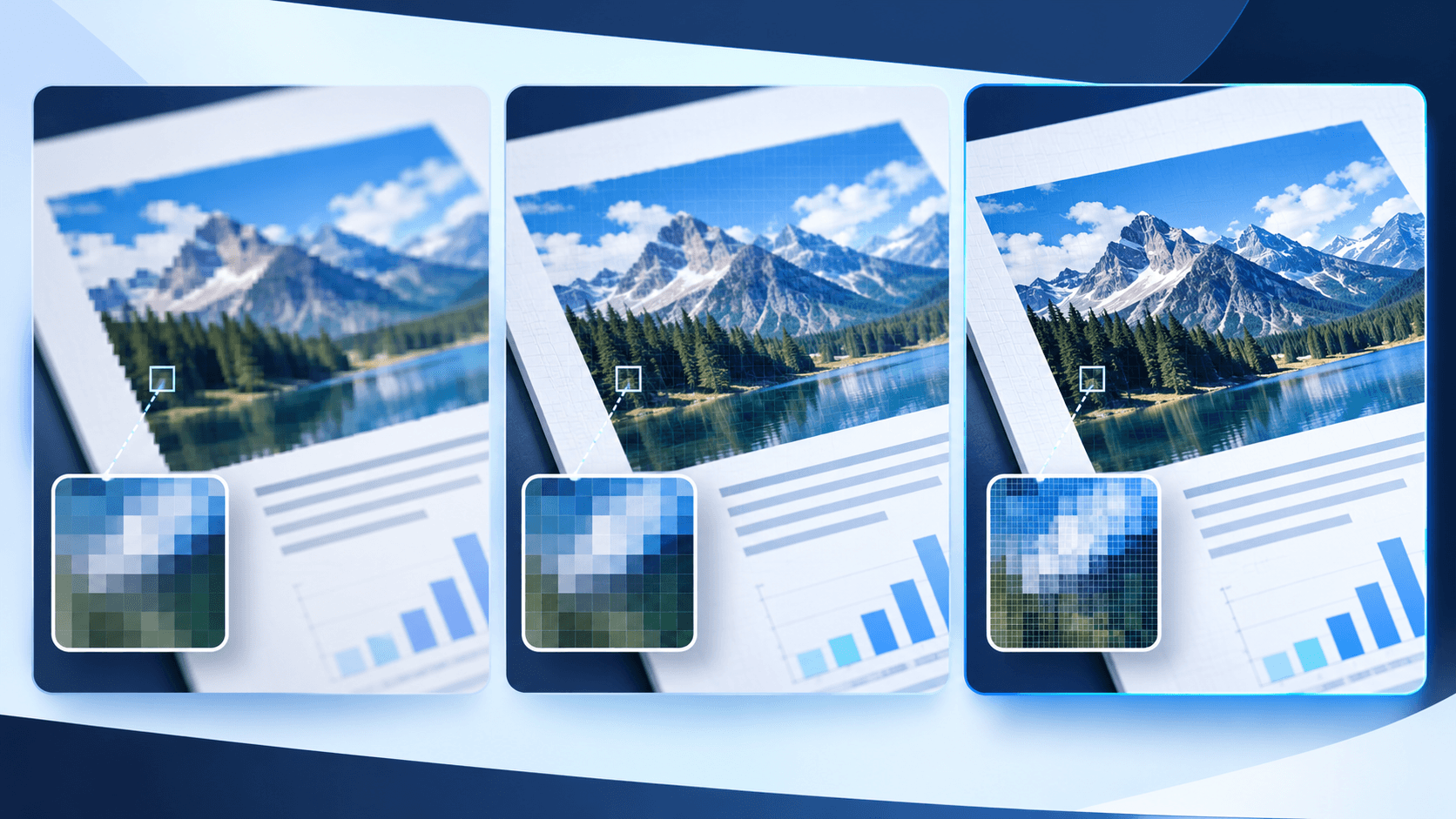
A screenshot is a raster image. Text in the exported image is not selectable even when the source PDF contains selectable text.
Verify the generated pixels
Confirm the pixel dimensions and inspect fine text, thin rules and cropped edges before using the image. Keep the original PDF as the authoritative source.
Put the workflow into practice
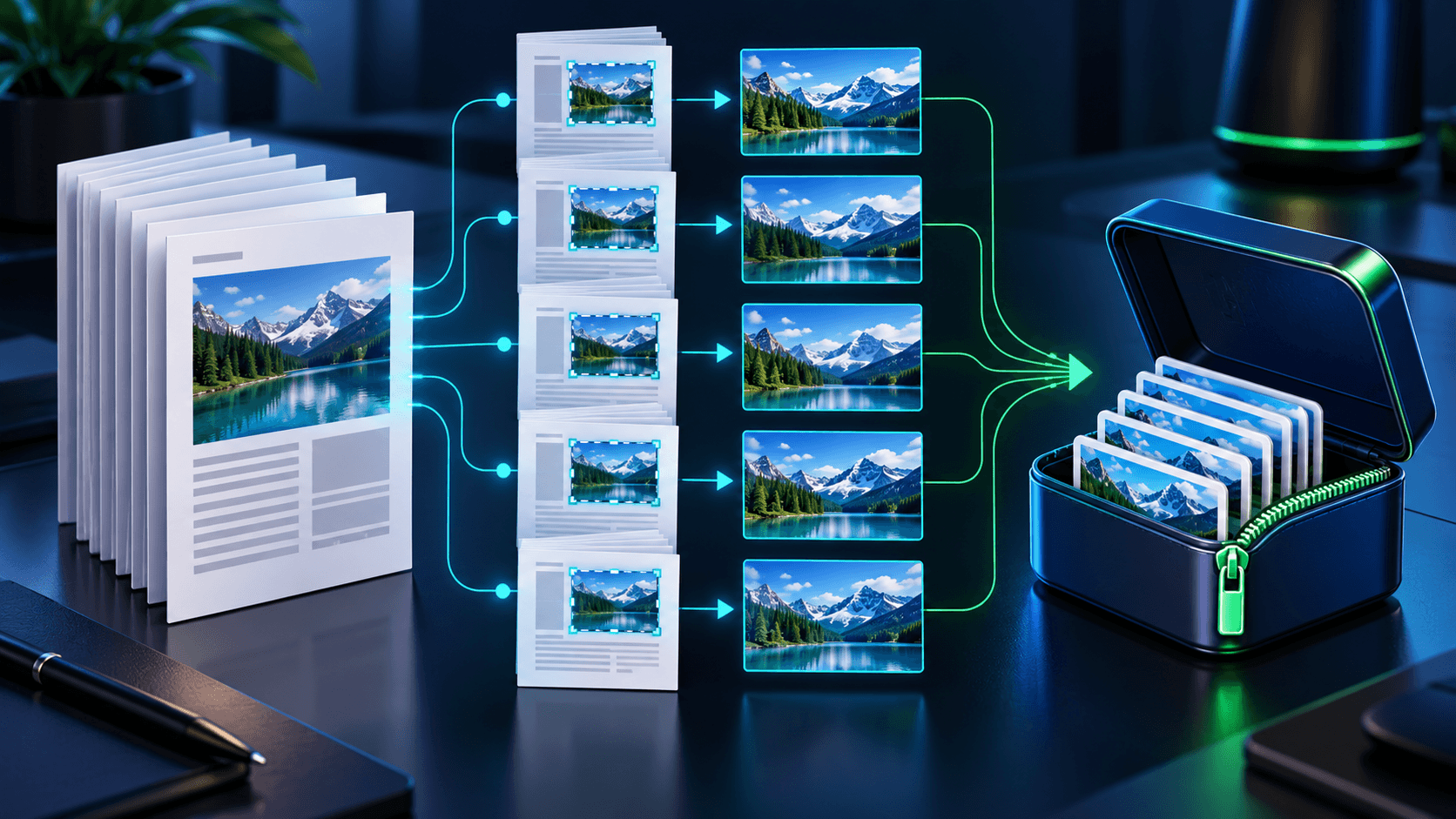
Choose a PDF page, frame the complete page or an exact region, select the scope and resolution, then decode and verify the generated image before download.
Try PDF ScreenshotFrequently asked questions
Clear answers before you capture
Can I resize the selection on the page?
Yes. Move the selection directly and resize it from its four corner handles.
Can I enter an exact crop?
Yes. X, Y, width and height can be refined as percentages of the page.
Does the screenshot keep selectable text?
No. A screenshot is a raster image even when the source PDF contains selectable text.
Does capture modify the PDF?
No. It creates a separate image and leaves the source unchanged.