On this page
Choose the exact content that belongs in the working document
Convert the complete PDF or enter a selection such as 1-3,5,8. Page selection is applied before the ODT package is built, which avoids carrying unrelated pages into the editable copy.
Keep the source PDF unchanged. The ODT is a new working document and may reflow when fonts, margins or paragraphs are edited.
Choose a document profile for the next editing task
The profile supplies editable OpenDocument styles; it does not attempt to imitate every PDF font. Choose the profile that supports the next revision task.
| Profile | Typography | Best fit |
|---|---|---|
| Modern | Clean sans-serif body and colored headings | Reports, policies and general editing |
| Classic | Serif body with restrained headings | Letters and long-form documents |
| Compact | Smaller, tighter text flow | Reference copies and dense source material |
Review the editable result against the PDF
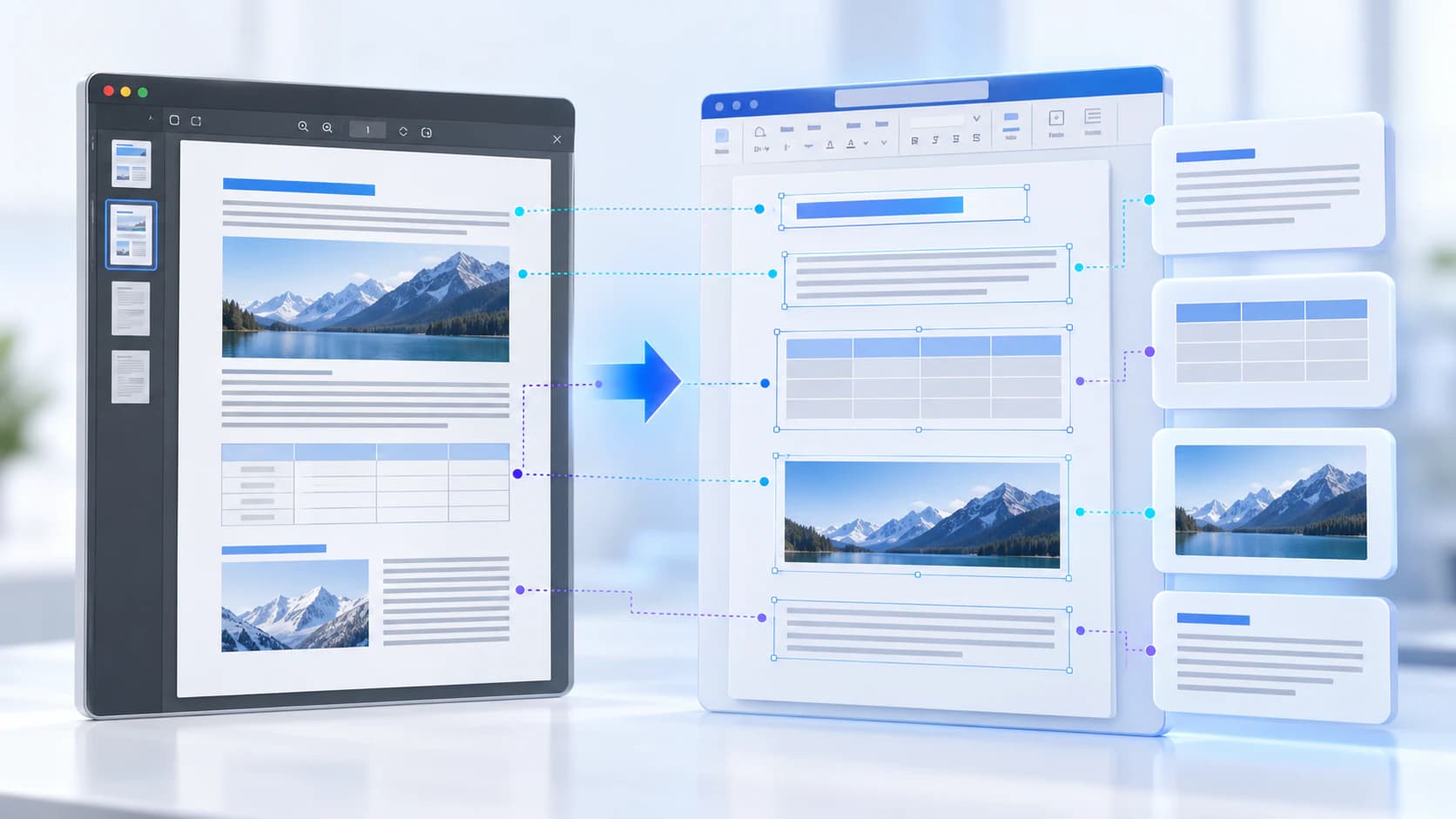
Open the ODT in LibreOffice Writer or another standards-compatible editor. Compare names, numbers, headings and representative page boundaries with the PDF.
Check multi-column pages, tables and forms carefully because fixed coordinates do not automatically reveal the intended reading order.
Put the workflow into practice
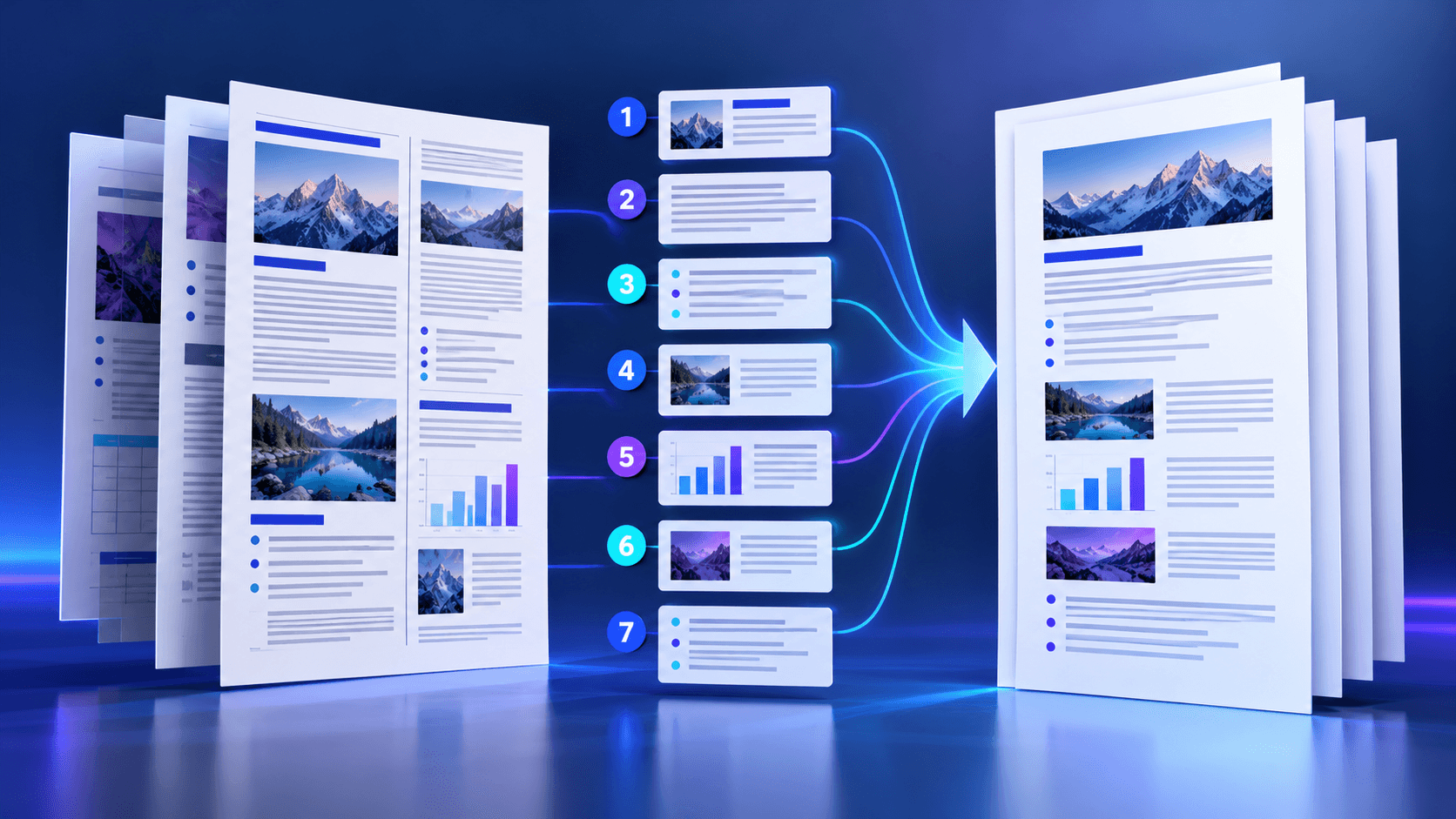
Arrange source documents, select the pages you need, and create one PDF locally in your browser. Review the result before choosing any optional next step.
Try PDF to ODTFrequently asked questions
Clear answers before you merge
Is the ODT editable?
Yes. Extracted text is written as OpenDocument headings and paragraphs.
Can I select pages?
Yes. Use individual pages and ranges such as 1-3,5.
Will the layout be identical?
No. ODT reflows editable content and complex fixed layouts require review.
Which apps open ODT?
LibreOffice Writer and other OpenDocument-compatible editors can open ODT files.