On this page
Start with the PDF text layer
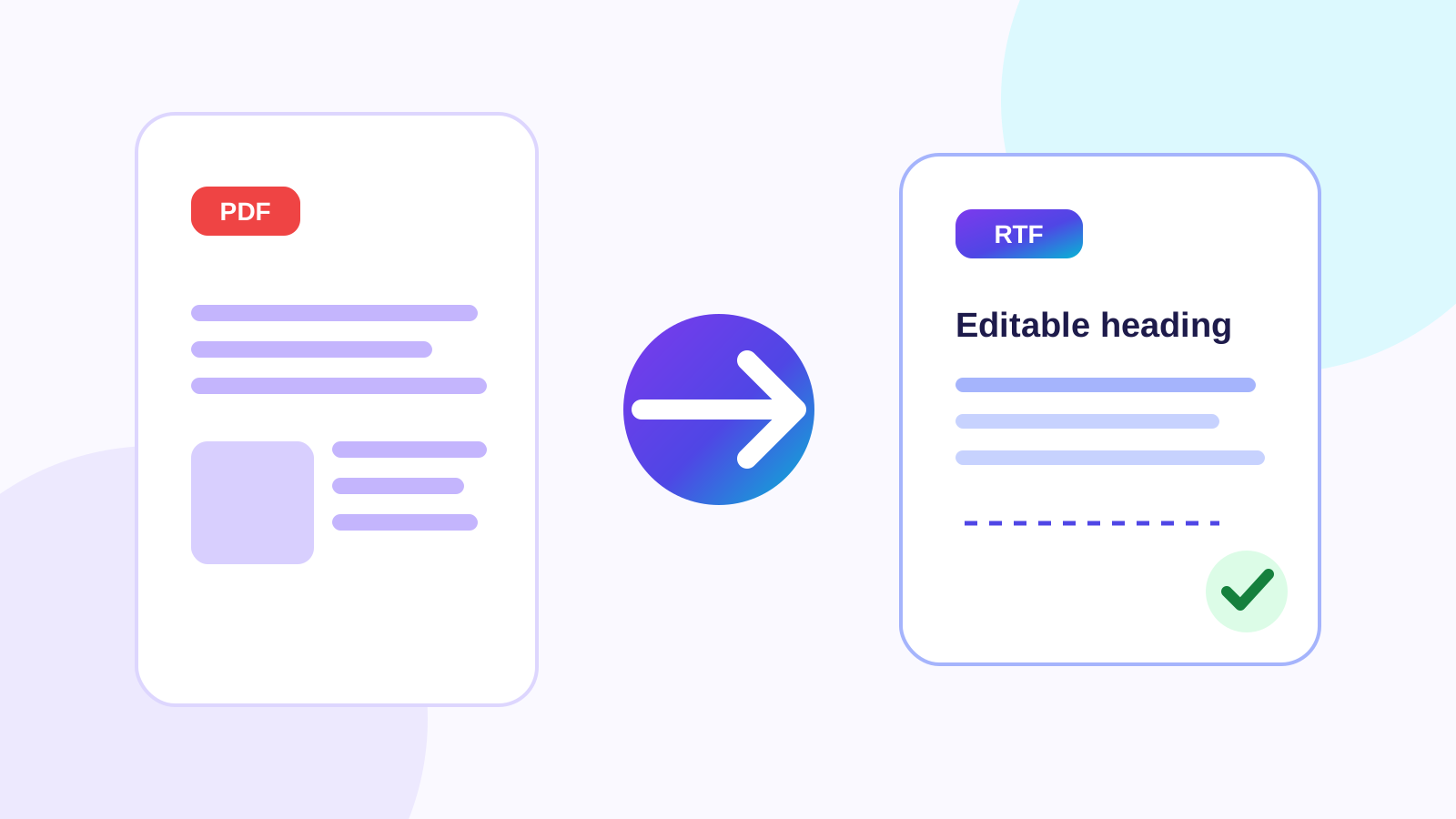
A text-based PDF exposes characters, positions, font references and page order. Preserve Layout builds text runs with detected font family, point size, emphasis, color, alignment, indentation and link targets before reconstructing paragraphs and pages.
Convert only the pages you need
Use a page range such as 1,3-5 when only part of the document needs editing. The exporter preserves the selected page order and adds real RTF page breaks.
Review reconstructed structure
Columns, tables, floating images and unusual fonts can change because RTF and PDF represent layout differently. Content Preview visualizes reconstructed fonts, colors, headings, lists, supported images and page separation; the downloaded RTF remains the authoritative editable result.
Put the workflow into practice
Choose the PDF pages you need, reconstruct a genuine editable RTF from the available text layer, and review the extracted content before downloading.
Try PDF to RTFFrequently asked questions
Clear answers before you convert
Is the output a genuine RTF file?
Yes. The exporter writes an RTF header, font table, Unicode controls, styled runs, paragraphs and page breaks, then validates brace structure.
Can I choose pages?
Yes. All pages or a validated custom page range can be exported.
Will every PDF layout become editable?
No. Complex positioned layouts may require manual adjustment after reconstruction.