On this page
Choose RTF when editing matters
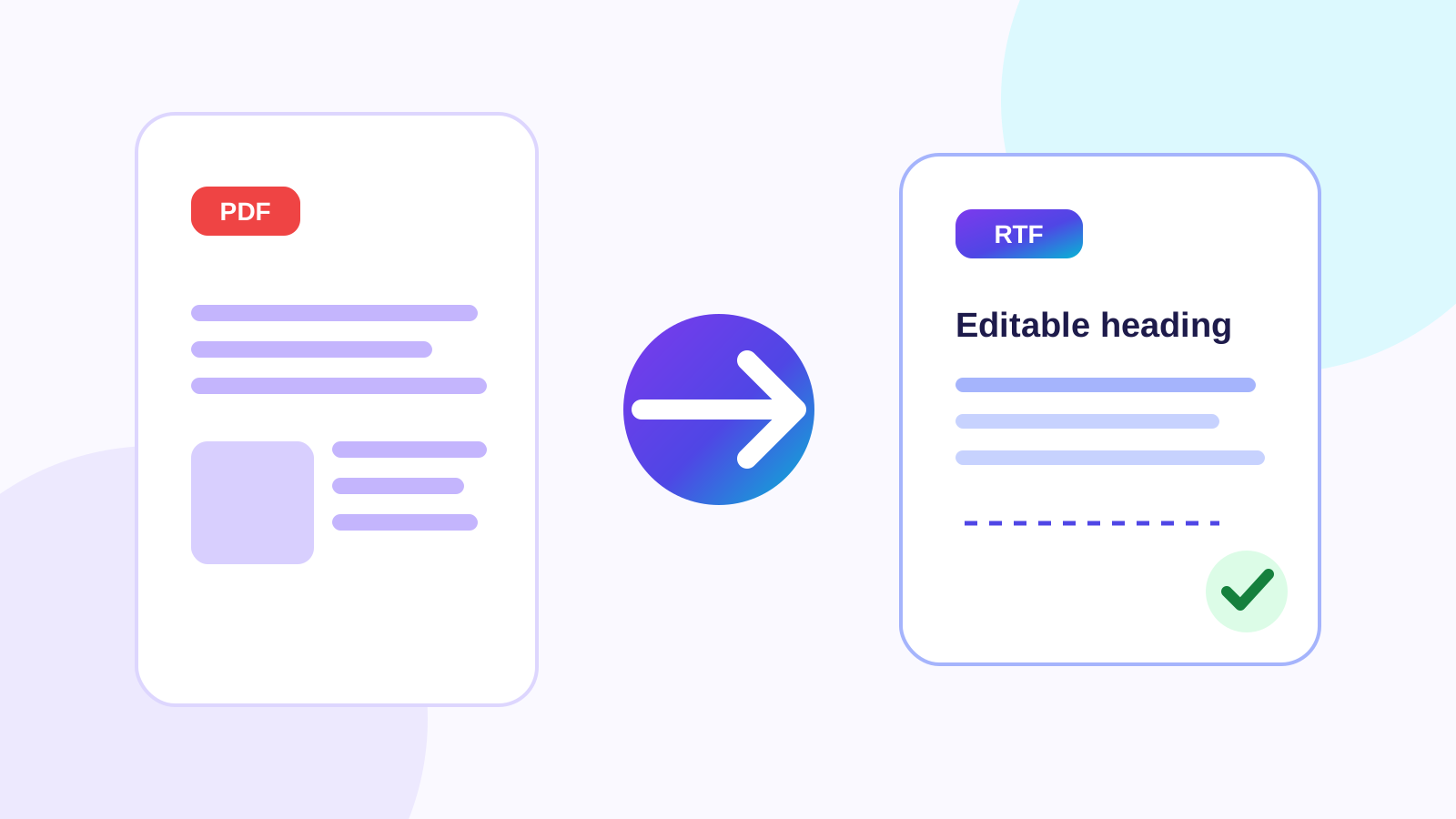
RTF is supported by many word processors and can carry paragraphs, font styling, lists and basic document structure. It is useful when the next person must revise the content without requiring one vendor’s native format.
Keep both when the document evolves
Maintain RTF as the editable source and publish a reviewed PDF as the delivery copy. If changes are required, update the RTF and render a new PDF rather than repeatedly editing the fixed file.
Put the workflow into practice
Upload a genuine RTF document, let the native document renderer preserve its page model, then reopen and review the generated PDF before downloading it.
Try RTF to PDFFrequently asked questions
Clear answers before you convert
Is RTF easier to edit than PDF?
Yes. RTF is a word-processing format, while PDF is designed around fixed pages.
Which is better for printing?
PDF normally provides more predictable pagination and print output.
Can I convert back later?
Yes, but PDF-to-RTF conversion reconstructs editable structure and may require adjustment.