On this page
Identify the scanner pattern
Check the cover, the first few duplex pairs, inserted sheets and the final page. A repeating odd/even pattern can be corrected in bulk when the source is consistent.
Do not assume every page follows the pattern; separator sheets and hand-fed pages often create exceptions.
Normalize portrait or landscape pages
Portrait normalization turns only target pages whose effective width exceeds their height. Landscape normalization does the reverse.
Normalization is dimension-based. It cannot determine whether the text itself is upside down, so inspect ambiguous pages visually.
Work efficiently with long files
Progressive thumbnails keep the complete page model available without rendering hundreds of high-resolution previews at once.
Use range scopes for chapters or scan batches, then use individual selections for exceptions.
Know when to use deskew instead
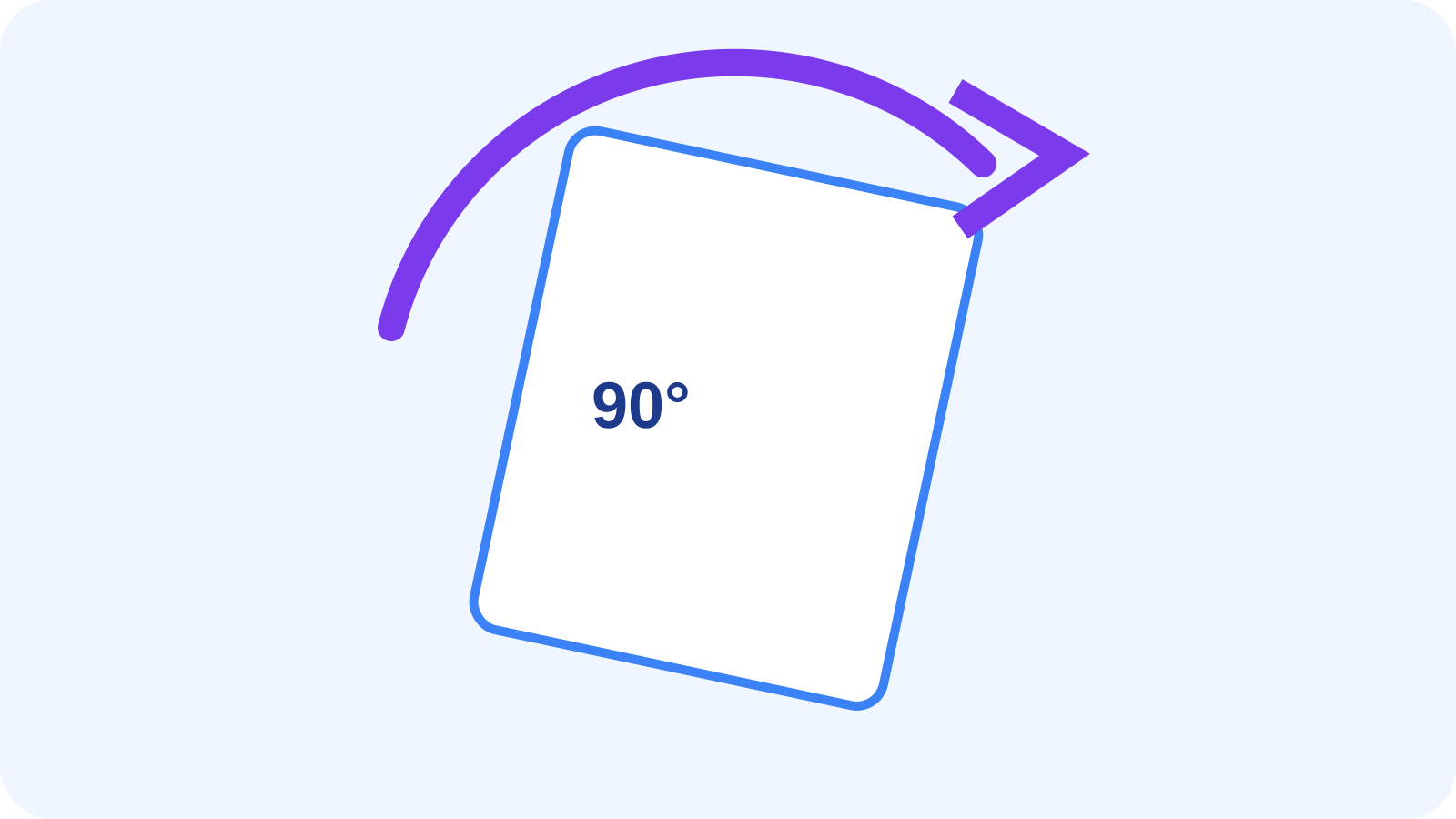
Rotation corrects quarter-turn errors such as sideways or upside-down pages.
A page tilted by a few degrees needs deskewing, which analyzes and corrects the smaller angular error.
Put the workflow into practice
Arrange source documents, select the pages you need, and create one PDF locally in your browser. Review the result before choosing any optional next step.
Try Rotate PDFFrequently asked questions
Clear answers before you merge
Can I rotate all odd pages?
Yes. Use the Odd pages scope and apply the required turn.
Can the tool handle hundreds of pages?
Yes. It stores every page state while rendering thumbnail previews progressively.
What does Make portrait do?
It turns target pages whose effective dimensions are landscape so their page box becomes portrait.
Will it deskew tilted scans?
No. Use Deskew PDF for small-angle tilt correction.