
PDF organization
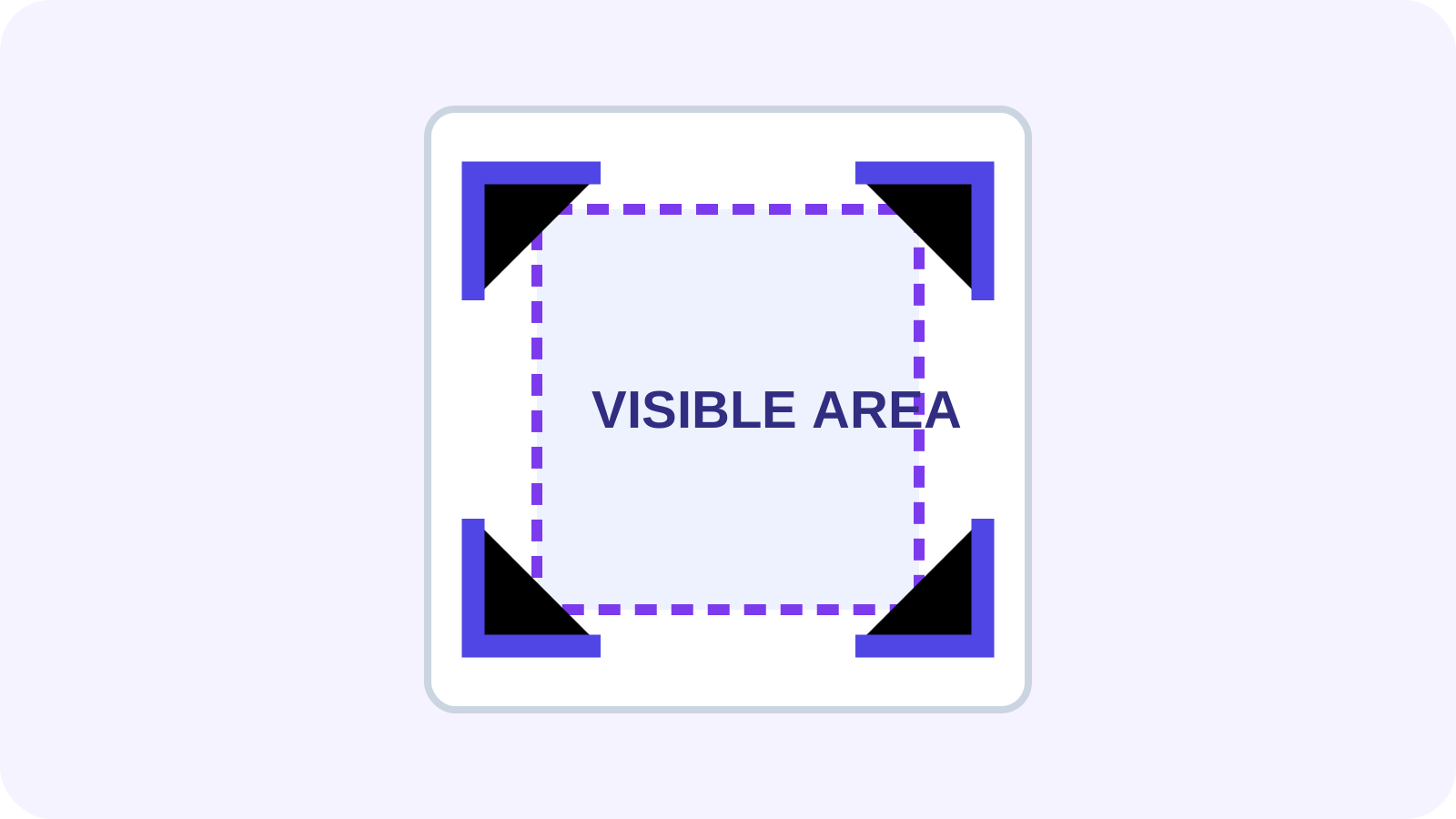
Crop PDF Pages Without Changing Original Content
Understand crop boxes, hidden content, scan margins and printing.
Read articleAdjust the visible area of PDF pages with a visual crop box, preview the result, and apply it to one page or the whole document.
PDF format onlyMax 100MB per fileClient-side processing
A clear three-step workflow
The tool stays focused: add the right source, make an informed choice, then inspect the output before using it.
Inspect page sizes and identify the content boundary that must remain visible.
Apply the crop to the intended pages and review edge clearance.
Export a copy, reopen it, and check printing and downstream use.
Tool profile
Crop PDF changes page boxes so unwanted margins or edge areas are hidden in normal viewing and printing. The original file remains unchanged and the cropped copy should be reviewed in a PDF viewer.
Practical example: Remove uneven scanner borders from a report while leaving enough margin for printing and binding.
Know before processing: Cropping usually changes the visible crop box; it is not secure deletion. Hidden page content may remain recoverable, so use redaction when information must be removed.
Set page edges visually or with precise margins
Apply one crop consistently or target selected pages
Handle mixed page sizes with deliberate review
Preview the visible area before export
Core tasks
Specific needs
Detailed questions
Frequently asked questions
Not reliably. Cropping normally changes the visible page box; objects outside it may remain recoverable.
Changing a crop box normally preserves existing text, vectors and images without rasterizing them.
Crop changes the visible boundary. Change Page Size scales or positions content on a new physical canvas.
Yes. Mixed sizes and uneven scan offsets often need page-specific review.
Connected workflow
Expert guides
Detailed, tool-specific guidance with practical limits and verification steps—not generic conversion copy.
PDF organization
Understand crop boxes, hidden content, scan margins and printing.
Read article
Page workflow
Review page order, exclusions and delivery structure before publishing.
Read article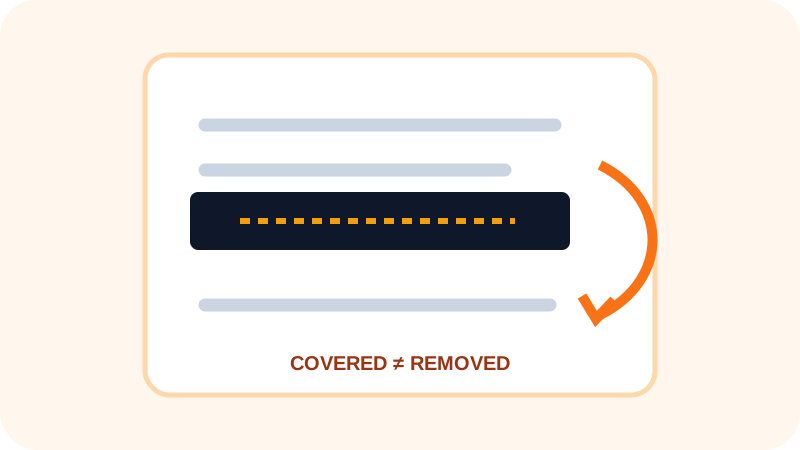
Privacy
Learn why hidden or covered content can remain recoverable.
Read article