On this page
Choose the base and overlay roles
The base PDF determines the output page sequence and dimensions. The overlay PDF provides the content drawn over selected base pages.
Keep the source files separately because the exported composition is a new document.
Choose a page mapping strategy
Reuse the first overlay page for a universal design such as stationery. Match pages when each base page has a corresponding layer.
Cycle mode is useful for repeating a small set of overlays across a longer document.
Review readability and alignment
Opacity and placement can obscure the base document. Inspect representative pages and page-size changes before exporting.
The generated file should reopen with the original base page count and page dimensions.
Put the workflow into practice
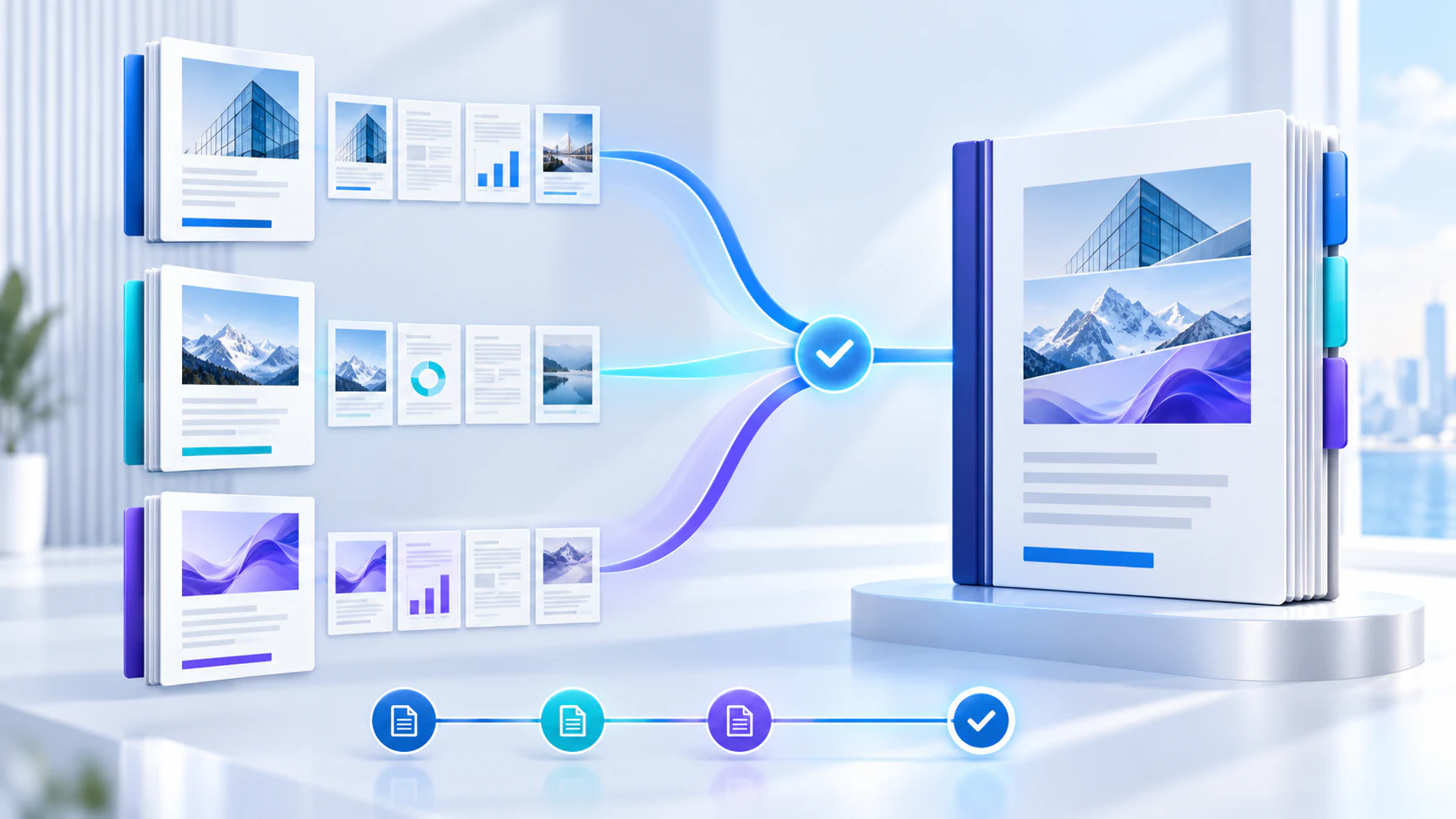
Arrange source documents, select the pages you need, and create one PDF locally in your browser. Review the result before choosing any optional next step.
Try Merge PDFFrequently asked questions
Clear answers before you merge
Does overlaying add pages?
No. It draws content over existing base pages.
Which PDF controls the output size?
The base PDF controls page count and page dimensions.
Can I overlay only some pages?
Yes. Target all, odd, even or a custom page range.
Are the files uploaded?
No. This workflow processes both PDFs in the browser.