On this page
Inspect the complete source sequence
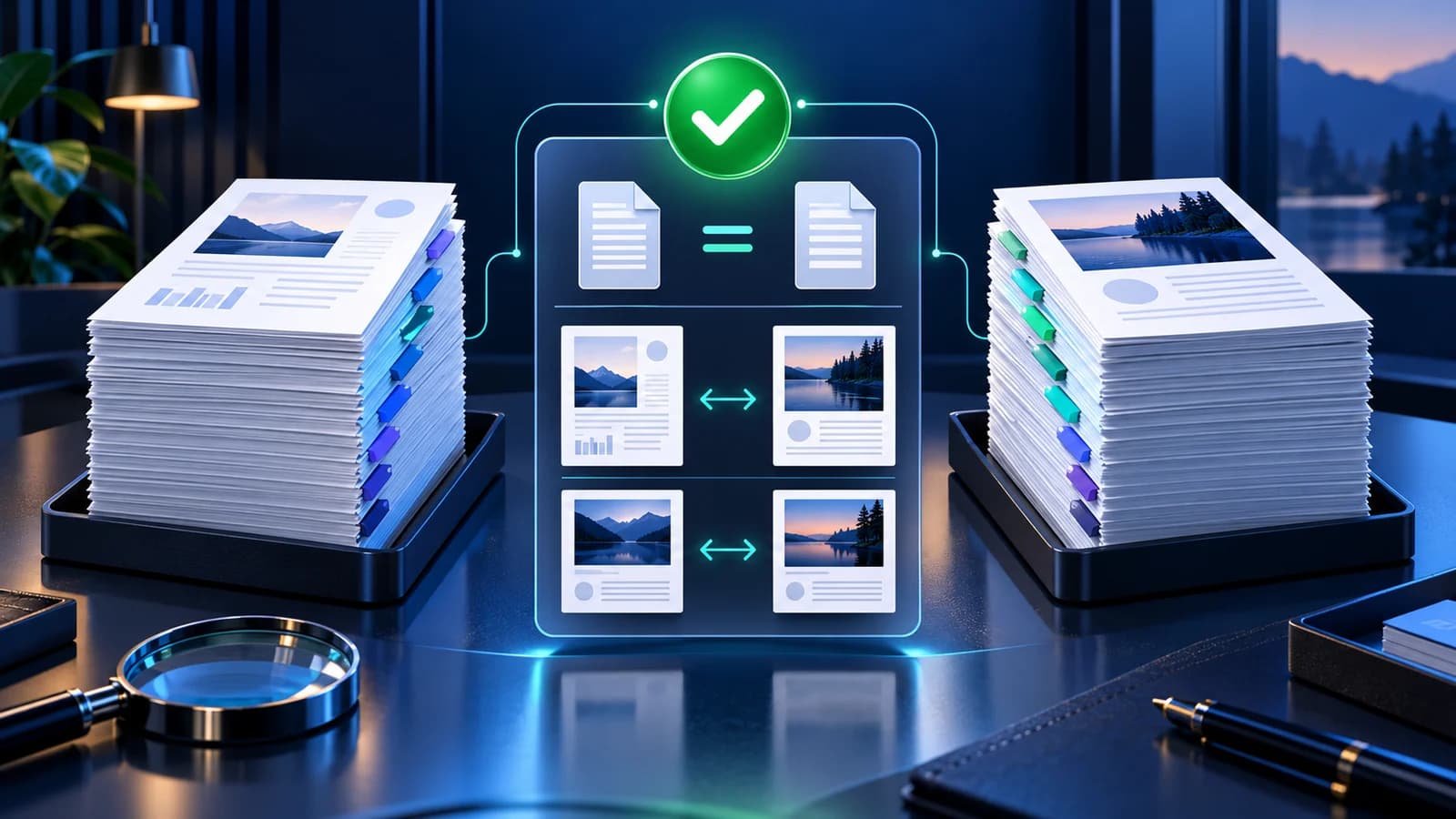
Open one PDF and compare thumbnail positions with the larger page preview. PDF position numbers can differ from printed numbers inside the page, so use the organizer labels as the source of truth.
For long documents, progressive thumbnail rendering and direct page jumps reduce unnecessary browser work while preserving access to every page.
Move one page or a selected group
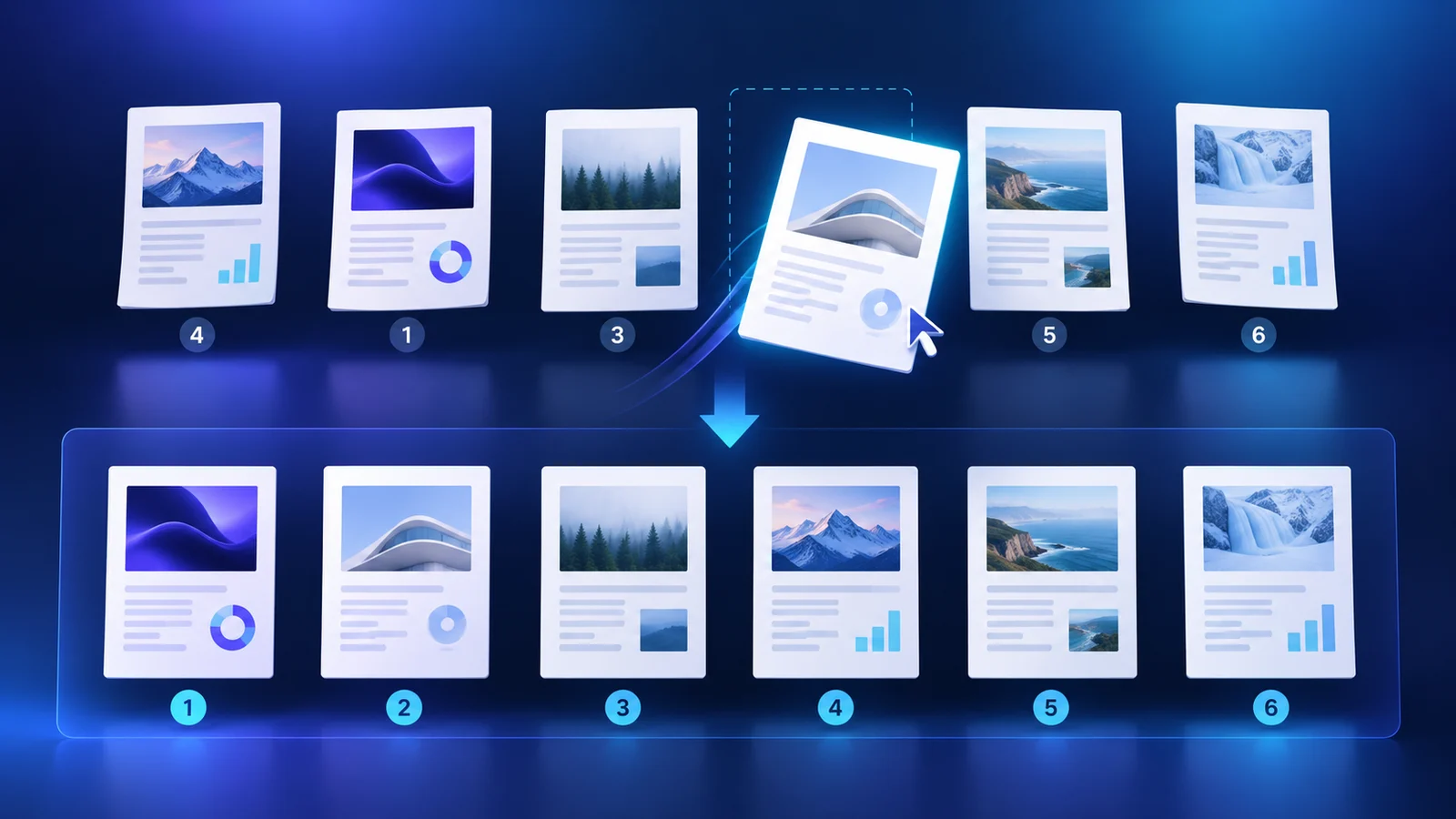
Drag a page to a new position for a direct visual edit. Select several pages first when a chapter or attachment must move as one ordered group.
Accessible move-left, move-right, move-to-start and move-to-end controls provide deterministic alternatives to dragging and are easier to audit for precise changes.
Use direct order rules for known sequences
When the intended order is already known, enter a sequence such as 3,1,2,4-8,last. Reverse ranges such as 12-9 are useful for scanner output captured backwards.
A direct sequence may intentionally repeat a source page. Review duplicated positions before export so accidental repetitions do not enter the final document.
Verify the reordered output
Create a new PDF rather than overwriting the source. Reopen the output, confirm the expected page count and render its first and last pages.
Review transitions around every moved group, especially covers, chapter boundaries, appendices and duplex scan pairs.
Put the workflow into practice
Arrange source documents, select the pages you need, and create one PDF locally in your browser. Review the result before choosing any optional next step.
Try Rearrange PDFFrequently asked questions
Clear answers before you merge
Can I move several PDF pages together?
Yes. Select the pages and move the group while preserving their relative order.
Can I type the final page order?
Yes. Enter individual pages, ranges, reverse ranges and last to build a direct sequence.
Does rearranging reduce page quality?
No raster conversion is required. Existing page objects are copied into a new PDF sequence.
Does the source PDF change?
No. The reordered document is created as a separate output.