On this page
Choose a split strategy based on the outcome
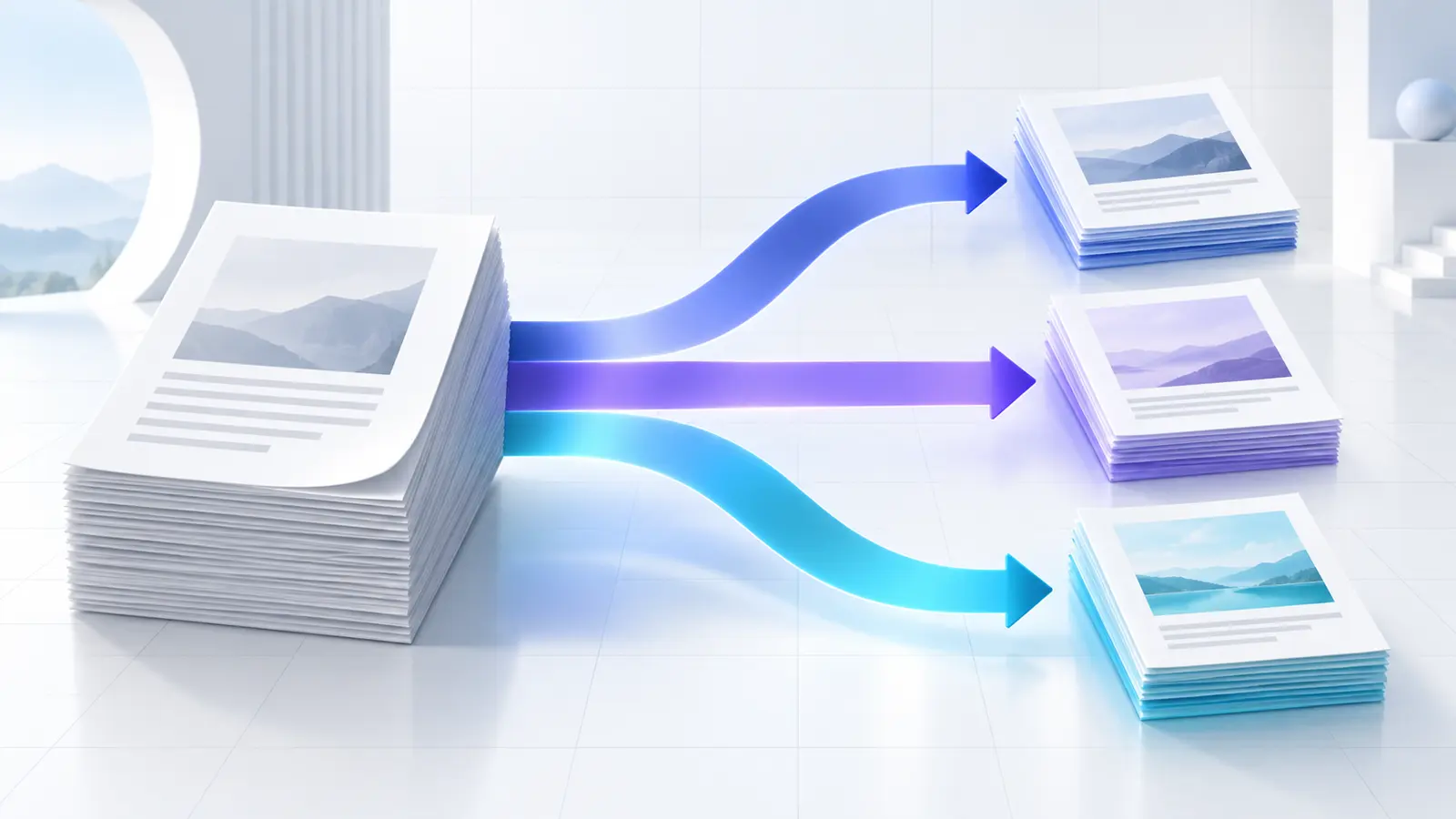
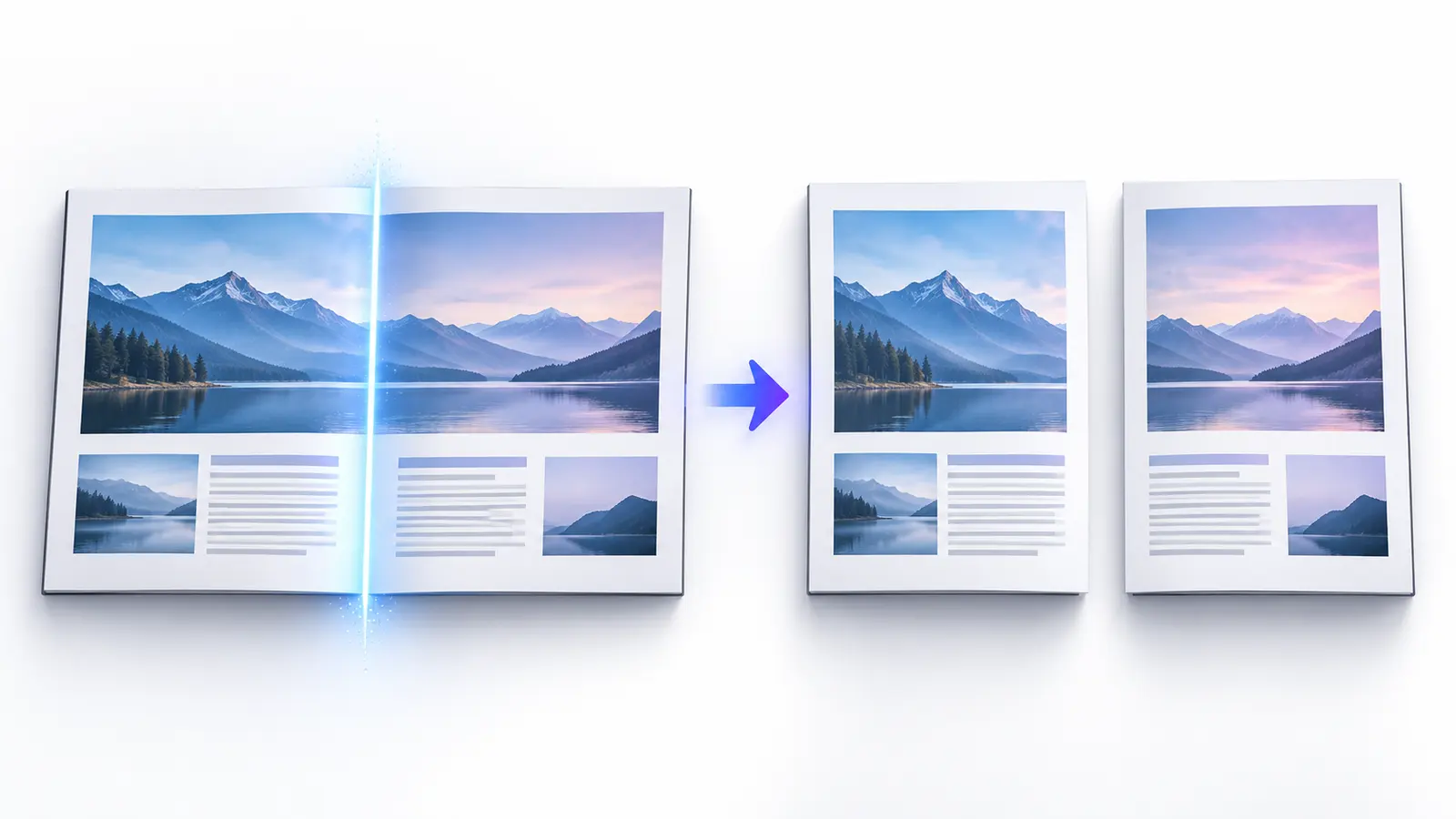
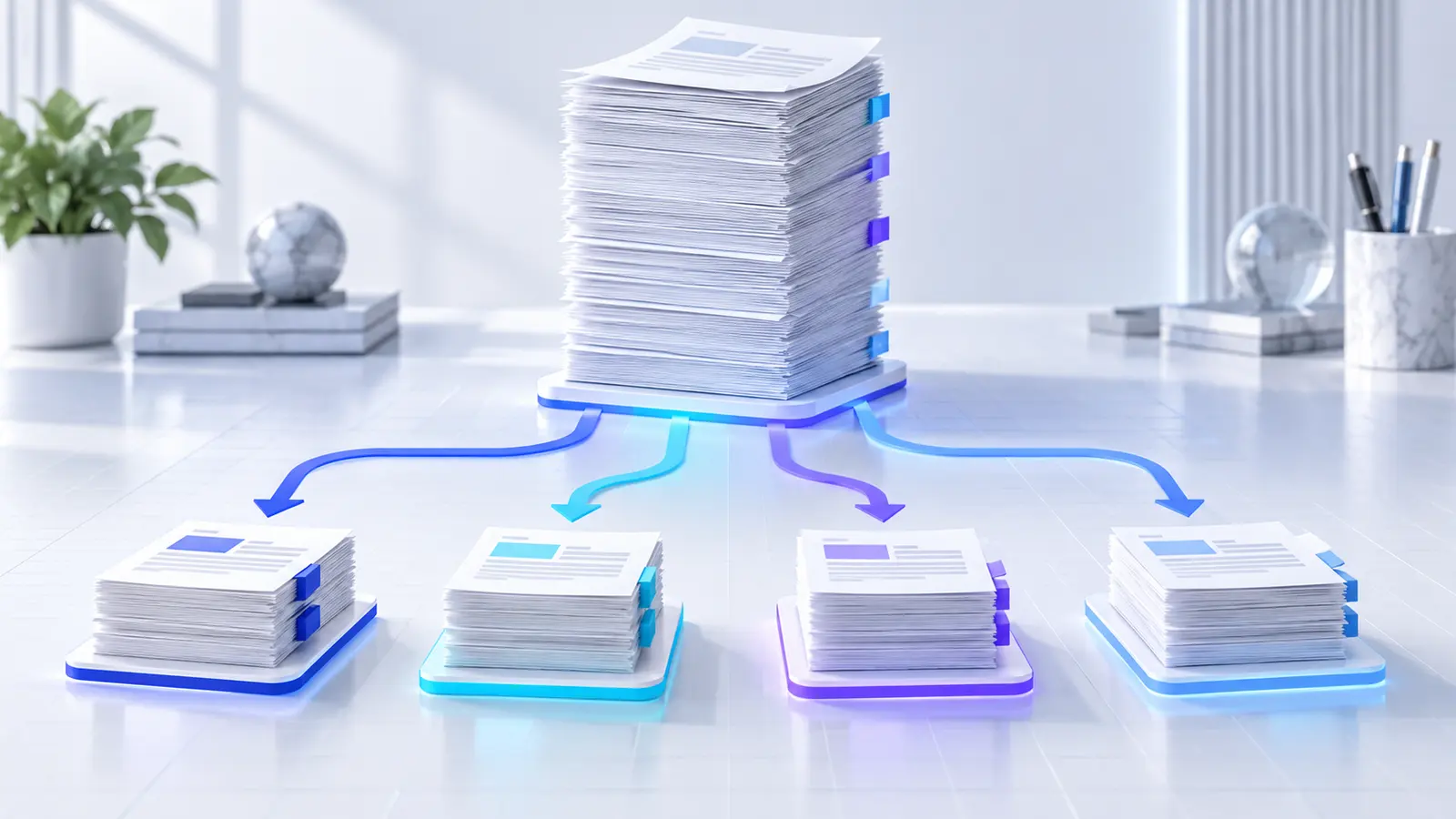
Use page ranges when you know exact boundaries. Use Every N Pages for equal page chunks, such as groups of twenty-five. Use bookmarks when the document outline accurately identifies chapters. Use target size when a delivery or storage system has an approximate file limit.
File size and page count are not interchangeable. Ten scanned pages may be larger than one hundred text pages. If the limit is measured in megabytes, use the verified target-size planner instead of guessing a page count.
| Goal | Recommended method | Best control |
|---|---|---|
| Known sections | Page ranges | Explicit start and end pages |
| Regular chunks | Every N pages | Pages per output |
| Structured report | Bookmarks | Document outline |
| Delivery size limit | Target size | Verified generated bytes |
Work inside a bounded page workspace
A 500-page PDF should not create a webpage that is 500 cards tall. A bounded workspace keeps its own scrollbar, toolbar and page controls. For very large documents, compact virtualized rows render only the visible window and a small overscan area.
Use Go to Page for a known position. Selection, range changes and preview actions should preserve the current scroll location so reviewers do not lose their place.
Split every N pages
Fixed chunks are predictable. A 103-page PDF split every 25 pages creates five outputs: four with 25 pages and one with the remaining three. The final shorter part is expected and should be shown in the plan before processing.
This method is appropriate when downstream work is based on batch size rather than content. It is less suitable for chapters or case records that must remain intact.
Use bookmarks when the outline is trustworthy
Top-level bookmarks can become split boundaries. Each bookmark starts a new output that continues until the page before the next bookmark. Review the detected bookmark title and starting page before creating files.
Some PDFs have no bookmarks, broken destinations or bookmarks that point to the same page. In that situation, switch to page ranges rather than treating the missing outline as a processing error.
Plan outputs near a target size
PDF pages vary in byte size, so reliable target-size grouping requires measurement. Nexynto serializes bounded sequential candidates and checks their generated size before accepting a group. This is slower than a simple estimate but produces a verified plan.
The target is not a byte-perfect promise. A single image-heavy page may exceed the chosen limit and cannot be divided without changing the page. Nexynto keeps that page alone and warns about the exception.
Name and review large output sets
Use padded sequence numbers so alphabetical order matches reading order: report-part-001.pdf, report-part-002.pdf and so on. Bookmark and range variables can create more descriptive names when those values are reliable.
The result workspace should remain bounded even when a PDF creates hundreds of outputs. Search filenames, select one result for preview, and use Download All ZIP only after checking the output count and page totals.
Manage browser performance safely
Browser-local splitting depends on device memory, page complexity and output count. Compact page view avoids mounting thousands of preview canvases. Sequential output creation yields between files so the interface can update and cancellation remains possible.
For extremely image-heavy documents, close unrelated memory-intensive tabs and consider splitting in stages. Keep the original and record the page boundaries used in each stage.
Protect large-document workflows
Browser processing removes one server transfer but does not remove endpoint risk. Downloaded PDFs and ZIPs remain on the local device. Apply organizational access, retention and secure-delivery rules to every output.
Password protection can be applied to a selected result through a compatible handoff. It should be treated as one access control, not a complete sharing or revocation system.
Put the workflow into practice
Choose a split method, review page boundaries and filenames, then create organized PDF outputs locally in your browser.
Try Split PDFFrequently asked questions
Clear answers before you split
What is the best way to split a very large PDF?
Use known ranges or bookmarks for logical sections, Every N Pages for regular batches, and target-size planning for approximate delivery limits.
Can I split by megabytes?
Yes. Nexynto verifies sequential page groups against a target size, but an indivisible single page may still exceed the target.
Will a 1,000-page PDF render 1,000 thumbnails?
No. Large documents use a bounded compact workspace and virtualized visible rows rather than mounting every preview canvas.
Can I search generated outputs?
Yes. The result workspace supports filename and range search without extending the full webpage.
Are outputs created on the server?
The Split PDF outputs and ZIP are created locally in the browser.