On this page
Separate recipient access from administration
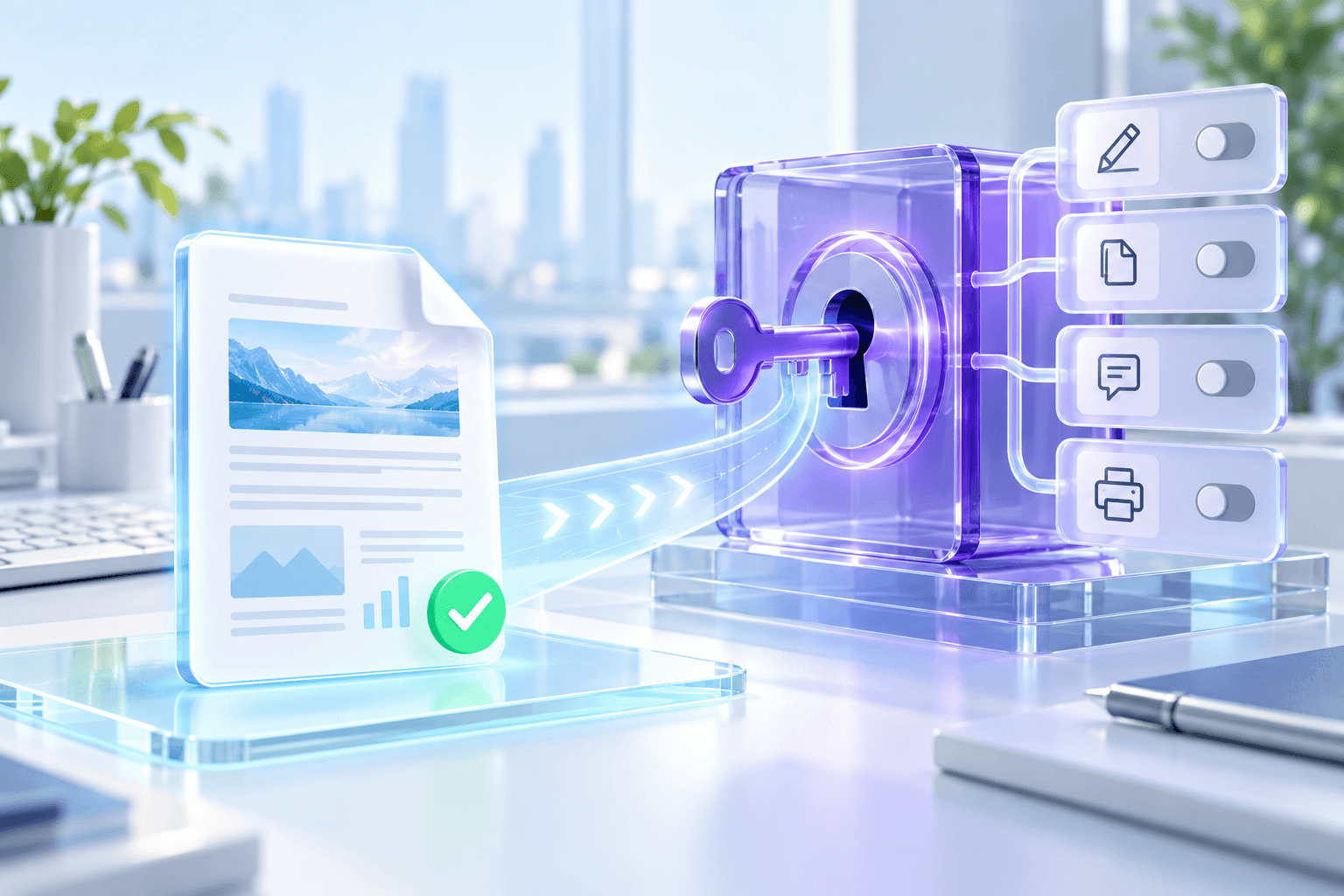
The user password determines whether a recipient must enter a credential to open the file. The owner password protects the settings for printing, copying, editing and annotations.
For ordinary read-only sharing, leave recipient access open and store only the owner password. For confidential delivery, add a separate opening password and send it through an approved channel.
Use a strong private owner credential
Choose a unique owner password with sufficient length and store it in a password manager or approved secret store. Do not place it in the filename or send it with the PDF.
The owner credential is not a recovery key maintained by Nexynto. Keep an editable master or an authorized credential record if future policy changes may be required.
- Use at least 12 characters when practical.
- Keep owner and opening passwords different.
- Do not reuse an account password.
- Retain an editable master securely.
Decide whether printing belongs in the policy
Allow printing for approved reports and customer deliverables that may need a paper copy. Restrict it for screen-only review when printing is outside the intended workflow.
Viewer enforcement varies. If the content is highly sensitive, combine permissions with access control, secure transfer and recipient governance.
Put the workflow into practice
Arrange source documents, select the pages you need, and create one PDF locally in your browser. Review the result before choosing any optional next step.
Try Make PDF Read-OnlyFrequently asked questions
Clear answers before you merge
Why is an owner password required?
It protects administrative control of the encoded permission settings.
Must recipients know the owner password?
No. Keep it private; recipients only need an opening password when that optional layer is enabled.
Can I allow printing but restrict editing?
Yes. Printing is independently configurable in the read-only studio.