On this page
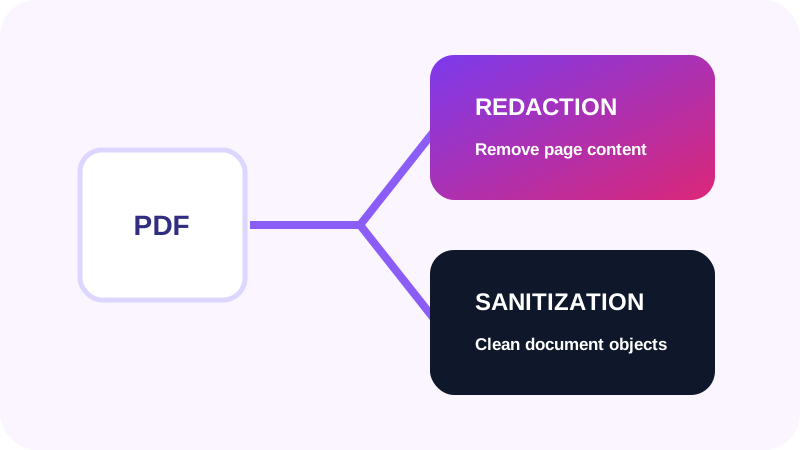
Redaction targets selected content
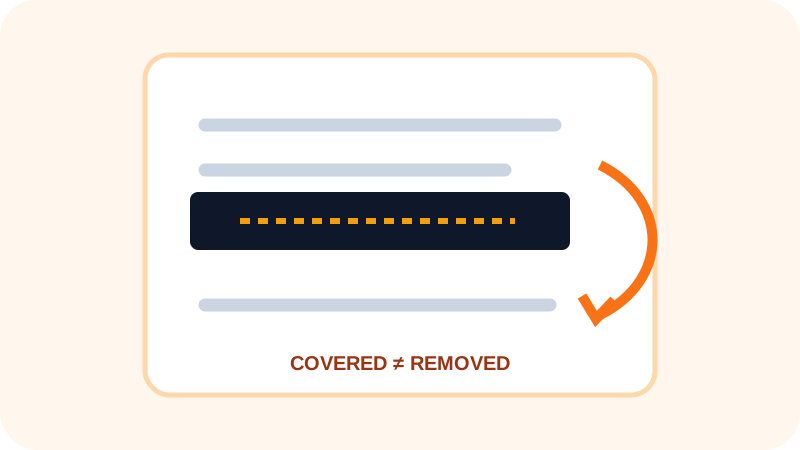
Secure redaction removes text, images or page regions that should not appear in the delivery copy. It is location-specific and must be verified after export.
Sanitization targets the wider container
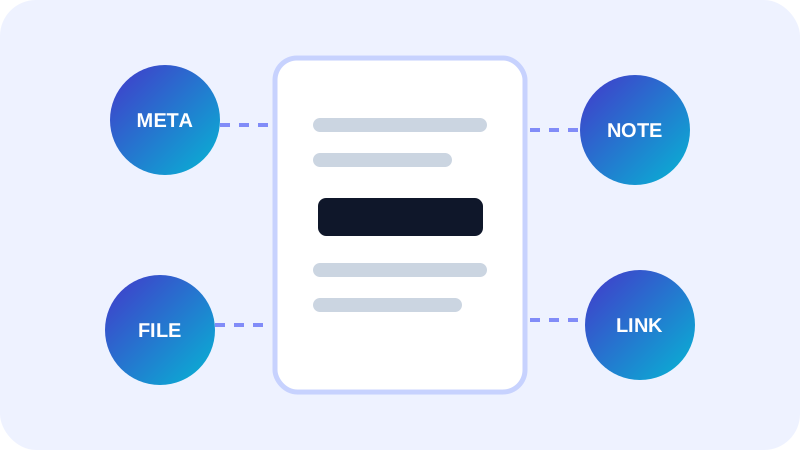
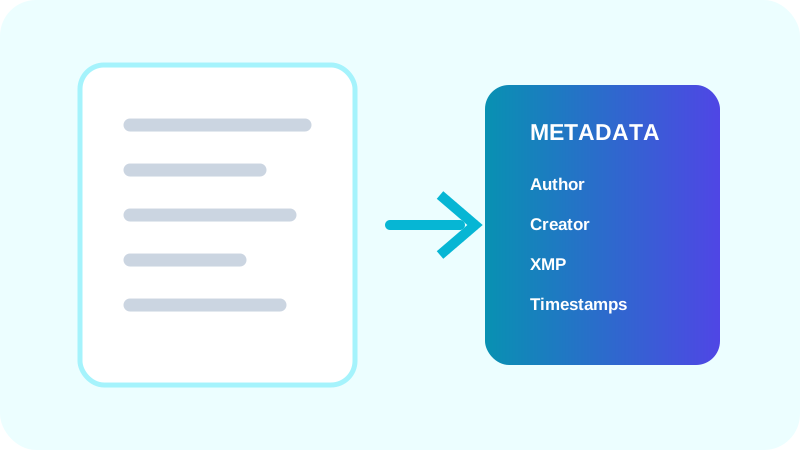
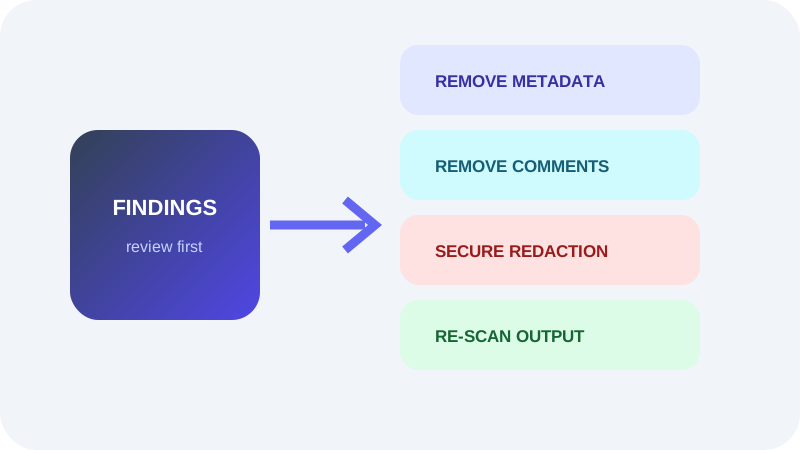
Sanitization can include metadata, comments, form values, attachments, JavaScript, actions, layers and previous-save traces. A single remove-metadata action does not address all of these object types.
Combine the methods deliberately
High-sensitivity delivery copies may need both processes followed by a fresh privacy scan.
| Question | Redaction | Sanitization |
|---|---|---|
| Primary scope | Selected page content | Document-wide objects and behavior |
| Typical evidence | Text or image removed | Metadata, actions or attachments absent |
| Verification | Visual and extraction review | Category-by-category rescan |
Put the workflow into practice
Arrange source documents, select the pages you need, and create one PDF locally in your browser. Review the result before choosing any optional next step.
Try PDF Privacy CheckerFrequently asked questions
Clear answers before you merge
Does redaction remove metadata?
Not necessarily. Metadata is a separate document layer.
Does sanitization redact page text?
Not unless the workflow explicitly removes that content.
Should I rescan?
Yes. Re-scan the final delivery copy after changes.