On this page
Look beyond the visible pages
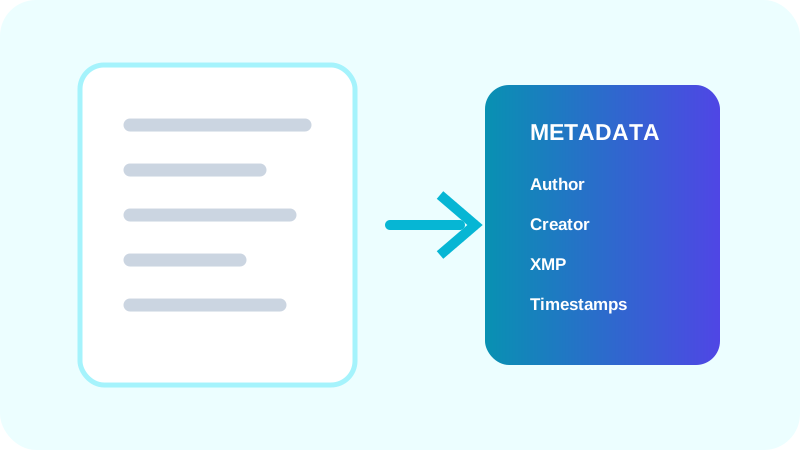
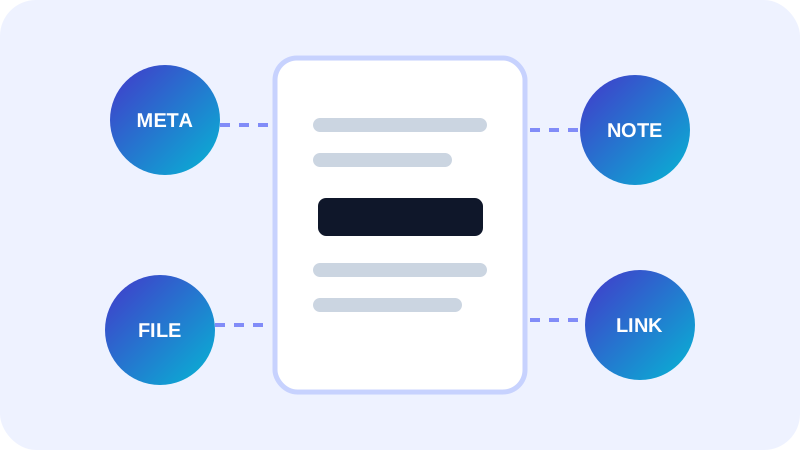
Document-information dictionaries and XMP packets can record authors, organizations, software and timestamps. Comments and form fields can retain names and entered values even when they are easy to miss in ordinary reading mode.
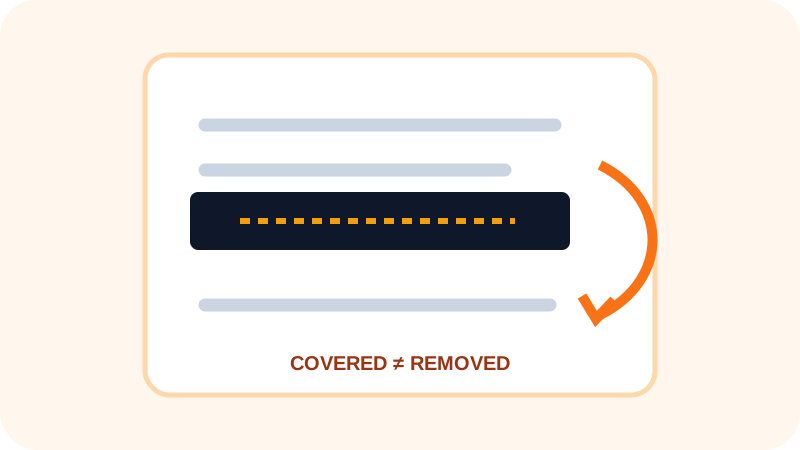
Embedded files, optional layers, links and document actions are separate objects. A useful review reports each object type and states which areas could only be checked partially.
A finding needs context
Normal metadata is not inherently dangerous. A producer field can be harmless while an author field may matter when an anonymous publication is intended. Severity should describe the plausible exposure, not create fear.
- Confirm the intended audience.
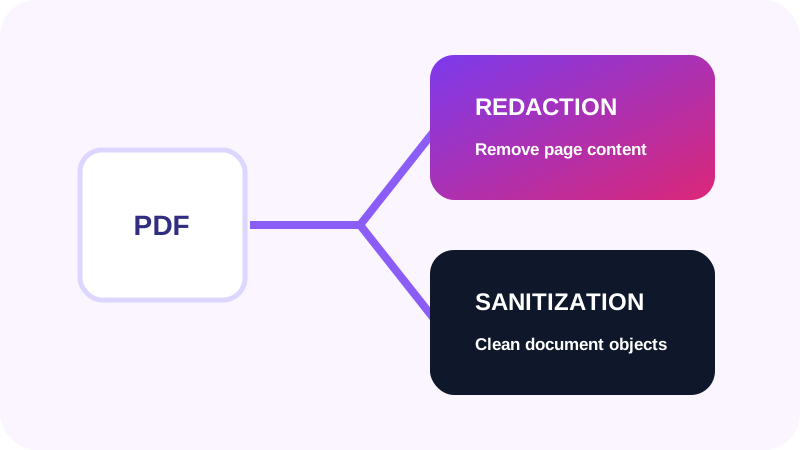
- Remove information the recipient does not need.
- Keep the controlled source separately.
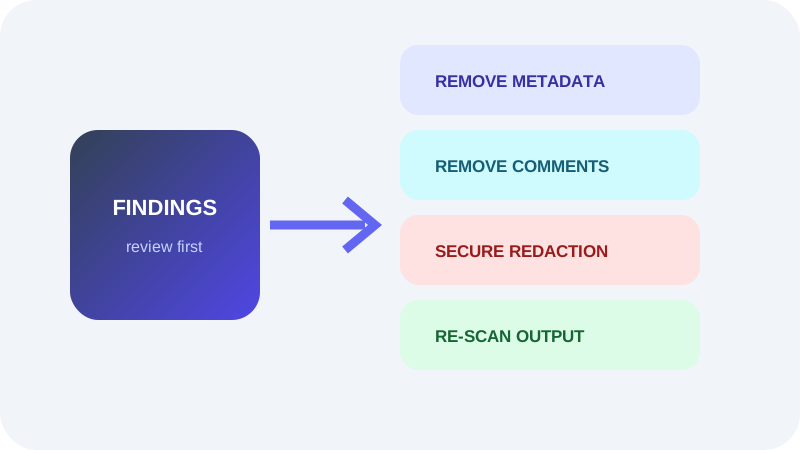
- Verify the delivery copy after every change.
Why no scanner can promise complete privacy
Encrypted objects, compressed image metadata, unusual encodings and content rendered by specialized viewers can limit browser inspection. A clean result means no finding was detected by the performed checks; it is not proof that the file contains no private information.
Put the workflow into practice
Arrange source documents, select the pages you need, and create one PDF locally in your browser. Review the result before choosing any optional next step.
Try PDF Privacy CheckerFrequently asked questions
Clear answers before you merge
Is metadata always private?
No. Its relevance depends on the document, audience and sharing purpose.
Are attachments visible on every page?
No. They can remain embedded without appearing in page content.
Does a clean scan guarantee privacy?
No. Review coverage and limitations alongside the results.