On this page
Start with an inventory
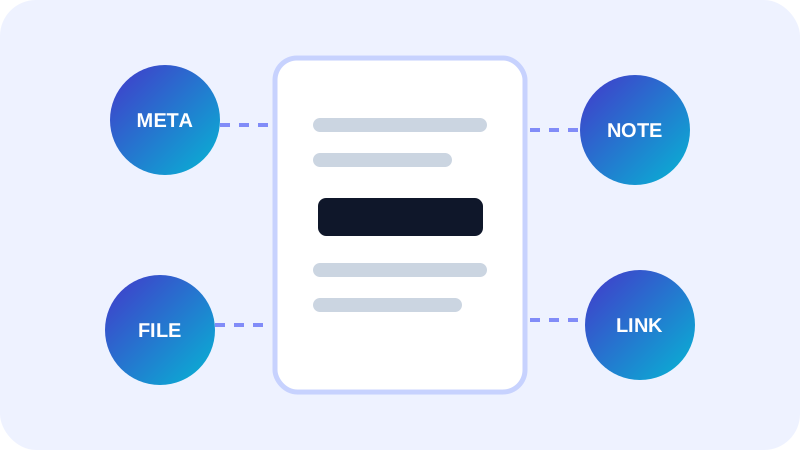
Scan the original and record which categories contain findings. Keep the report local and avoid copying raw detected values into analytics, tickets or filenames.
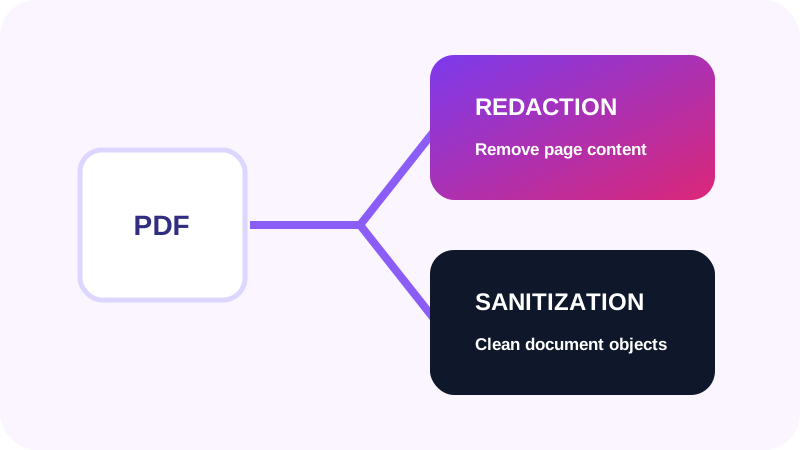
Use the tool that matches the object
Attachments and active actions need dedicated sanitization support; do not label a file clean merely because the visible pages look correct.
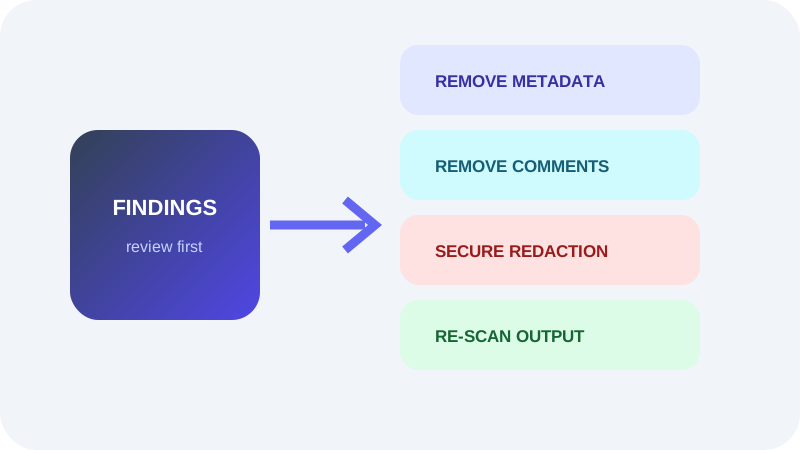
| Finding | Appropriate action | Verification |
|---|---|---|
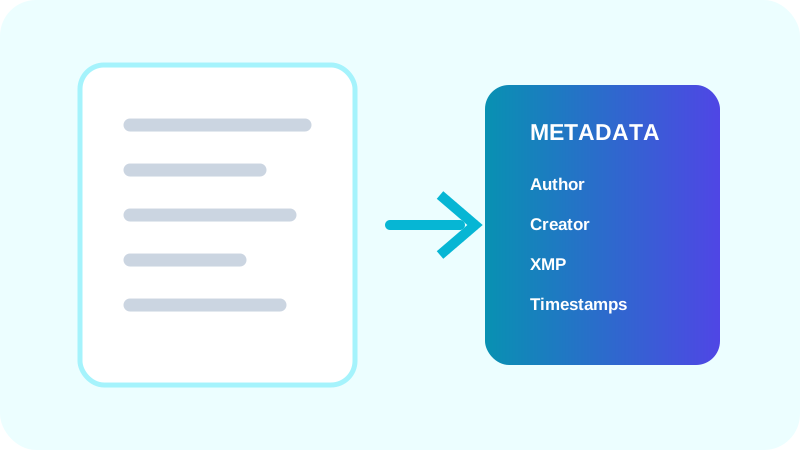
| Author or creator | Remove PDF Metadata | Recheck common and XMP fields |
| Comments | Remove Annotations | Confirm annotations are absent |
| Form values | Clear or flatten reviewed form | Inspect fields and page appearance |
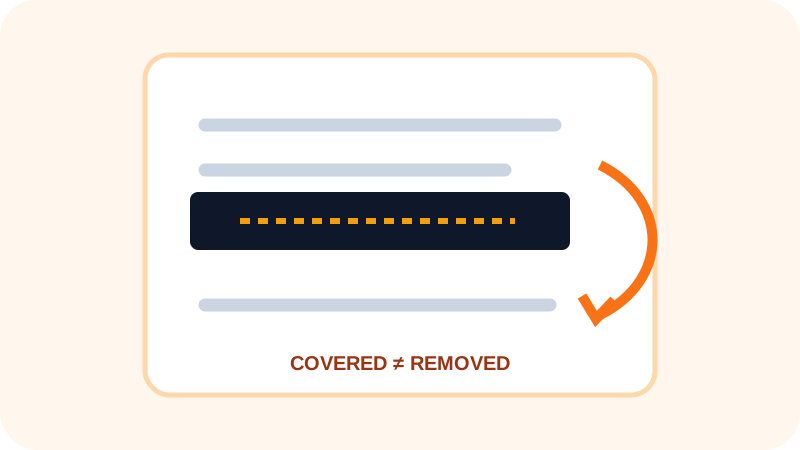
| Covered text | Secure Redact PDF | Search and extract the final page |
Protect and share the final copy
Password protection controls access to the delivery copy; it does not remove private data already stored inside it.
- Re-scan after every cleanup step.
- Protect only after content review is complete.
- Use an appropriate transfer channel.
- Retain the source according to policy.
Put the workflow into practice
Arrange source documents, select the pages you need, and create one PDF locally in your browser. Review the result before choosing any optional next step.
Try PDF Privacy CheckerFrequently asked questions
Clear answers before you merge
Can one tool remove everything?
No. Different PDF objects require different handling.
Should I protect before cleaning?
Usually clean and verify first, then protect the final delivery copy.
Can I keep the original?
Yes, in an appropriately controlled location under your retention policy.