On this page
Start with the right fit mode
Stretch fills the base page exactly but can distort the overlay. Contain preserves aspect ratio and keeps the whole overlay visible.
Original uses the overlay page dimensions, while custom sizing sets its width relative to the base page.
Position visually, then refine
Drag the overlay in the live preview for fast placement. Use the nine-point alignment grid for repeatable anchors.
Point-based X and Y offsets provide fine adjustment after choosing an anchor.
Control visual competition
Lower opacity allows base content to remain visible. Rotation can handle sideways stamps or page designs.
Always inspect the output because page renderers can display transparency and thin lines differently.
Put the workflow into practice
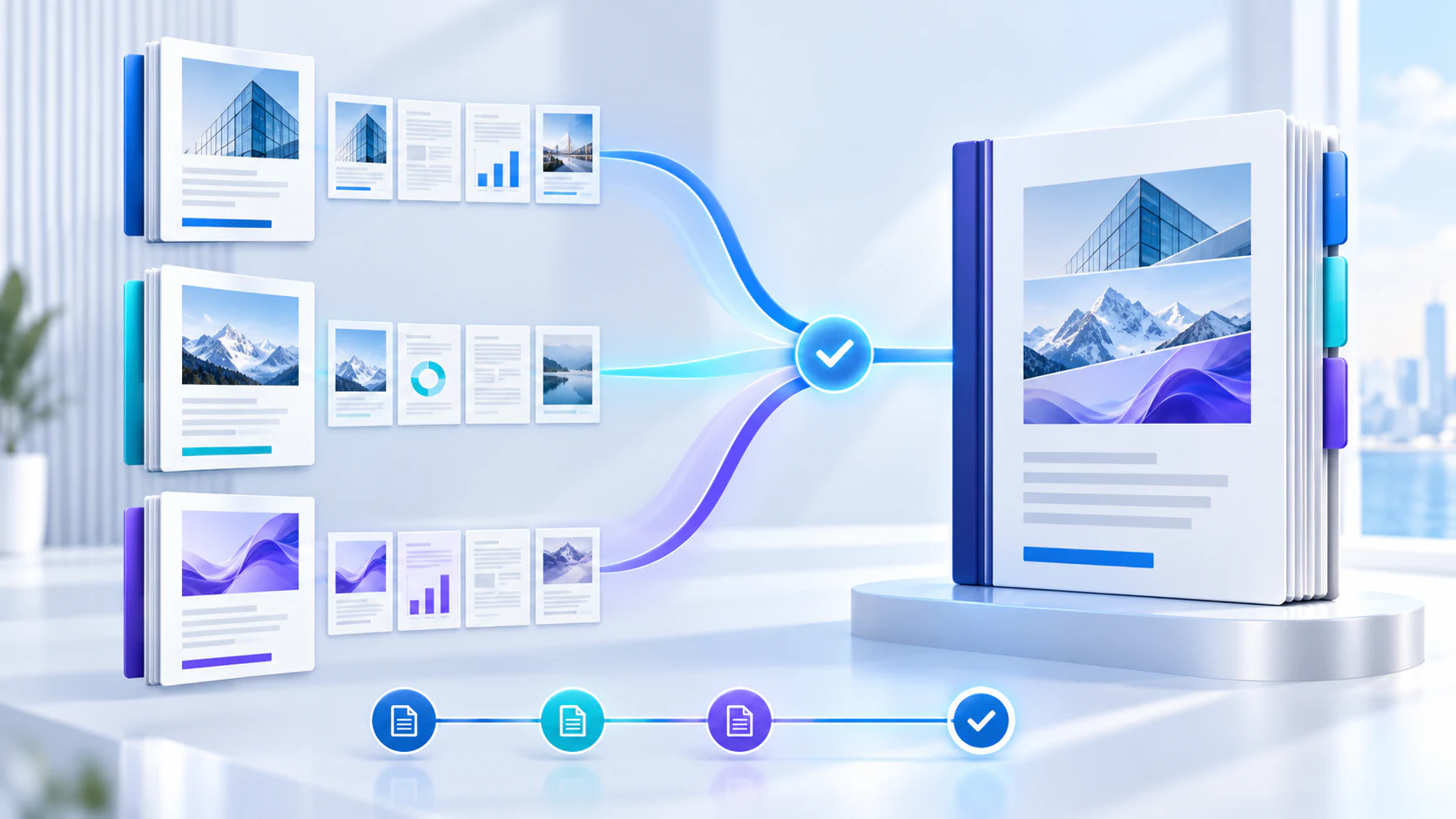
Arrange source documents, select the pages you need, and create one PDF locally in your browser. Review the result before choosing any optional next step.
Try Merge PDFFrequently asked questions
Clear answers before you merge
Does contain mode distort the overlay?
No. It preserves the original aspect ratio.
Can I drag the overlay?
Yes. Drag it directly in the page preview.
What do offsets measure?
Offsets are PDF points applied after visual alignment.
Can the overlay extend outside the page?
Yes, and content outside the base page boundary is clipped.