On this page
Use the rendered pixel grid as the viewBox
Original pages
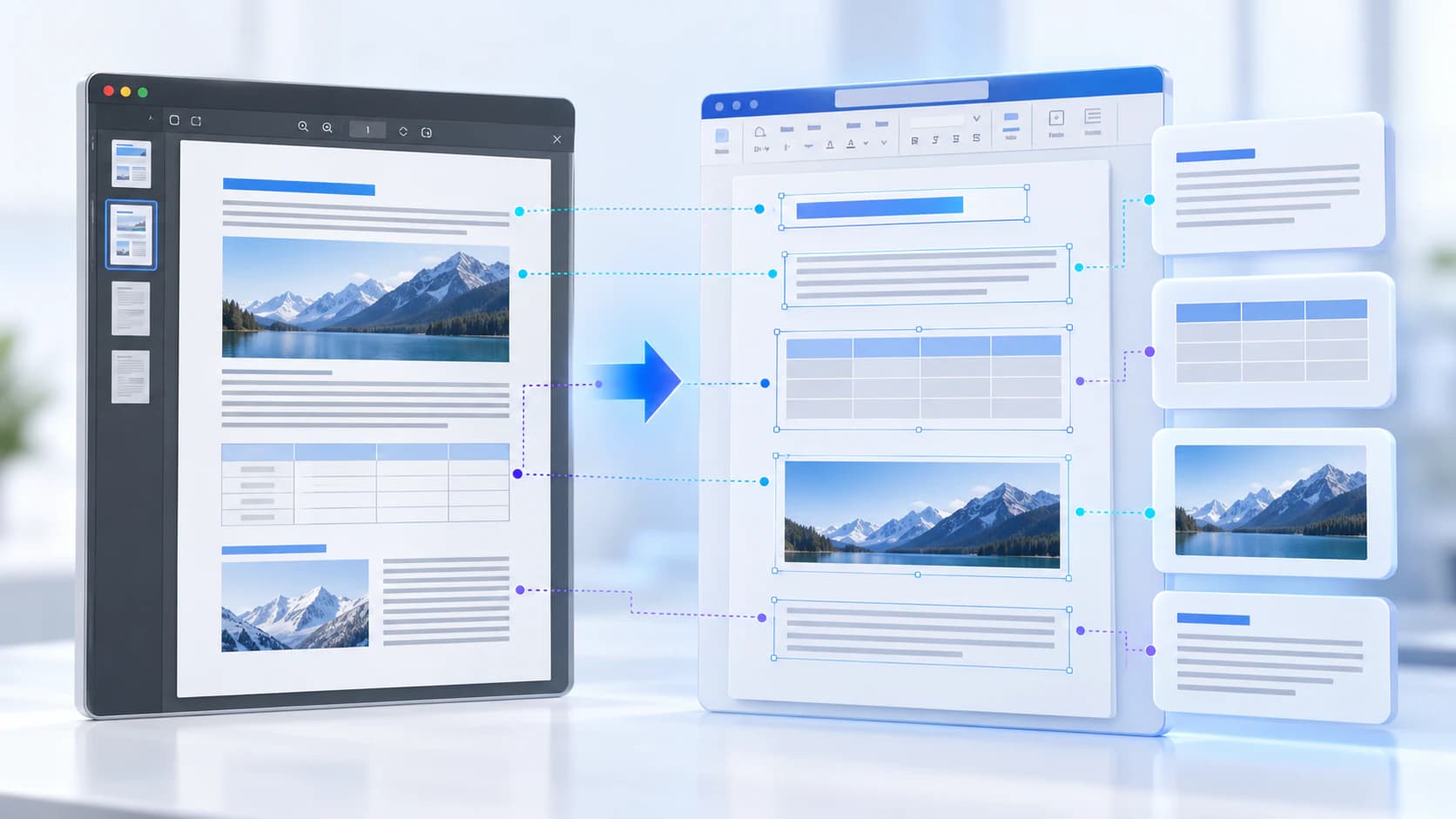
Text, vectors and images
Copy pages
Keep source objects intact
Merged PDF
New order, same page detail
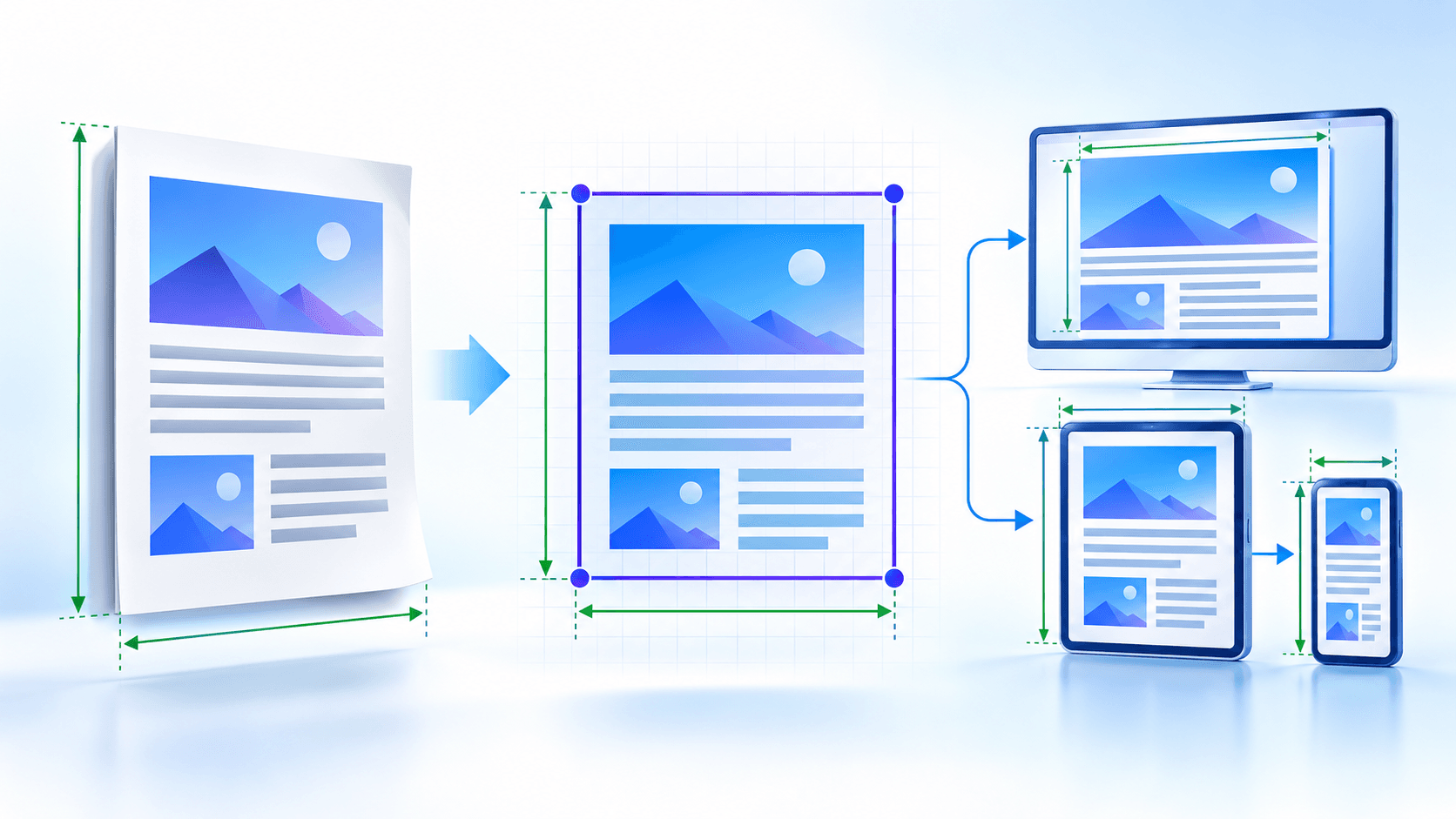
The embedded page image and the SVG viewBox share the same pixel width and height. This creates a direct coordinate mapping with no hidden crop or offset.
The original page aspect ratio remains the controlling relationship even when the SVG is displayed at another size.
Choose outer dimensions for the destination
Responsive sizing still needs a parent container with a meaningful size. The viewBox supplies the aspect ratio and internal coordinates.
| Mode | Outer size | Use |
|---|---|---|
| Source points | PDF page width and height in pt | Print-aware and document workflows |
| Rendered pixels | Actual render pixel dimensions | Pixel-controlled assets and inspection |
| Responsive | 100% width and height | Flexible web containers |
Preserve proportions unless stretching is intentional
xMidYMid meet keeps the complete page centered without distortion. Turning aspect preservation off allows stretching to the outer box and should be reserved for a destination that explicitly requires it.
Inspect portrait, landscape and unusually sized pages separately because a single document can mix geometries.
Put the workflow into practice
Arrange source documents, select the pages you need, and create one PDF locally in your browser. Review the result before choosing any optional next step.
Try PDF to SVGFrequently asked questions
Clear answers before you merge
What is viewBox?
It defines the SVG internal coordinate system and aspect geometry.
Are PDF points the same as pixels?
No. Points are document units while rendered pixels depend on scale.
Why use responsive dimensions?
They allow the SVG to follow a web container while keeping its viewBox.
Should preserveAspectRatio stay enabled?
Yes for most workflows because it prevents distortion.