On this page
Inspect the SVG structure and embedded resource
A valid result includes the SVG namespace, viewBox, accessible title and description, one embedded data image and a closing SVG element. Optional RDF records title, description, source filename and media type.
Because the page image is embedded as data, the result does not depend on an external URL that can disappear or leak a request.
Compare the first, middle and last exported pages
Check fine text, diagrams, gradients, transparency appearance and page edges. Compare the source preview at similar zoom and confirm that portrait or landscape orientation matches.
For JPEG output, inspect sharp edges and small labels for artifacts. Move to PNG or a higher render scale when fidelity is insufficient.
Document the output model accurately
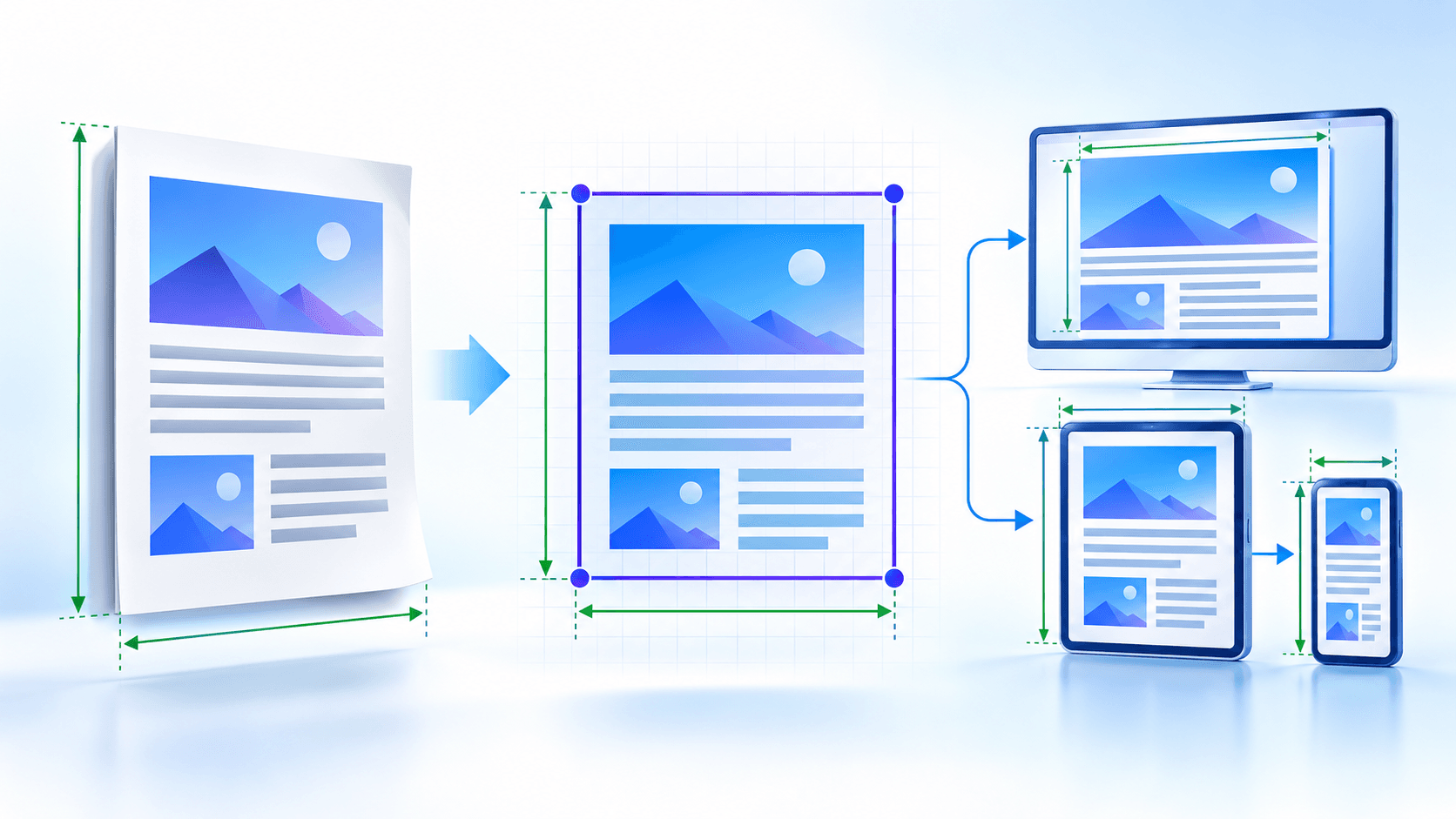
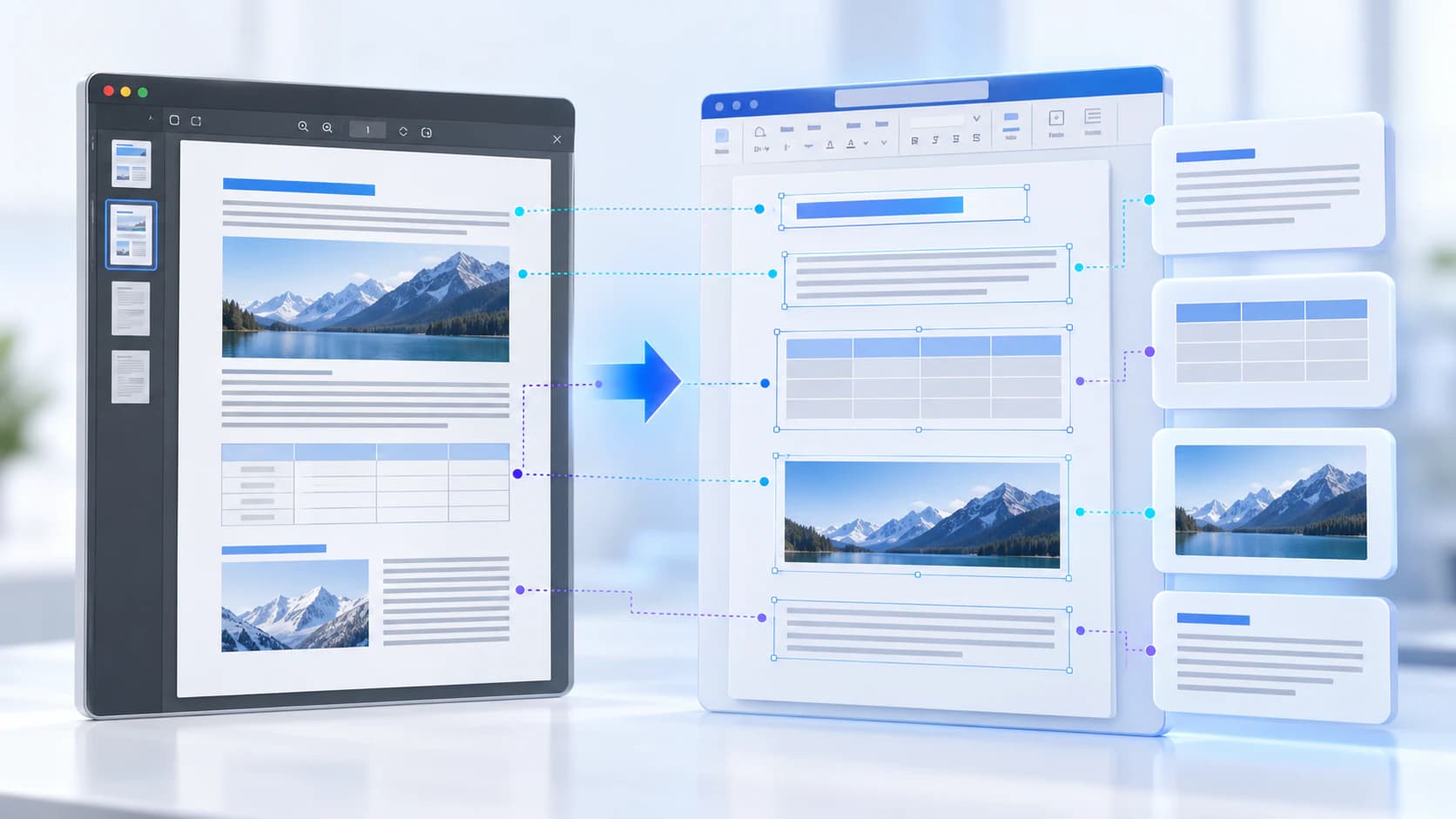
The SVG is scalable as a container, but scaling cannot create detail beyond the embedded rendered pixels. Original PDF fonts, text objects and paths are not reconstructed as editable SVG elements.
Keep the PDF as the authoritative fixed-layout source and record the chosen profile when repeatable production matters.
Put the workflow into practice
Arrange source documents, select the pages you need, and create one PDF locally in your browser. Review the result before choosing any optional next step.
Try PDF to SVGFrequently asked questions
Clear answers before you merge
What does validation check?
It checks core SVG structure, viewBox, title and embedded image presence.
Is the embedded image external?
No. It is stored as a data resource inside the SVG file.
How do I verify fidelity?
Compare representative pages and zoom into fine text and linework.
Can scaling restore missing detail?
No. Choose sufficient render scale before export.