On this page
Start with reading order rather than coordinates
Original pages
Text, vectors and images
Copy pages
Keep source objects intact
Merged PDF
New order, same page detail
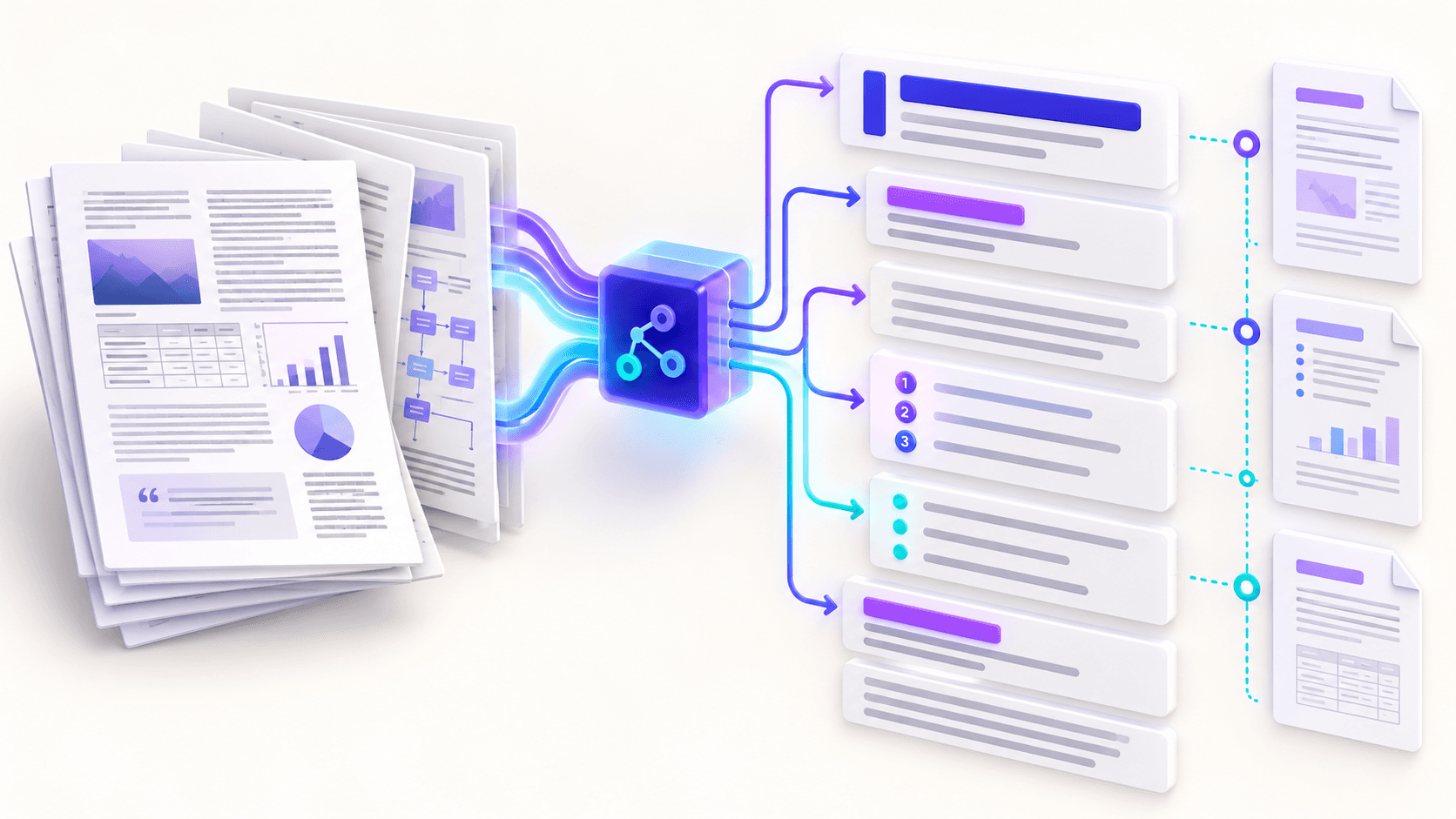
Text extraction follows the document reading sequence available to the browser. Conventional single-column documents usually transfer cleanly; complex columns, floating captions and tightly positioned labels need comparison against the PDF.
Choose a source-page profile when page boundaries matter more than continuous article flow.
Treat heading and list detection as reviewable suggestions
Short title-like lines can become heading elements, while familiar bullet and number markers can become lists. These transformations improve navigation and reuse, but a short caption can resemble a heading and wrapped list items can lose nesting.
The result remains editable so hierarchy can be corrected before publishing.
Keep structure traceable to its source
Optional source-page labels make it easier to compare a section against the original document. A generated table of contents links to detected headings and exposes hierarchy problems early.
Semantic HTML improves adaptability but does not by itself guarantee accessibility. Review language, alternative text for separately supplied images, link purpose, heading order and keyboard behavior in the destination.
Put the workflow into practice
Arrange source documents, select the pages you need, and create one PDF locally in your browser. Review the result before choosing any optional next step.
Try PDF to HTMLFrequently asked questions
Clear answers before you merge
How are headings detected?
Short title-like lines are identified heuristically and should be reviewed.
Are lists reconstructed?
Common bullet and numbered markers can be normalized into HTML lists.
Can page numbers remain visible?
Yes. Source-page labels can be included for traceability.
Does semantic HTML guarantee accessibility?
No. It provides a stronger foundation, but the final destination still needs accessibility review.