On this page
Review escaped text in a sandboxed preview
Extracted angle brackets, ampersands and quotation marks must remain document text instead of becoming executable markup. The preview should use a restricted sandbox while the source tab exposes the generated code for inspection.
Escaping protects the conversion boundary. It does not make later third-party scripts, embeds or CMS transformations automatically safe.
Compare content and hierarchy against the PDF
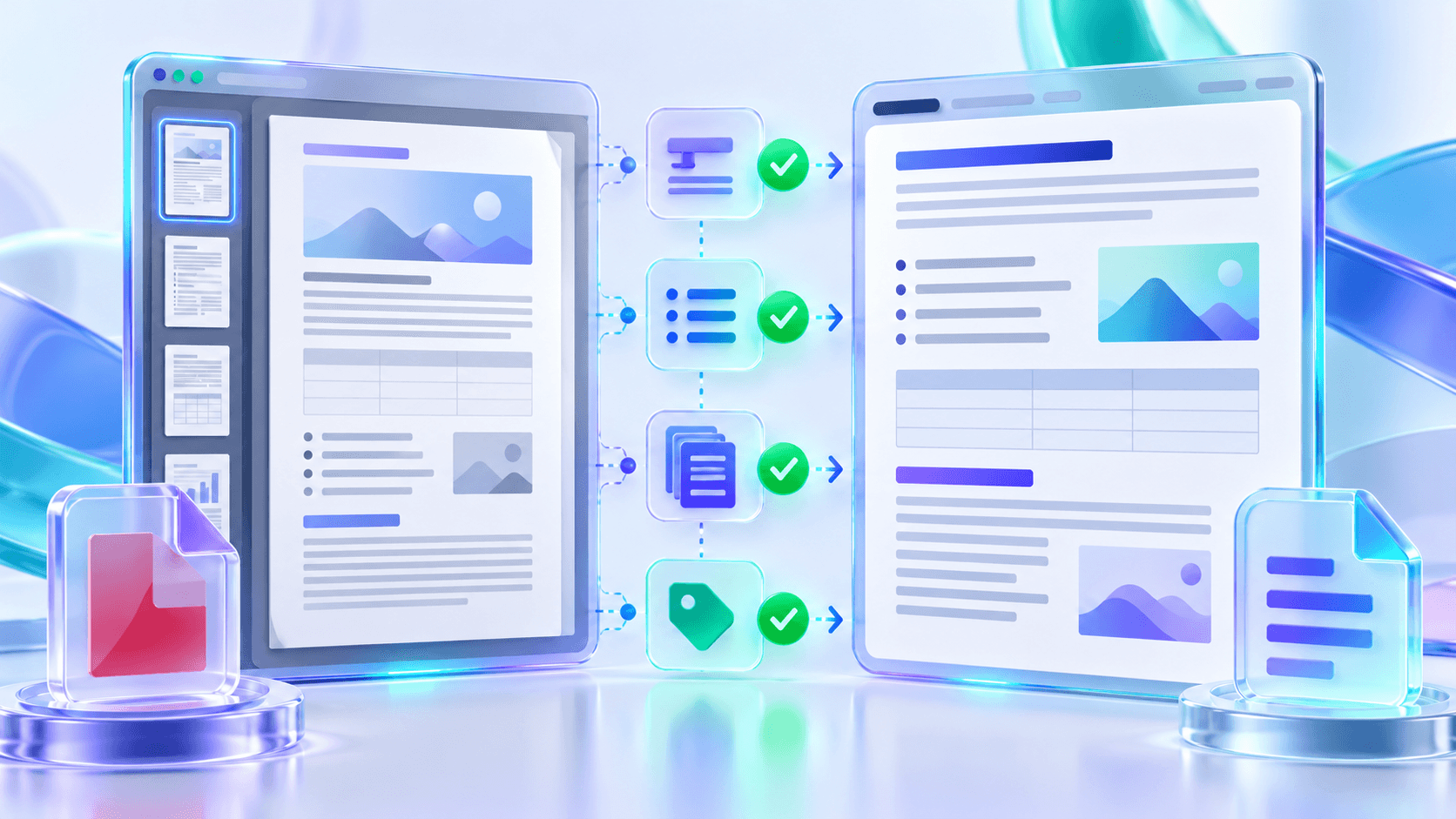
Check the first, middle and last selected pages, then review names, dates, identifiers, headings and list order. Inspect every page identified as OCR-derived.
Use the extraction report to locate warnings and verify section, heading, list, word and OCR-page counts. Counts help focus review; they are not a substitute for reading the result.
Test the actual publishing destination
Keep the source PDF as evidence of the original fixed layout and archive the reviewed HTML version that was actually published.
| Review area | What to verify | Common correction |
|---|---|---|
| Responsive layout | Phone, tablet and desktop widths | Adjust content width and type scale |
| Metadata | Title, author and description | Edit values before download |
| Margins, links and page breaks | Enable print styles and print-preview | |
| CMS integration | Styles and allowed elements | Use a fragment and destination-safe classes |
Put the workflow into practice
Arrange source documents, select the pages you need, and create one PDF locally in your browser. Review the result before choosing any optional next step.
Try PDF to HTMLFrequently asked questions
Clear answers before you merge
Why escape extracted text?
It prevents source characters from being interpreted as active HTML markup.
Why use a sandboxed preview?
It restricts the generated document while you inspect its appearance.
What should be checked first?
Reading order, headings, names, numbers and OCR-derived pages.
Should I test the CMS?
Yes. Content systems can modify styles or filter allowed elements.