On this page
Treat detected headings as suggestions
Original pages
Text, vectors and images
Copy pages
Keep source objects intact
Merged PDF
New order, same page detail
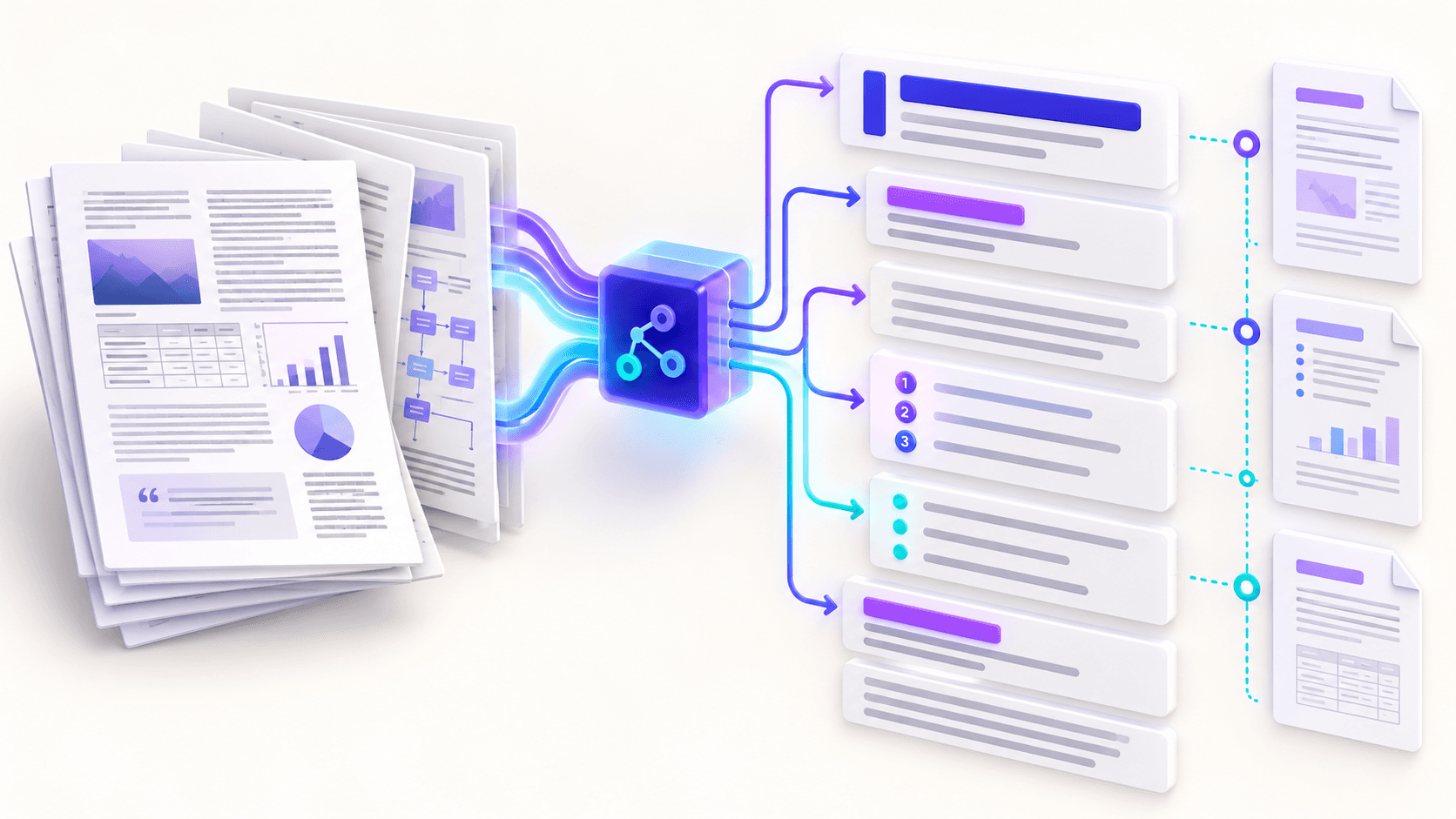
Short uppercase or title-like lines can become Markdown headings. This works well for conventional reports but can misclassify labels, captions or short sentences.
Knowledge-base mode uses a page heading plus deeper detected headings. Clean mode avoids adding the page heading and produces a simpler document hierarchy.
Normalize visible list markers carefully
Bullets beginning with a dash, bullet symbol or asterisk can become hyphen list items. Numbered lines using a period or closing parenthesis can become ordered Markdown items.
Wrapped list items and nested indentation are difficult to infer from coordinates alone. Review long items and add nesting manually where meaning depends on it.
Retain traceability to source pages
HTML comments can record the source page and whether the text came from native extraction or OCR. Horizontal rules keep page transitions visible without changing the heading hierarchy.
Disable page markers when a clean continuous article matters more than source traceability. Keep them for audits, research notes and OCR review.
Put the workflow into practice
Arrange source documents, select the pages you need, and create one PDF locally in your browser. Review the result before choosing any optional next step.
Try PDF to MarkdownFrequently asked questions
Clear answers before you merge
Are detected headings guaranteed?
No. Detection is heuristic and the result remains editable.
Are nested lists detected?
Simple markers are normalized; complex nesting usually requires manual review.
Do page comments render visibly?
HTML comments remain in the Markdown source but are normally hidden in rendered output.
Why preserve page rules?
They make transitions visible when comparing the Markdown against the PDF.