On this page
Select the source pages and extraction language
Convert the complete PDF or use a range such as 1-3,5,8. Restricting the source before extraction keeps appendices and unrelated pages out of the Markdown file.
Choose the OCR language that matches scanned pages. Native text is preferred automatically, while image-only pages are routed to recognition.
Choose a structure profile for the next workflow
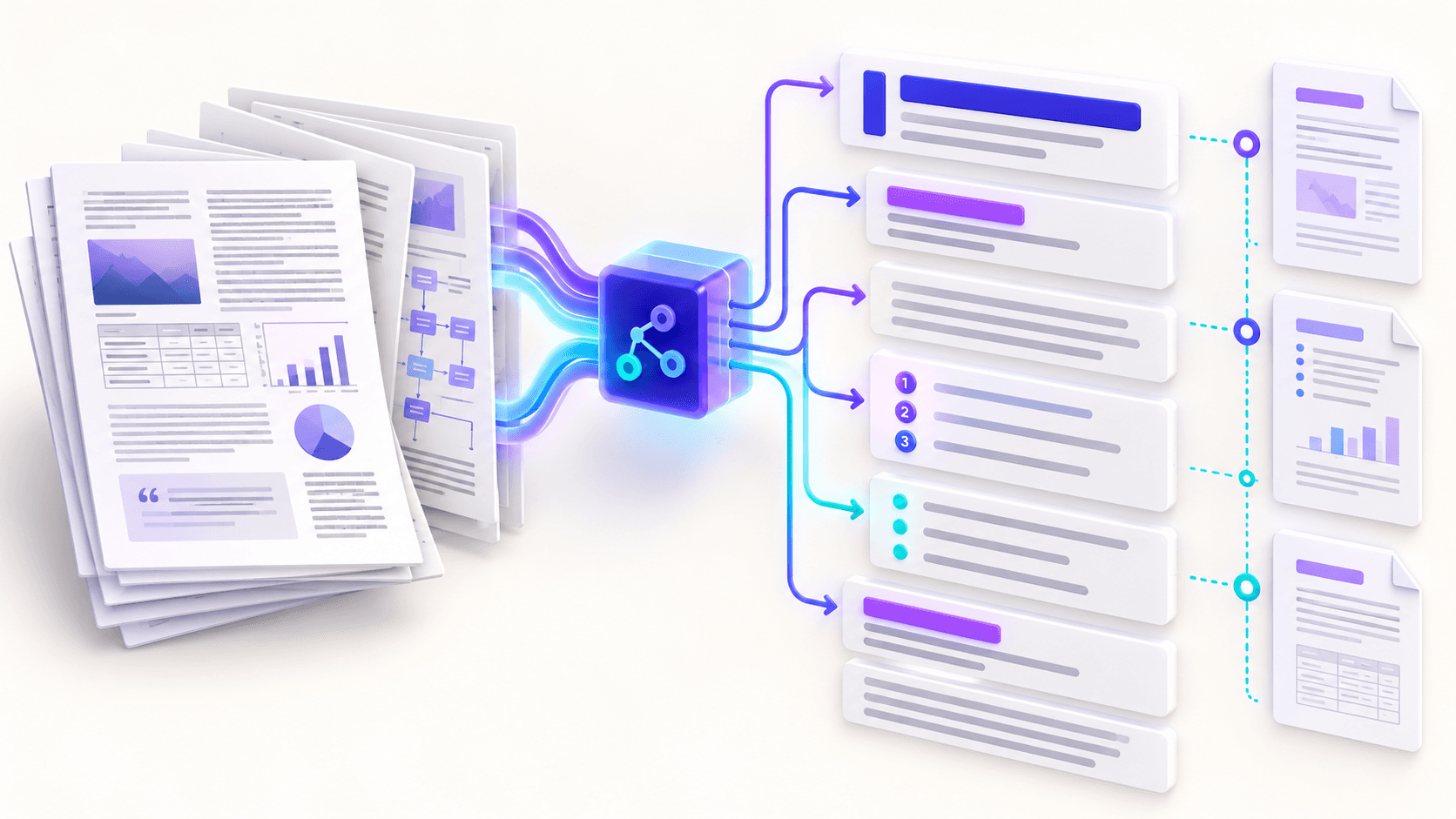
A profile changes Markdown structure, not the source text. Review multi-column documents because visual proximity does not always reveal intended reading order.
| Profile | Behavior | Best fit |
|---|---|---|
| Clean | Rejoins extracted lines into paragraphs | Reports and ordinary reading |
| Line faithful | Keeps extracted line boundaries | Audits and manual reconstruction |
| Knowledge base | Adds page sections and deeper headings | Documentation and note systems |
Create, edit and download the Markdown
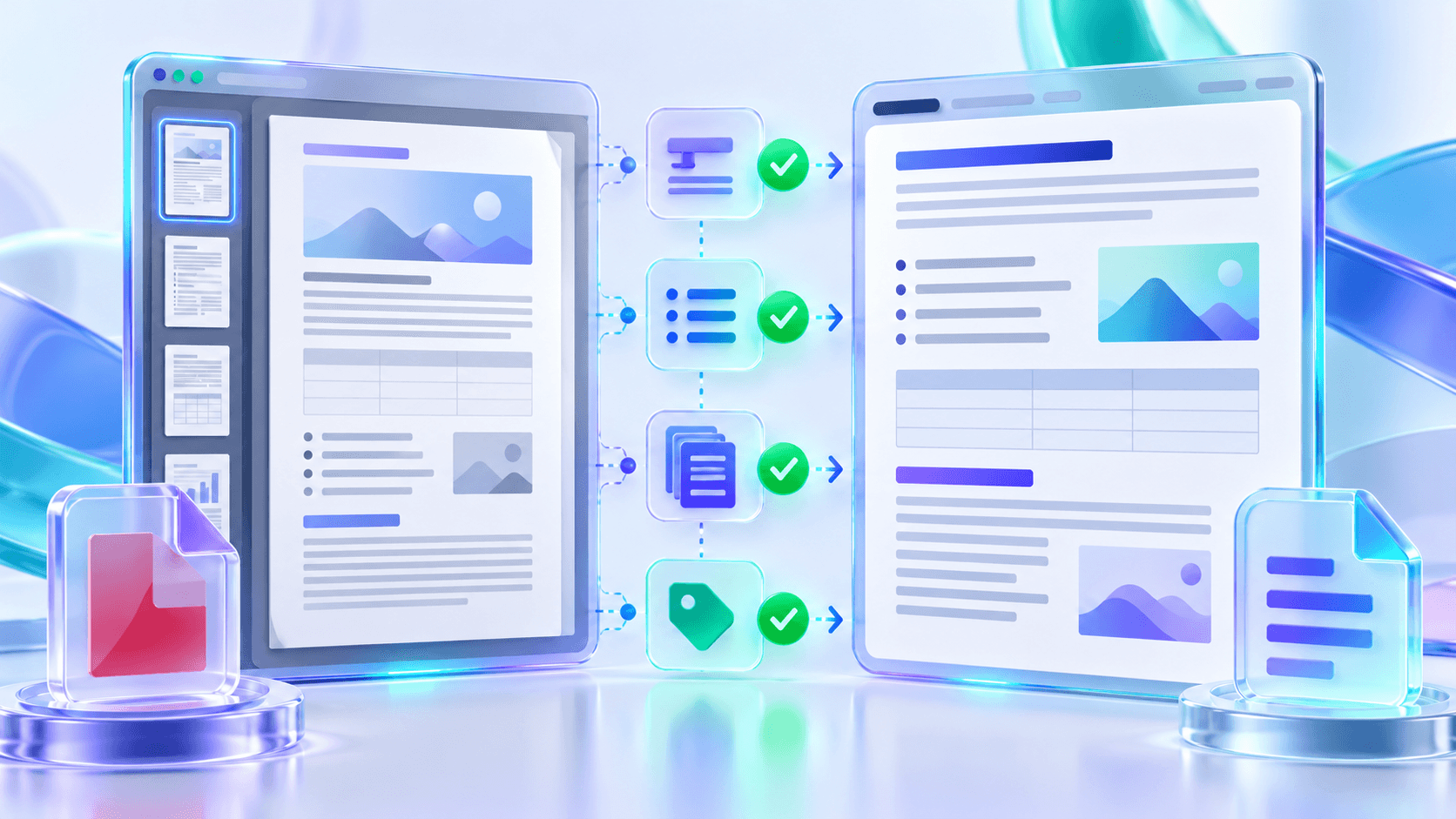
Start extraction only after reviewing the settings. The result workspace shows page, word, heading, list and OCR counts and keeps the Markdown editable.
Copy the result for a quick workflow or download UTF-8 .md files. A batch produces separate files rather than combining unrelated sources.
Put the workflow into practice
Arrange source documents, select the pages you need, and create one PDF locally in your browser. Review the result before choosing any optional next step.
Try PDF to MarkdownFrequently asked questions
Clear answers before you merge
Can scanned PDFs be converted?
Yes. Image-only pages can use OCR, but the recognized text needs review.
Can I select pages?
Yes. Use individual pages and ranges.
Are files uploaded?
The current extraction and OCR workflow runs in the browser.
Can I edit the result?
Yes. The result workspace provides an editable Markdown area before download.