On this page
Compare the first, middle and last selected pages
Check whether columns, captions, headers and footers appear in the correct sequence. Compare names, identifiers and numbers character by character when accuracy matters.
An OCR page count tells you where recognition was involved. It does not guarantee that native pages are perfectly ordered.
Review Markdown structure rather than appearance alone
Confirm that heading levels do not skip unexpectedly, list markers represent real lists and horizontal rules occur only at intended page boundaries.
If YAML front matter is enabled, verify title, author, language, source filename, selected pages and tags. Quoted values prevent common punctuation from breaking the metadata block.
Test in the destination renderer
Markdown implementations differ. Preview the file in the repository, CMS or documentation generator that will publish it.
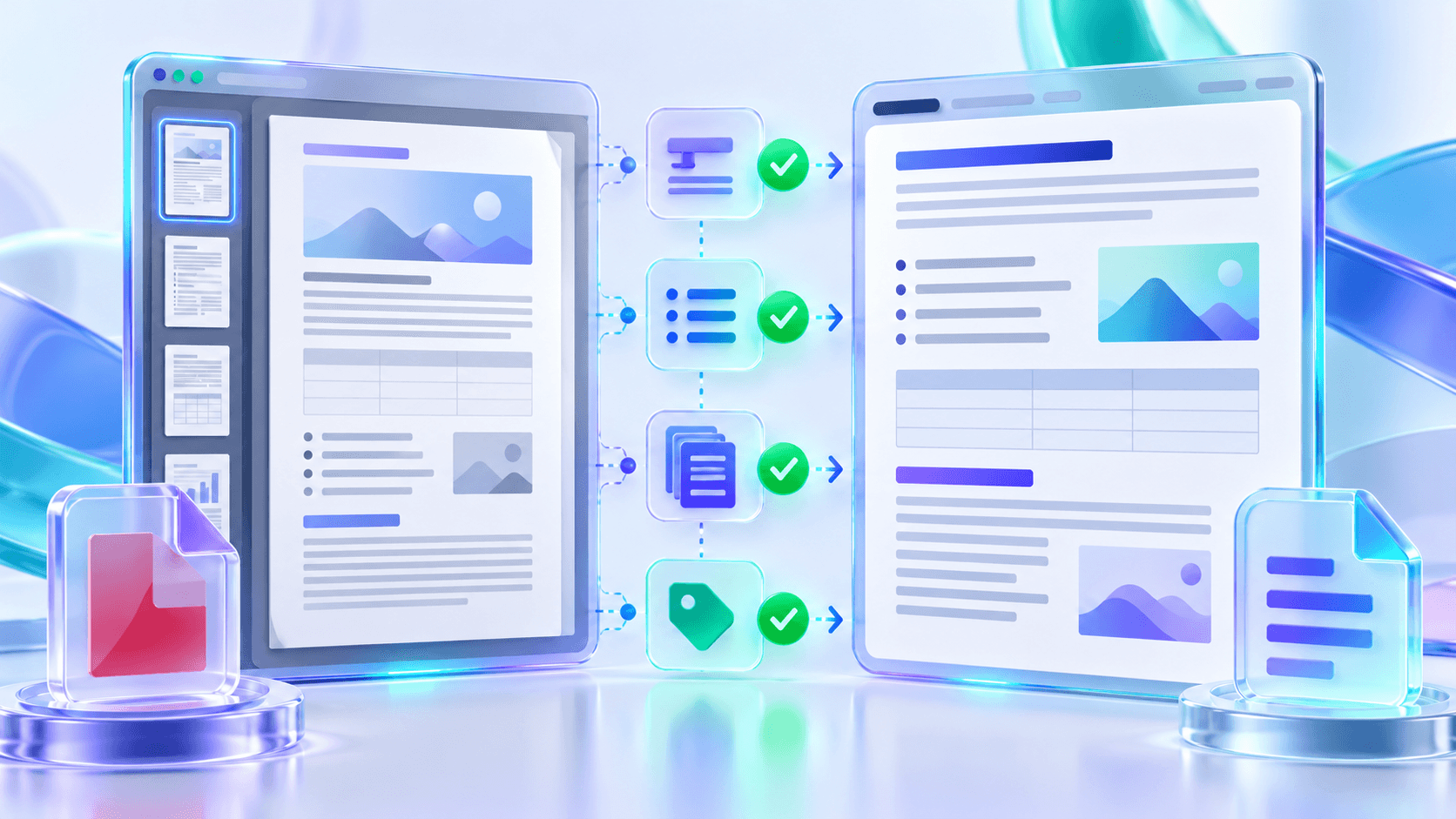
Keep the PDF as the visual reference. Markdown is a semantic working copy and should not be treated as a pixel-identical replacement.
Put the workflow into practice
Arrange source documents, select the pages you need, and create one PDF locally in your browser. Review the result before choosing any optional next step.
Try PDF to MarkdownFrequently asked questions
Clear answers before you merge
What should I review first?
Start with reading order, names, numbers, headings and OCR pages.
Is valid Markdown automatically accurate?
No. Syntax and source accuracy are separate checks.
Why test the destination renderer?
Markdown flavors can treat tables, HTML comments and front matter differently.
Should I keep the PDF?
Yes. Keep it as the fixed-layout visual reference.