On this page
What a PDF repair operation can do
Original pages
Text, vectors and images
Copy pages
Keep source objects intact
Merged PDF
New order, same page detail
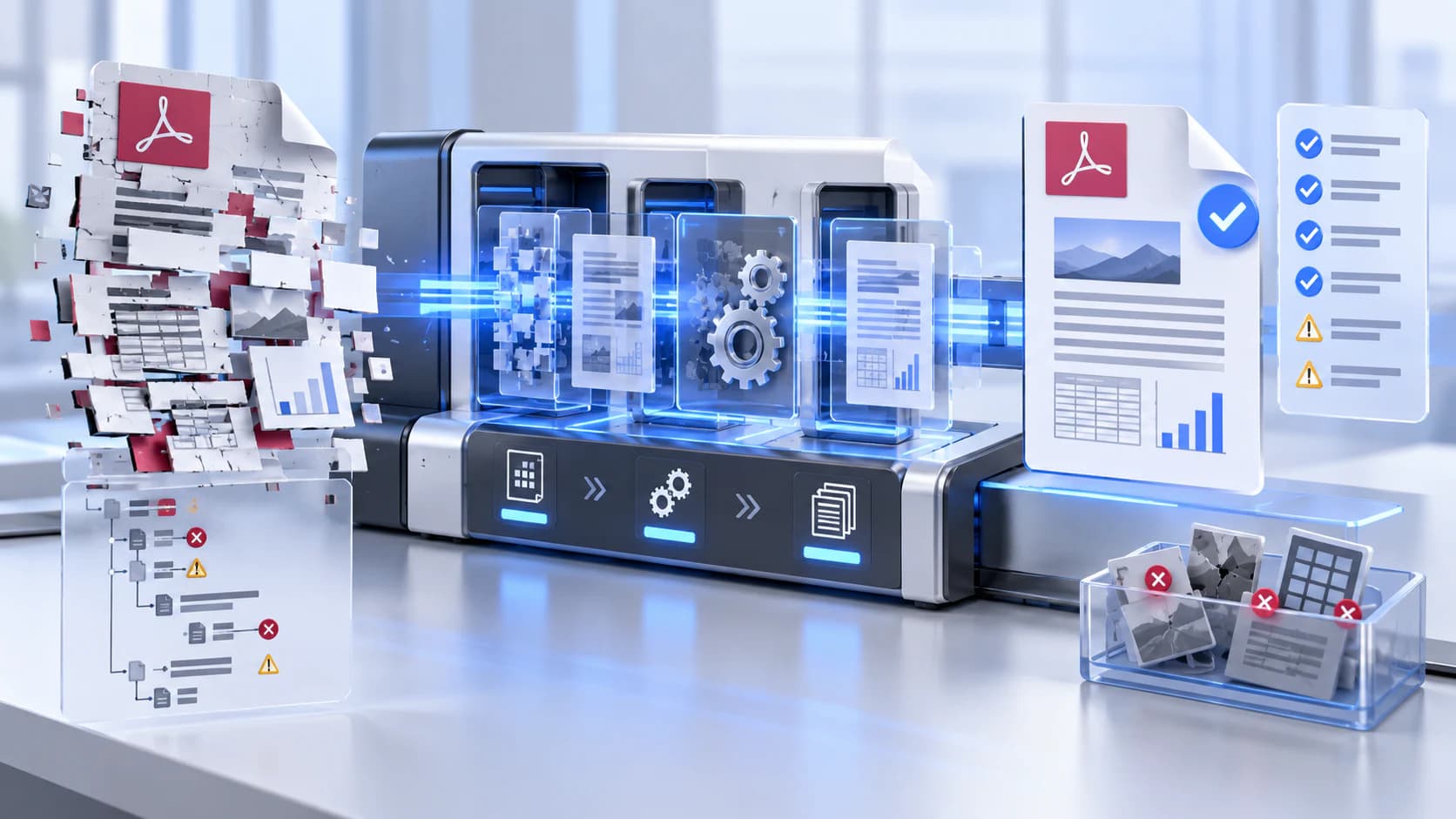
A PDF contains objects, cross-reference information, page trees, streams and metadata. Repair software may recover object locations, rebuild indexes or rewrite a readable copy when those structures are inconsistent.
Repair does not improve a blurry scan, recover overwritten bytes or bypass a password. It can also change low-level structure, so signatures and specialized interactive features may no longer validate.
Use a safe recovery sequence
Work from a duplicate, never the only source. Confirm the file is actually a PDF, try another standards-compatible viewer, and record the pages or errors that fail. Then create a repaired copy.
Reopen the output and compare visible pages, page dimensions, text selection, attachments, forms, links and bookmarks that matter to the workflow.
- Keep the source file unchanged.
- Do not upload confidential damaged files without checking the tool disclosure.
- Stop if repaired content differs from the source evidence.
Know when repair is not enough
If a page image is missing, return to the scanner or source system. If text is visible but not searchable, OCR is a separate operation. If the file opens but is unusually large, compression is a separate optimization task.
For records or legal evidence, preserve the original and document any recovery process. A readable repaired copy is not automatically equivalent to the original record.
Put the workflow into practice
Arrange source documents, select the pages you need, and create one PDF locally in your browser. Review the result before choosing any optional next step.
Try Repair PDFFrequently asked questions
Clear answers before you merge
Can every damaged PDF be repaired?
No. Recovery depends on which structures and bytes remain available.
Will repair restore missing pages?
Not if the underlying page data is absent. Return to the source or rescan.
Does repair remove a password?
No. Use Unlock PDF only when you have authorization and the correct password.
Can repair affect digital signatures?
Yes. Rewriting the file can invalidate existing signatures.