On this page
Reopen and verify the output
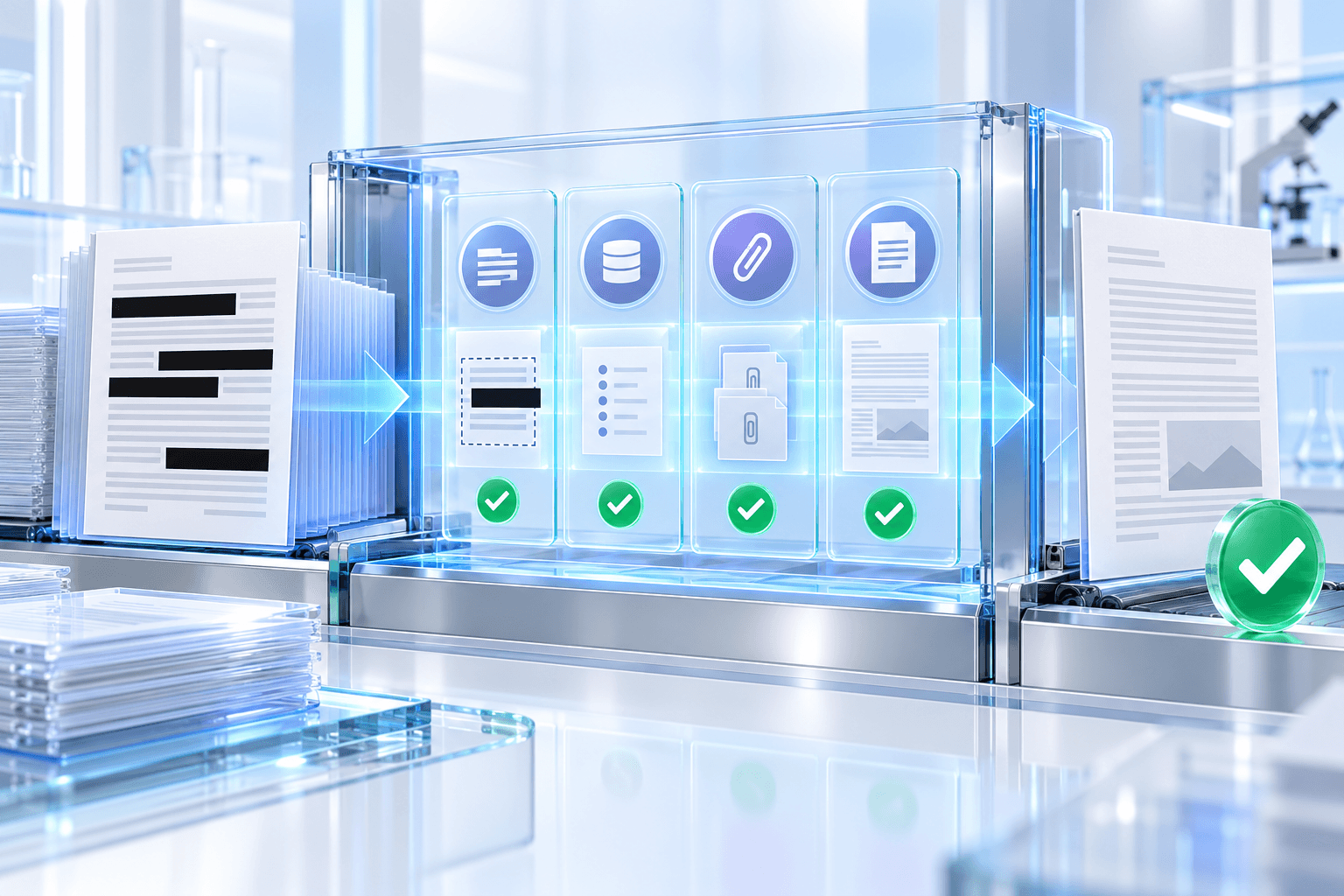
The output should be parsed as a new PDF, not trusted merely because a save operation returned successfully. Check that selected-region text is absent and that expected privacy layers were removed.
Compare page count and page dimensions with the source. These structural checks detect accidental page loss or geometry changes.
- Selected-region source text is absent.
- Page count matches the source.
- Page dimensions match the source.
- Requested metadata and attachments are removed.
Perform a visual recipient review
Open the downloaded file in the viewer your recipient is likely to use. Inspect every marked area at high zoom and confirm that optional overlay labels remain readable.
Check nearby content for clipping. Native redaction should preserve unaffected text, lines and images outside each selected boundary.
Choose a controlled delivery path
Use encryption or secure transfer when the redacted document still contains confidential information. Send passwords through a separate approved channel.
Record who reviewed the selections, which source version was used and when the delivery copy was created when your organization requires an audit trail.
Put the workflow into practice
Arrange source documents, select the pages you need, and create one PDF locally in your browser. Review the result before choosing any optional next step.
Try Redact PDFFrequently asked questions
Clear answers before you merge
What does automated verification prove?
It confirms that selected-region text is absent and that page count and page geometry remain intact.
Does verification replace human review?
No. A person should still inspect the visible result and confirm that every sensitive area was selected.
Can redaction invalidate a digital signature?
Yes. Redaction rewrites PDF content and may invalidate an existing digital signature; sign the final reviewed copy when appropriate.