On this page
Confirm the document structure
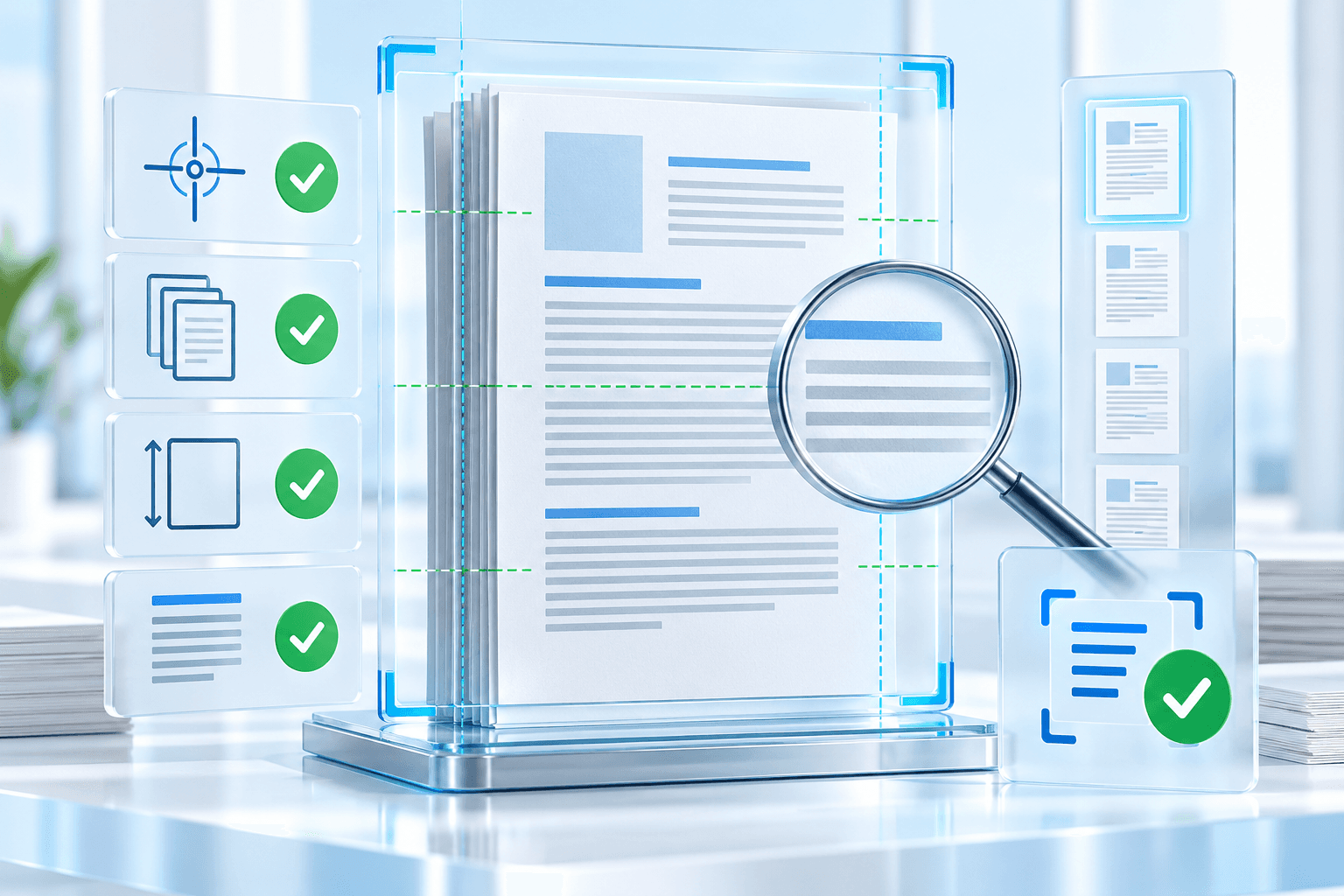
Reopen the generated PDF and compare its page count with the processing report. Every recorded output page should have the expected width and height.
Expanded framing intentionally changes page dimensions. Preserved framing should retain the source PDF page geometry even though the visible scan is fitted inside it.
Inspect representative alignment
Review the first and last pages, pages with the largest applied angle and any page held for low confidence. Check that text baselines are horizontal and that stamps, signatures and marginal notes remain visible.
Compare high-contrast or black-and-white cleanup against the original. Aggressive processing can erase light punctuation, handwriting or security backgrounds.
Test OCR on a difficult page first
Run OCR on a representative difficult page before processing hundreds of pages. Compare recognized text, tables and multilingual content with the source.
Retain the original scan and the verified deskewed intermediate. This makes it possible to change preprocessing or resolution without compounding raster resampling.
- Page count and geometry verified.
- Largest corrections visually reviewed.
- Faint content remains visible.
- OCR language matches the document.
- Original source retained separately.
Put the workflow into practice
Arrange source documents, select the pages you need, and create one PDF locally in your browser. Review the result before choosing any optional next step.
Try Deskew PDFFrequently asked questions
Clear answers before you merge
Does Deskew PDF run OCR?
OCR analysis can estimate alignment, but the result is a visual PDF. Use OCR PDF or Make PDF Searchable for a text layer.
What should I review before OCR?
Inspect the largest corrections, low-confidence pages, page edges and faint text or marks.
Why keep the deskewed intermediate?
It provides a reviewed image-quality baseline for OCR without repeatedly modifying the original.