On this page
Verify the encoded policy
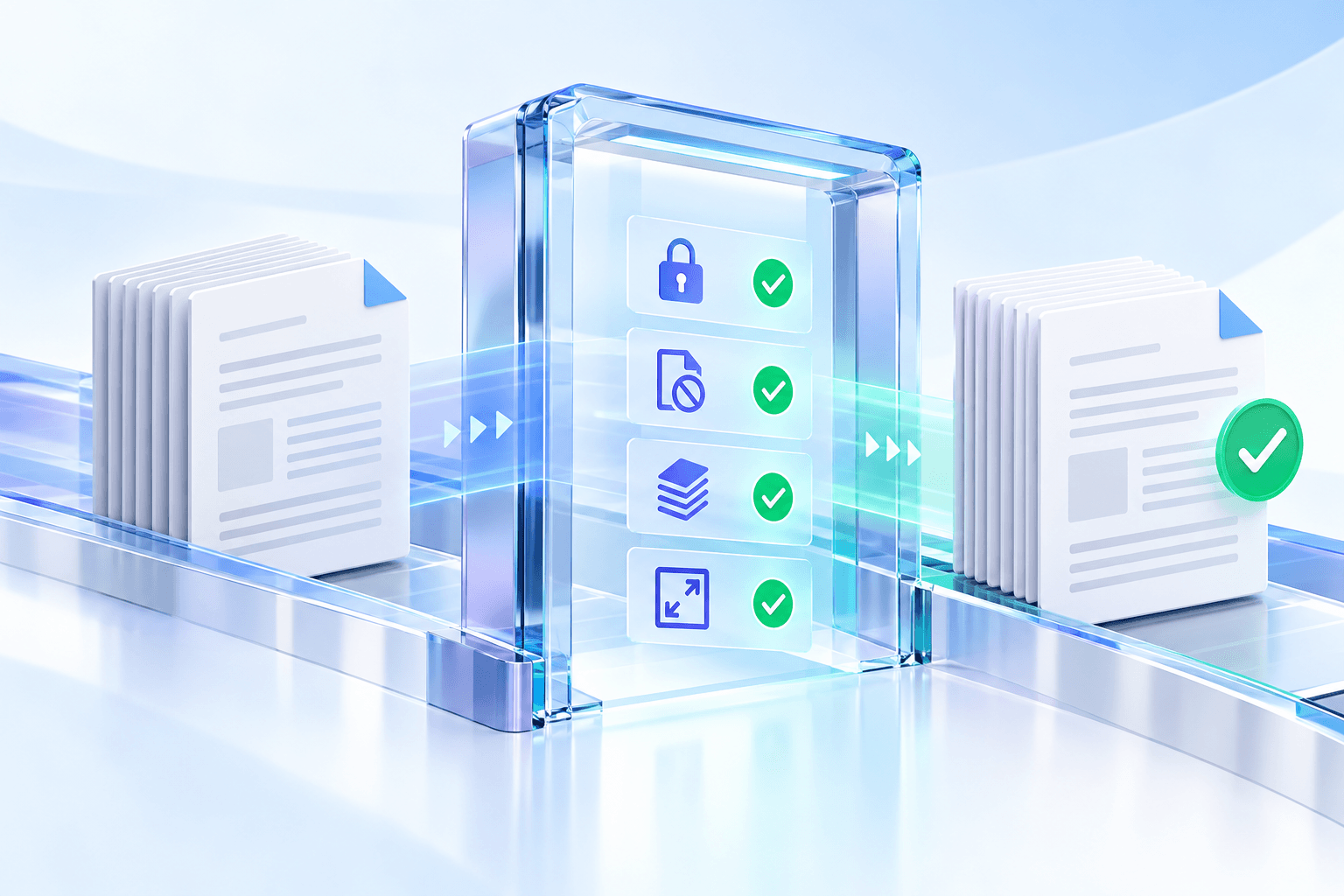
The generated output is reopened as an encrypted PDF. The engine checks AES-256 security, confirms that the configured access mode works and compares the encoded permission value with the selected read-only profile.
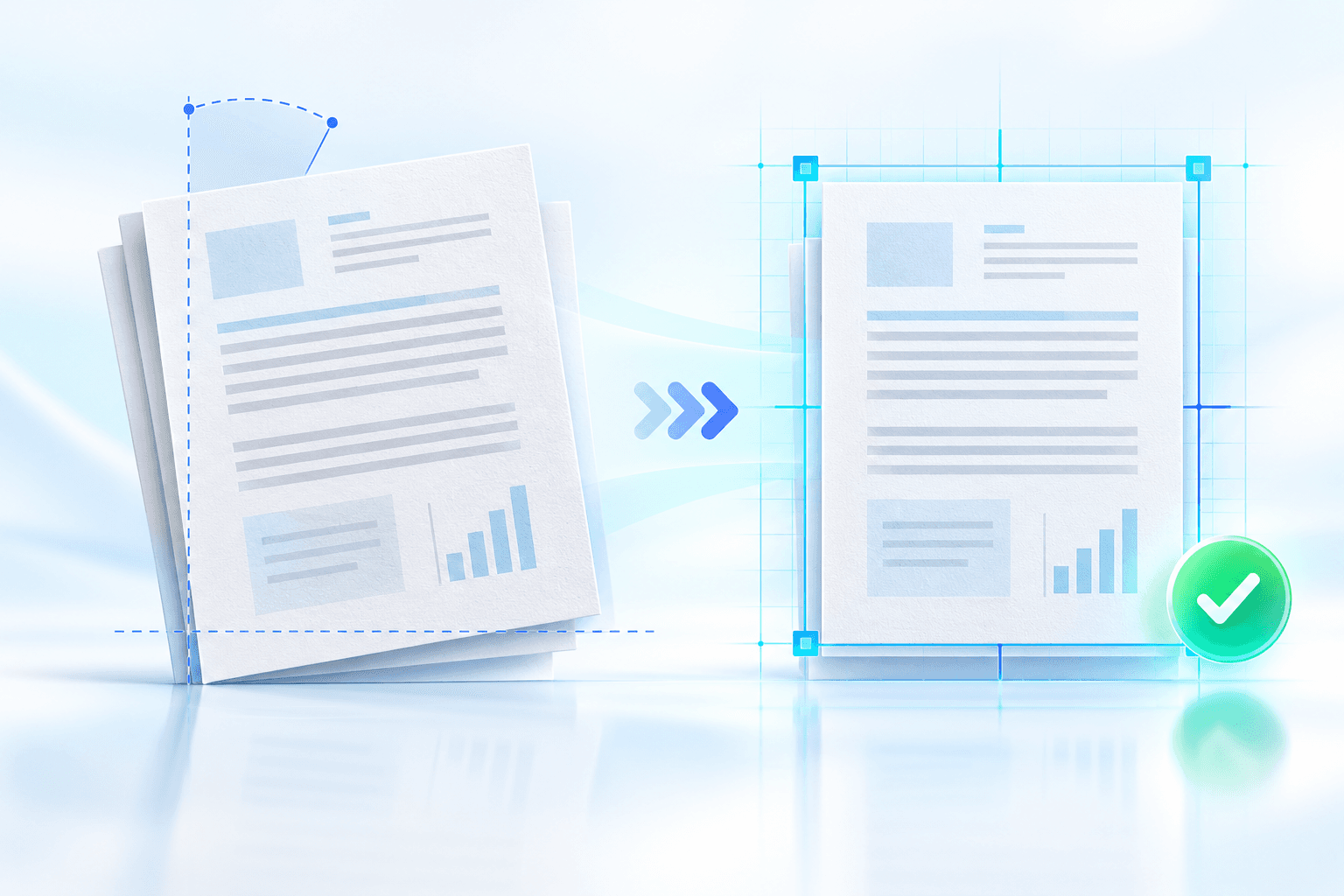
Page count and page dimensions are compared with the source so a structurally damaged result is not presented as successful.
- AES-256 security detected.
- Opening behavior verified.
- Permission flags match.
- Page count and dimensions preserved.
Test the recipient viewer
Open a downloaded copy in the viewer your recipient is likely to use. Confirm that the document opens as expected and that printing, editing, copying and commenting behave according to policy.
Automated verification proves the flags are encoded. It cannot guarantee that every third-party application will enforce them.
Review content and document features
Inspect representative pages, bookmarks, forms and attachments. Existing digital signatures may be invalidated because applying permissions rewrites the PDF.
If sensitive information must be permanently removed, complete and verify redaction before creating the delivery copy.
Put the workflow into practice
Arrange source documents, select the pages you need, and create one PDF locally in your browser. Review the result before choosing any optional next step.
Try Make PDF Read-OnlyFrequently asked questions
Clear answers before you merge
What does automated verification prove?
It confirms encryption, access behavior, permission flags, page count and page dimensions.
Does it test every PDF viewer?
No. Recipient software may enforce permissions differently.
Can an existing signature be affected?
Yes. Rewriting the PDF can invalidate an earlier digital signature.