On this page
A PDF crop is a page-box decision
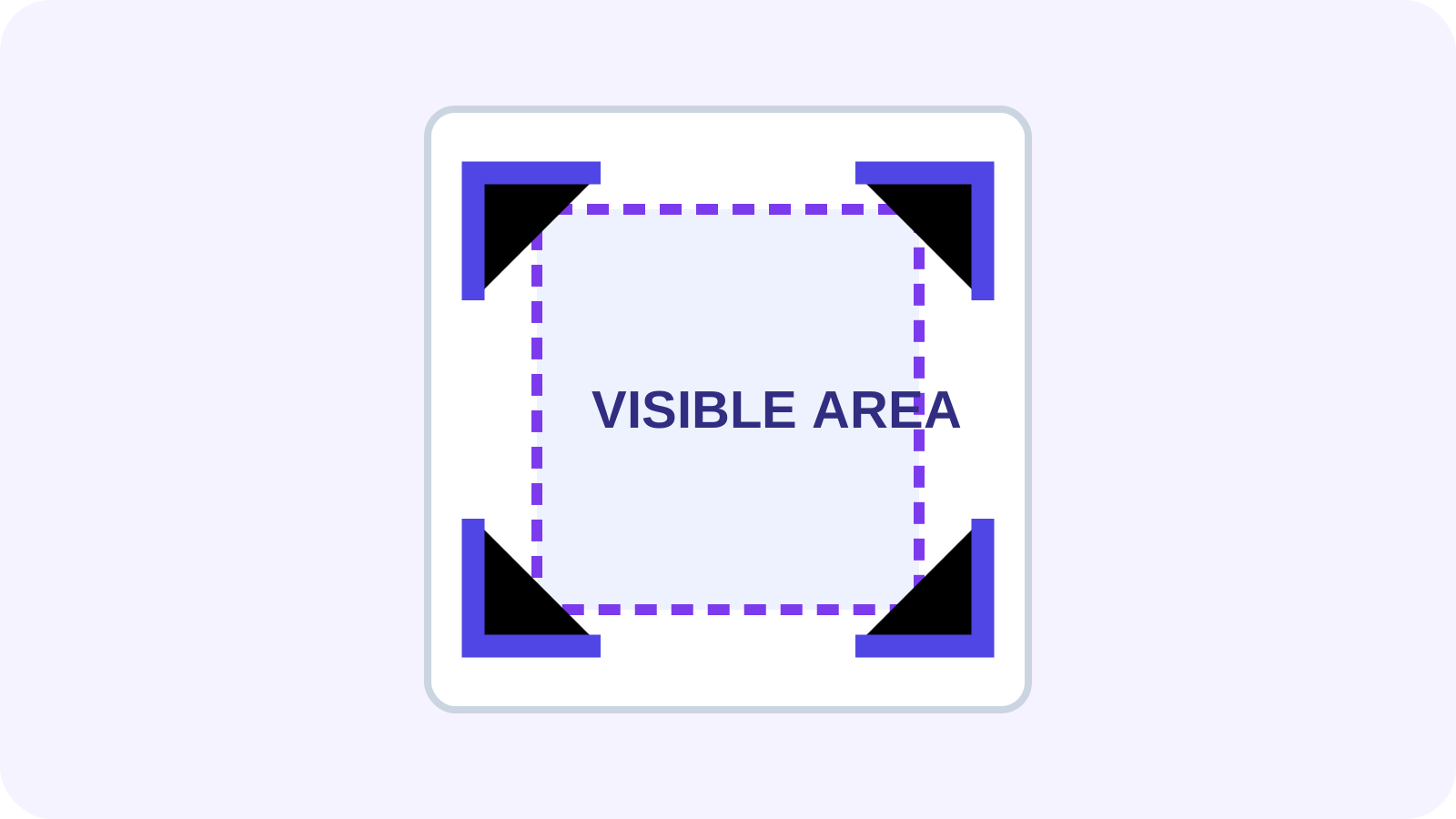
PDF pages can define media, crop, bleed, trim and art boxes. The crop box controls the region normally shown or printed; objects outside it may remain in the file. This preserves text and vector quality but means a crop is not erasure.
Export a new copy and reopen it in another viewer to confirm that the intended boundary is honored. Preserve the source until printing and downstream use have been checked.
Does cropping delete hidden content?
Not reliably. Another tool may reset the crop box or inspect objects outside the visible region. Use secure redaction when information must be unrecoverable, and use cropping for presentation boundaries, scanner margins and print framing.
Scans often have different offsets on odd and even pages. One tight crop can remove real content from a misaligned page, so inspect representative pages and mixed sizes.
Crop PDF versus Change Page Size
Crop when the canvas is acceptable but its visible boundary is not. Change Page Size when output must fit A4, Letter or another physical size, which can involve scaling or positioning. Deskew first when scan content is tilted.
For printing, allow for printer and binding margins. A screen-perfect crop can still clip on paper.
| Goal | Tool |
|---|---|
| Hide scanner borders | Crop PDF |
| Remove a complete page | Remove PDF Pages |
| Fit A4 or Letter | Change PDF Page Size |
| Remove sensitive content | Redact PDF |
A safe multi-page workflow
Review page sizes, set a conservative boundary, apply it only to intended pages and inspect the first, middle and last page plus landscape exceptions. Export a copy and test it in the recipient viewer or print path.
Confirm that annotations, form fields, signatures and page numbers remain within the visible area. Cropping should improve framing without creating a misleading or incomplete document.
Put the workflow into practice
Arrange source documents, select the pages you need, and create one PDF locally in your browser. Review the result before choosing any optional next step.
Try Crop PDFFrequently asked questions
Clear answers before you merge
Does cropping reduce PDF quality?
Changing a crop box does not normally rasterize text or vectors.
Can cropped content be recovered?
It may remain outside the crop box, so cropping is not secure deletion.
Can pages use different crops?
Yes, and mixed sizes or scan offsets often require individual review.
Should I crop before printing?
Only after allowing for printer and binding margins and testing the output.