On this page
Fit keeps every part visible
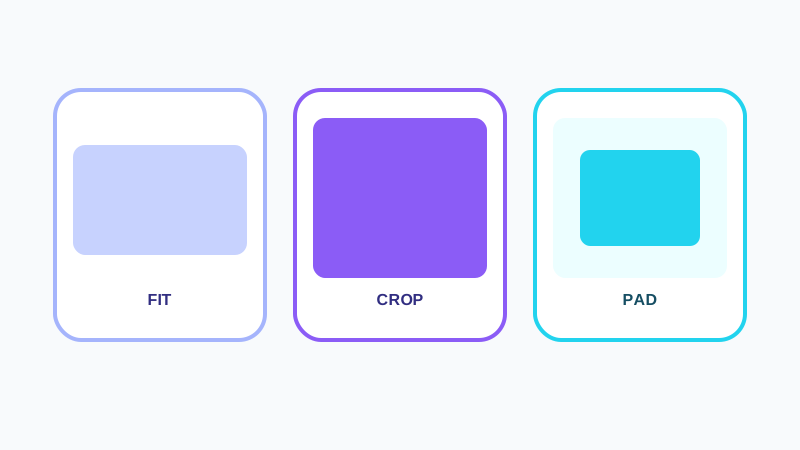
Fit scales the image to remain fully inside the target bounds. One output dimension may be smaller than the target box because no padding is added.
Use Fit for product photos, documents and images whose edges must not be removed.
Crop fills the complete frame
Crop scales proportionally, fills the target dimensions and removes overflow. A nine-position anchor decides which part of the source remains in view.
Use Crop for thumbnails, cards and social frames that require edge-to-edge coverage.
Pad keeps content and exact dimensions
Pad fits the whole image, then adds transparent or colored space to reach the exact target canvas.
JPG cannot store transparency, so transparent padding must become a solid background.
Put the workflow into practice
Arrange source documents, select the pages you need, and create one PDF locally in your browser. Review the result before choosing any optional next step.
Try Bulk Image ResizerFrequently asked questions
Clear answers before you merge
Which mode creates exact dimensions?
Crop and Pad create exact dimensions while preserving proportions.
Can JPG padding be transparent?
No. JPG requires a solid background.