On this page
Start with a named preset
Named presets make intent clearer than a wall of dimensions. Nexynto stores these values in one configurable map so they can be maintained without changing the resize engine.
Confirm critical campaign requirements with the destination platform because recommendations may change.
Protect the focal point
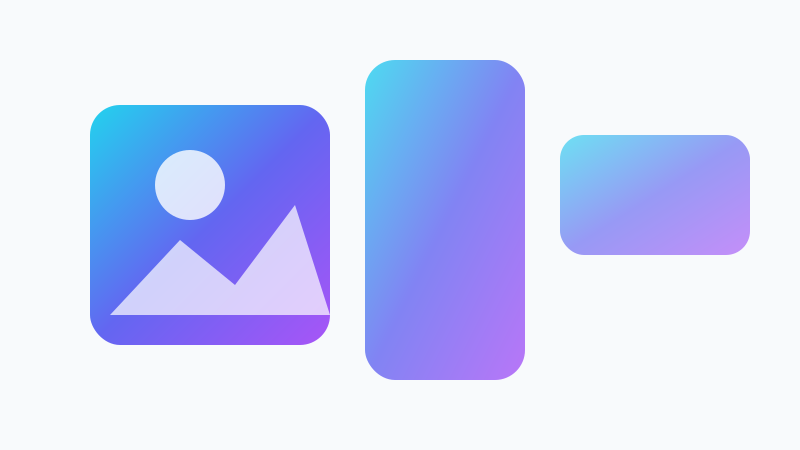
Portrait, square and landscape frames can crop very different parts of the same source. Use the nine-position crop anchor to retain a face, product or headline.
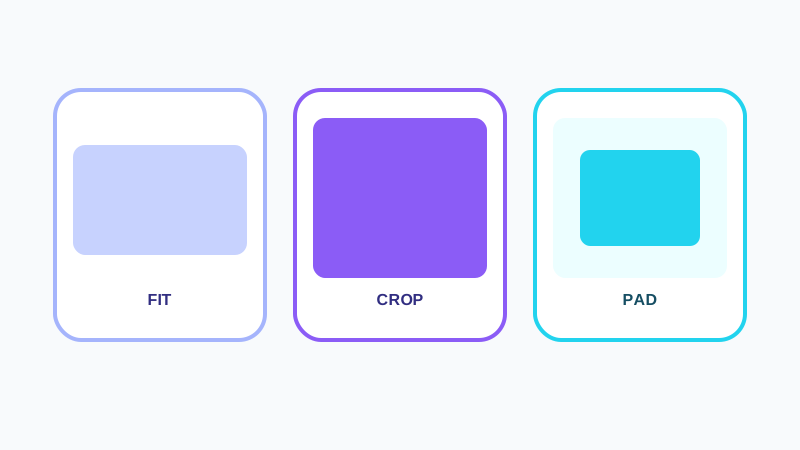
Use Fit or Pad when no source content may be removed.
Review at the destination ratio
The live preview updates when dimensions, mode, anchor, padding or quality changes. Review the final ratio rather than judging only the original composition.
Keep a high-quality source so future platform changes do not require repeated upscaling.
Put the workflow into practice
Arrange source documents, select the pages you need, and create one PDF locally in your browser. Review the result before choosing any optional next step.
Try Bulk Image ResizerFrequently asked questions
Clear answers before you merge
Are social preset sizes permanent?
No. Platform recommendations can change.
Which mode is common for social cards?
Crop is common for edge-to-edge cards, while Pad keeps all source content.