On this page
JPG for photographic content
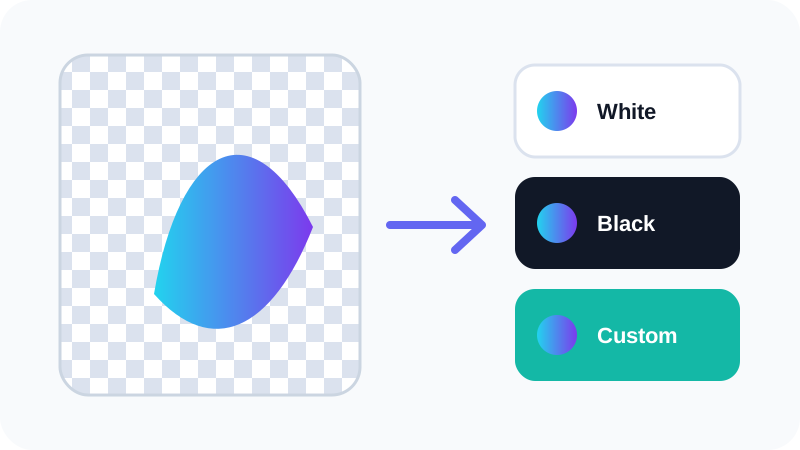
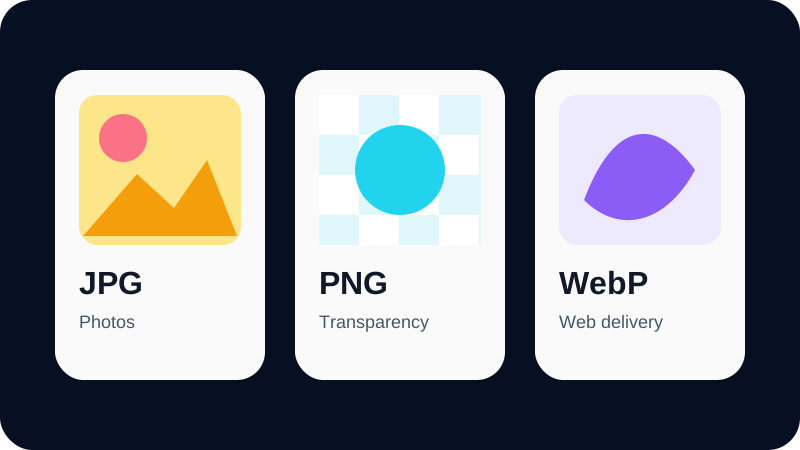
JPG uses lossy compression and works well for photographs and continuous-tone images. It does not support transparency, so transparent source pixels require a chosen background.
Repeated JPG re-encoding can accumulate artifacts. Keep the best available source when future editing is expected.
PNG for transparency and lossless graphics
PNG keeps exact decoded pixel values through lossless compression and supports alpha transparency. It is a strong choice for logos, interface graphics and screenshots with sharp text.
Photo-heavy PNG files can be substantially larger than well-encoded JPG or WebP files.
WebP for efficient modern delivery
WebP supports lossy encoding and transparency, making it flexible for websites and modern applications. Compatibility is broad in current browsers, but a required legacy system may still influence the decision.
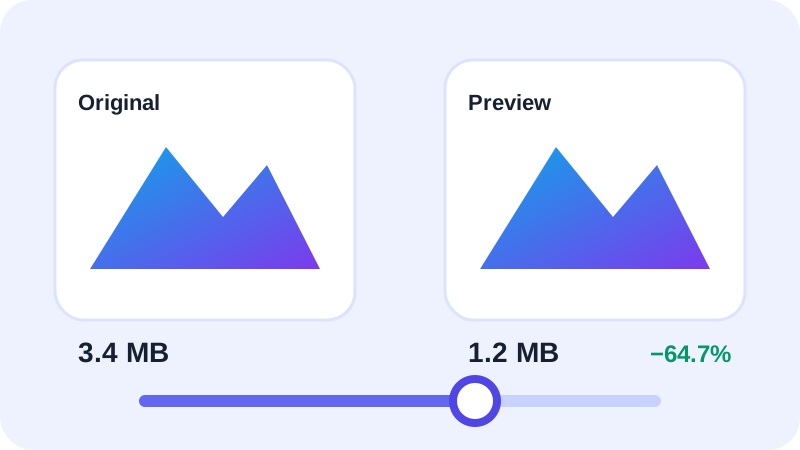
Compare real outputs because file-size savings vary with image content and encoder quality.
Put the workflow into practice
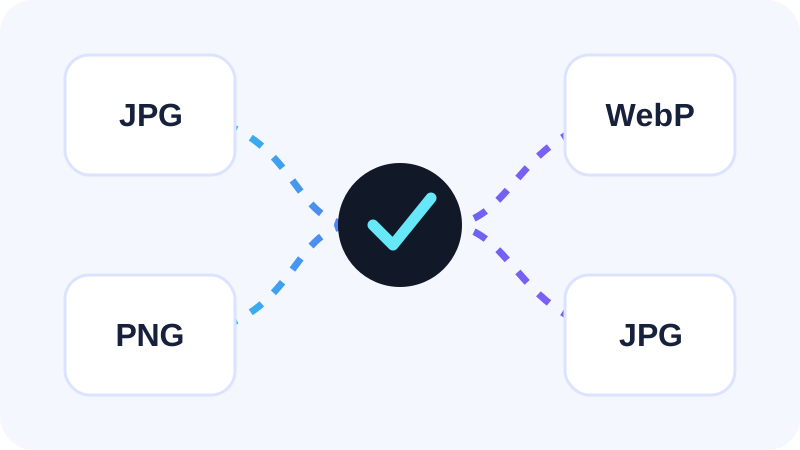
Add an ordinary raster image, choose JPG, PNG or WebP, then compare the real browser-encoded preview, transparency behavior and measured file size before conversion.
Try Image ConverterFrequently asked questions
Clear answers before you convert
Is WebP always smaller?
No. Results vary with content, dimensions and encoder settings.
Which format supports transparency?
PNG and WebP support transparency; JPG does not.