On this page
Use levels with intent
Keep the first entry at root level and avoid skipping directly from a root to a third-level item. Consistent depth makes the outline portable and understandable.
Most documents need two or three levels. Use deeper nesting only for long technical specifications, legal bundles or manuals where readers repeatedly jump to precise subsections.
Move complete branches together
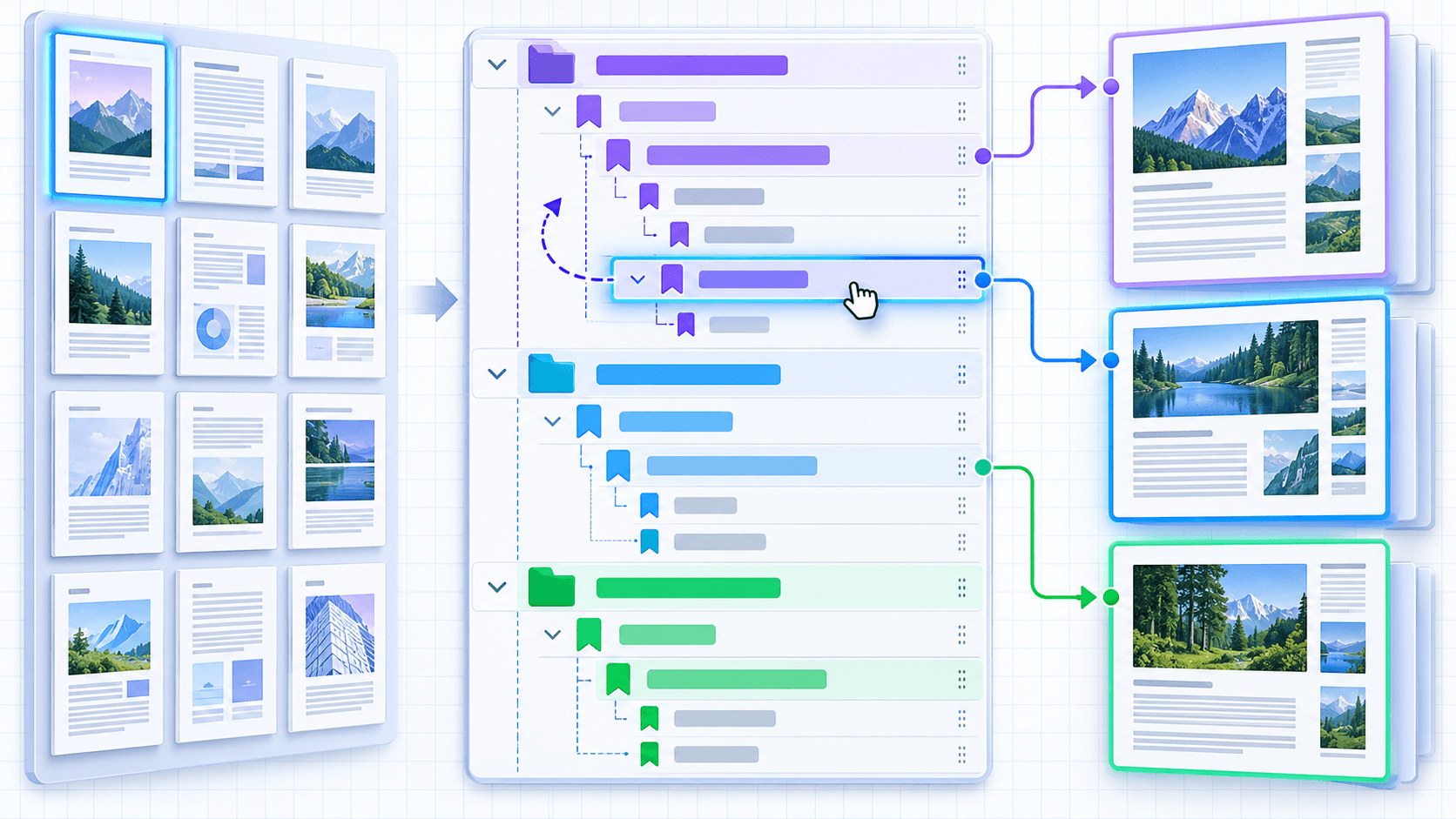
When a parent moves, its descendants should move with it. Subtree-aware reorder and removal prevent a child from being stranded under the wrong chapter.
Indent and outdent operations should change the selected branch, not only its first title. Review adjacent sibling levels after each structural change.
Choose a sensible opening state
Open important top-level sections and collapse long child lists when that improves the first view. Different PDF viewers may display expansion state differently, so do not rely on it as the only way to communicate hierarchy.
Put the workflow into practice
Arrange source documents, select the pages you need, and create one PDF locally in your browser. Review the result before choosing any optional next step.
Try Edit PDF BookmarksFrequently asked questions
Clear answers before you merge
How deep can an outline be?
PDF supports deep trees, but two or three levels are clearer for most readers.
What is a subtree?
A bookmark and every descendant nested below it.
Can I reorder a parent safely?
Use a subtree-aware editor so its children move with it.
Should every heading become a bookmark?
No. Include destinations that meaningfully help navigation.