On this page
Reopen and inspect the output
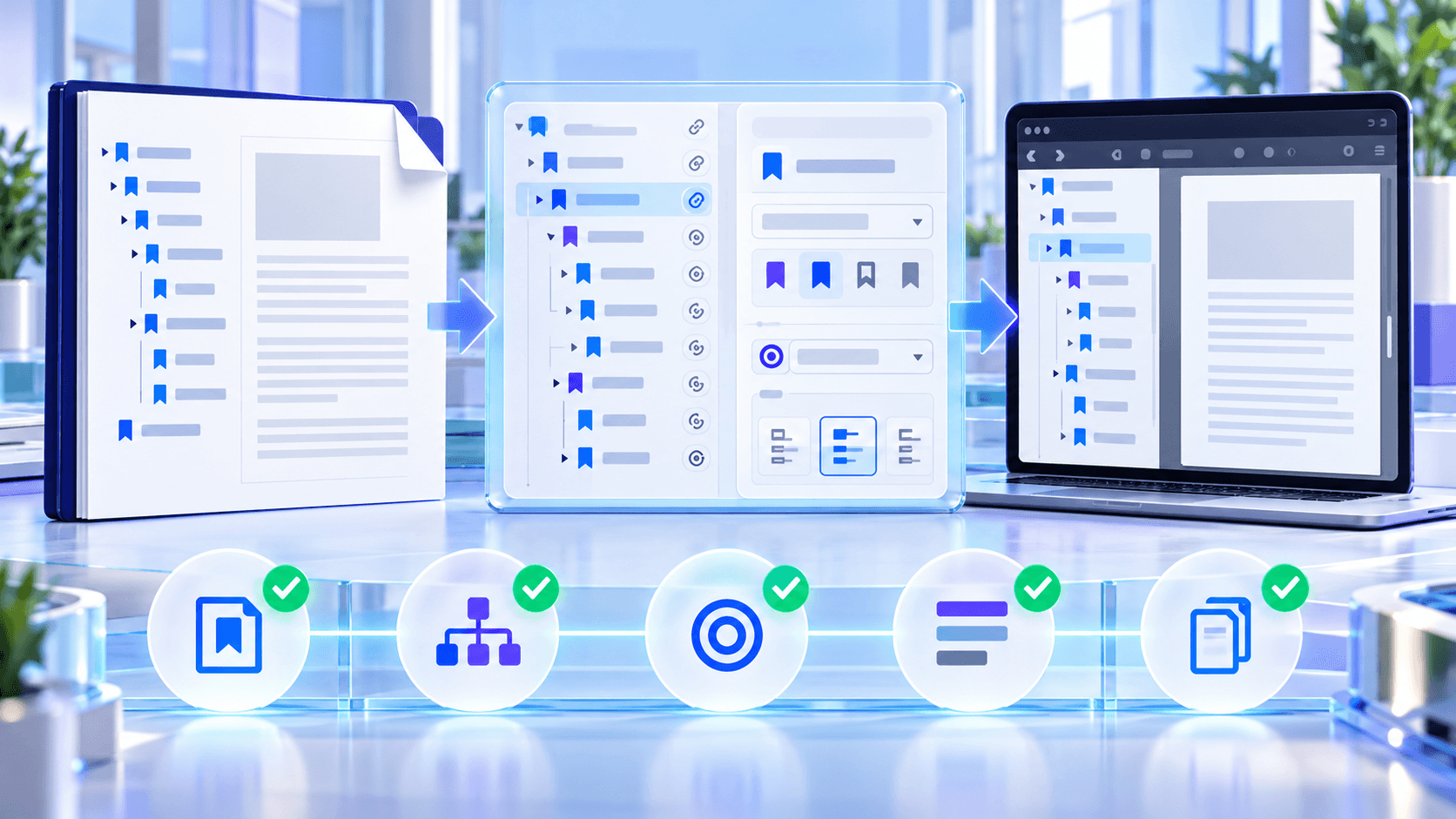
Open the generated bytes as a new PDF, confirm the total page count and reread the outline instead of assuming a successful download means the structure is correct.
Compare the number of supported bookmarks, root entries and maximum depth with the intended outline.
Test representative destinations
Test the first and last root, at least one child from every major branch, and every custom-zoom destination. For a long document, sample boundaries where inserted or removed pages are most likely to cause mistakes.
Check titles for duplicates and truncation. Confirm that fit-width entries open at a useful reading scale in at least two viewers when delivery is important.
Protect originals and signed records
Download the bookmarked result with a new filename and retain the source until review is accepted. If the input carried a digital signature, treat the edited copy as a navigation derivative rather than the signed record.
Put the workflow into practice
Arrange source documents, select the pages you need, and create one PDF locally in your browser. Review the result before choosing any optional next step.
Try Edit PDF BookmarksFrequently asked questions
Clear answers before you merge
Why reopen the result?
It confirms the saved PDF can be parsed and its outline can be read back.
Must every bookmark be clicked?
Test all for critical files; otherwise sample every branch and boundary.
Can viewers display bookmarks differently?
Yes. Expansion and zoom presentation can vary by viewer.
Does page-count verification prove every target?
No. It is one structural check alongside destination sampling.