On this page
Reconcile page coverage before using the text
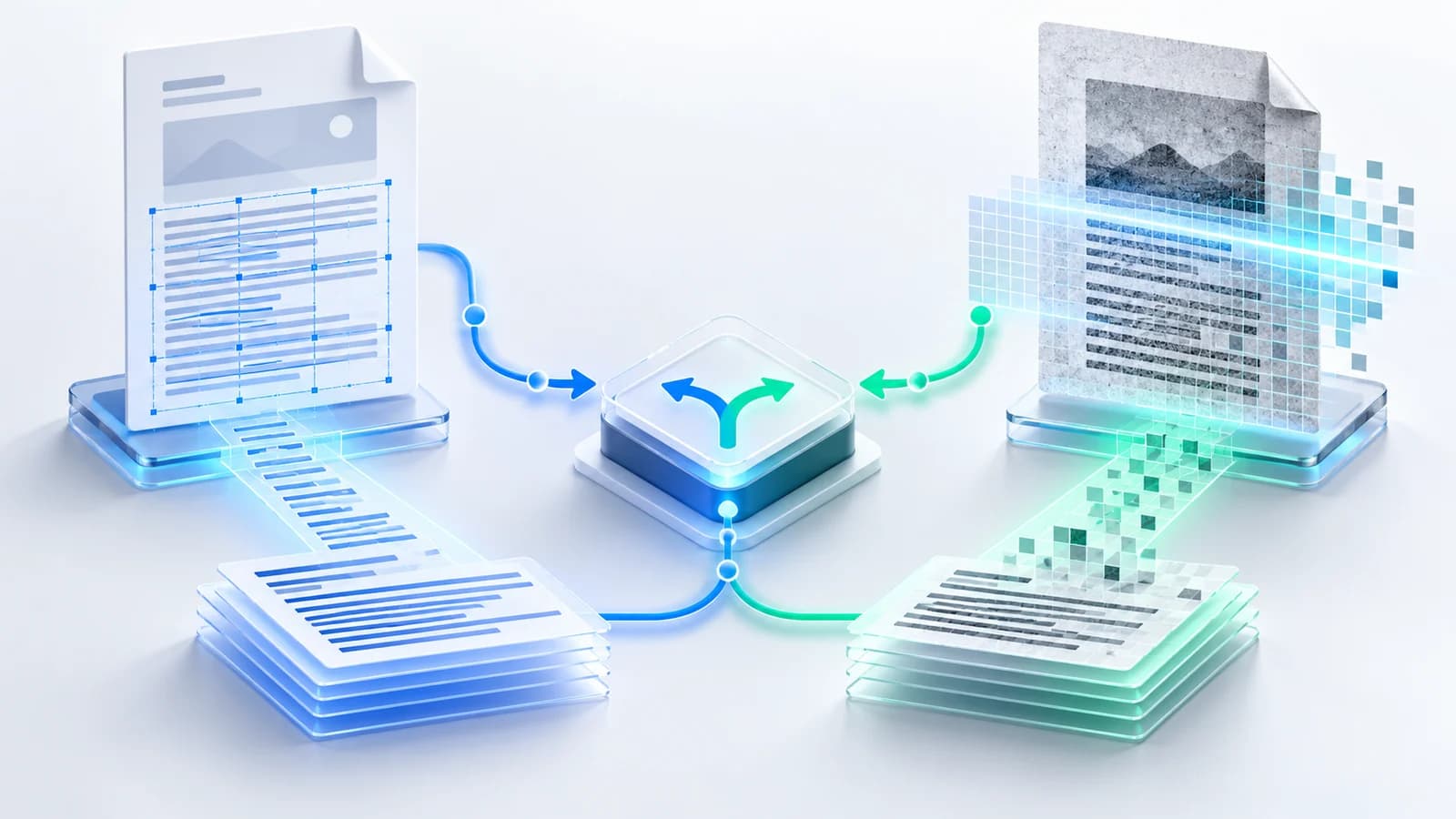
Count the selected pages and identify which pages returned usable characters. An empty result is not automatically an error: the page may be a scan, an illustration, or an intentionally blank page.
Open every unexpected gap beside the source PDF. Route genuine image-only pages to OCR while leaving blank pages alone.
Verify reading order and important values
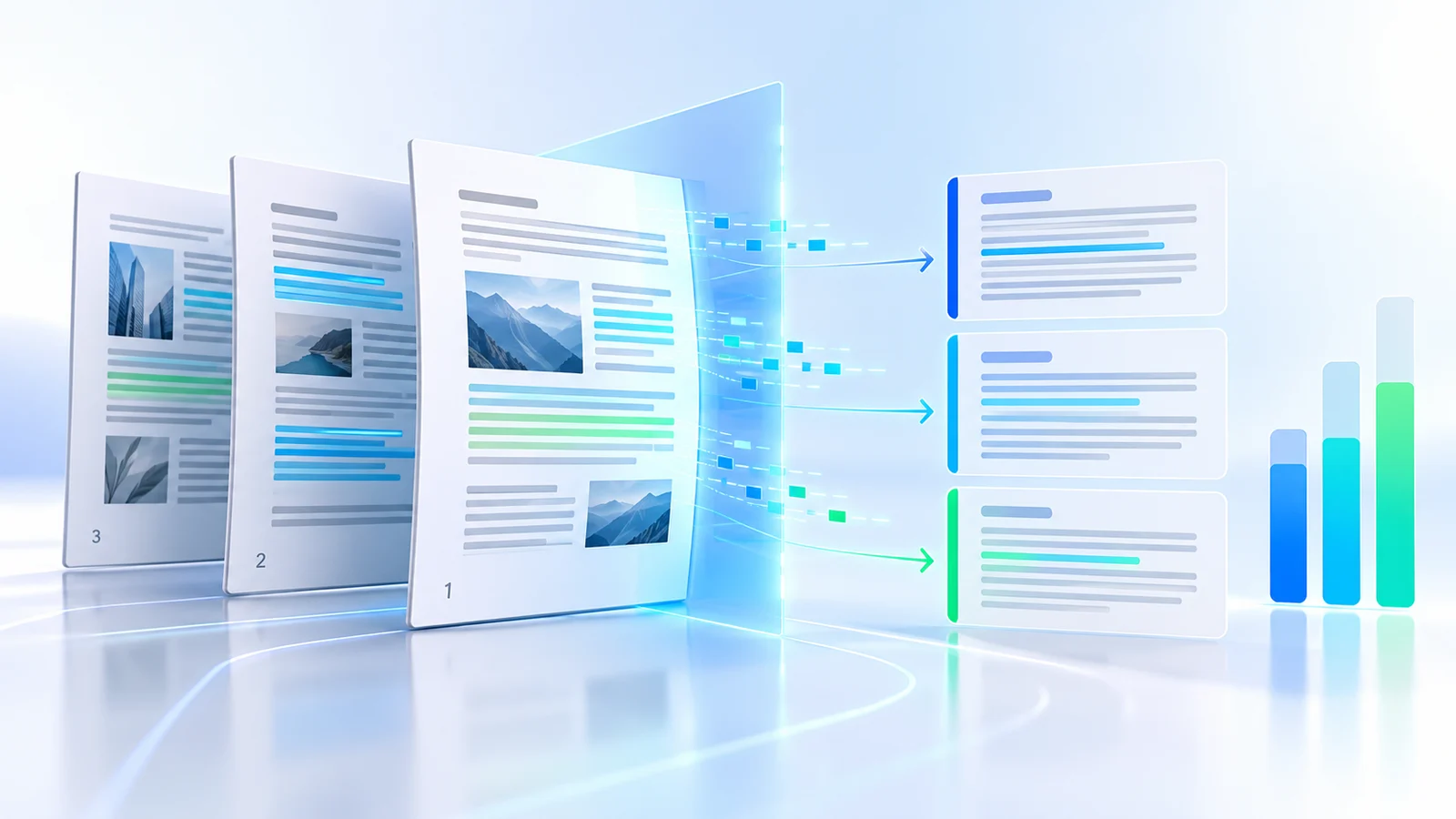
PDFs position text visually, so multi-column layouts, sidebars, form labels, and tables may extract in a different order. Search for names, dates, totals, references, and phrases from the first and last selected pages.
Whitespace cleanup can improve plain text, but aggressive cleanup can also merge content that should remain separate. Keep page boundaries during the first review.
Choose the export that matches the next step
TXT is the simplest portable copy. Markdown adds explicit page headings for writing and knowledge workflows. JSON keeps page status and counts for software pipelines, while CSV provides one auditable row per page for spreadsheet review.
| Format | Best use | Structure retained |
|---|---|---|
| TXT | Reading and copying | Plain page-separated text |
| Markdown | Notes and publishing | Page headings |
| JSON | Applications and automation | Per-page fields and status |
| CSV | Spreadsheet review | One row per page |
Protect multilingual text
Use UTF-8 exports for Arabic and other Unicode scripts. Correct output still depends on the PDF containing properly encoded characters; some legacy fonts map visible glyphs to unexpected codes.
Compare multilingual passages with the source before relying on them for search, translation, or records. OCR may be more useful when the embedded encoding is unreadable.
Put the workflow into practice
Check page coverage, verify reading order, search important values, and choose a useful structured export for extracted PDF text.
Try Extract PDF TextFrequently asked questions
Clear answers before you extract
Which format is best for a developer?
JSON preserves page numbers, status, character counts, word counts, and extracted text in a structured form.
Why is the extracted order different from the page?
PDFs store positioned text objects rather than a universal paragraph and column model.
Can CSV preserve every line break?
Yes, when opened by a CSV-aware application, but one row still represents one PDF page rather than a reconstructed table.
Will Arabic text be preserved?
UTF-8 preserves Unicode output when the source PDF text layer maps its glyphs correctly.