On this page
Saved rotation and viewer rotation differ
A PDF page can carry a rotation value interpreted by viewers. Applications can also rotate only the current view. If that state is not saved, recipients may still see the old orientation. Nexynto exports a new copy with selected rotation applied.
Keep the source, reopen the result in another viewer and confirm the saved orientation rather than trusting the current preview.
Rotate only the pages that need it
Mixed documents contain portrait letters, landscape tables and sideways scans. Rotating everything can fix one section and break another. Use thumbnails and page numbers together.
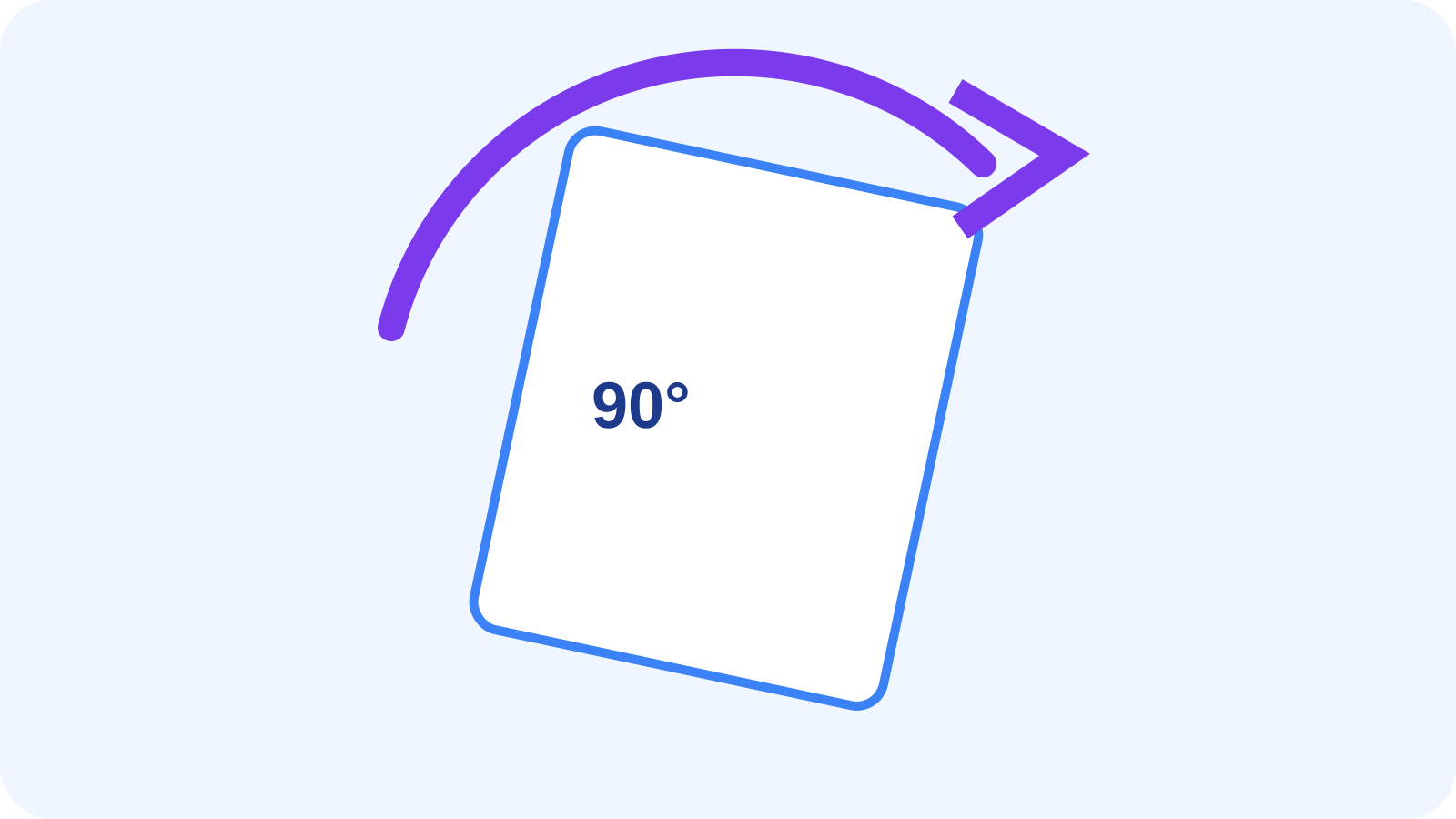
Use 180° for upside-down pages and 90° clockwise or counter-clockwise for sideways pages. Check annotations and content near page edges afterward.
Rotate, Auto Rotate and Deskew solve different problems
Manual Rotate follows explicit selection. Auto Rotate infers likely text direction. Deskew corrects small angular tilt inside an image. A scan can need a right-angle correction followed by a small deskew.
Diagrams, blank pages and short labels provide weak evidence for automatic orientation, so treat detected results as proposals.
| Problem | Tool |
|---|---|
| Known sideways pages | Rotate PDF |
| Unknown scan direction | Auto Rotate PDF |
| Small-angle tilt | Deskew PDF |
| Need searchable text | OCR PDF |
Verify geometry and downstream use
Rotation can affect apparent width and height while page boxes remain important to printing and imposition. Inspect landscape tables, form fields and edge annotations.
Export, reopen and test a representative print or conversion if orientation matters operationally. Rotation should not be assumed to perform OCR or straighten skew.
Put the workflow into practice
Arrange source documents, select the pages you need, and create one PDF locally in your browser. Review the result before choosing any optional next step.
Try Rotate PDFFrequently asked questions
Clear answers before you merge
Is rotating the view permanent?
Not necessarily. Export and reopen the file to verify saved rotation.
Does rotation reduce text quality?
A page rotation value normally does not rasterize text or vectors.
How does Auto Rotate differ?
Manual Rotate follows your choice; Auto Rotate infers likely orientation.
Will Rotate straighten a tilted scan?
No. Use Deskew for small-angle correction.