On this page
Clean before expiry, viewer-dependent afterward
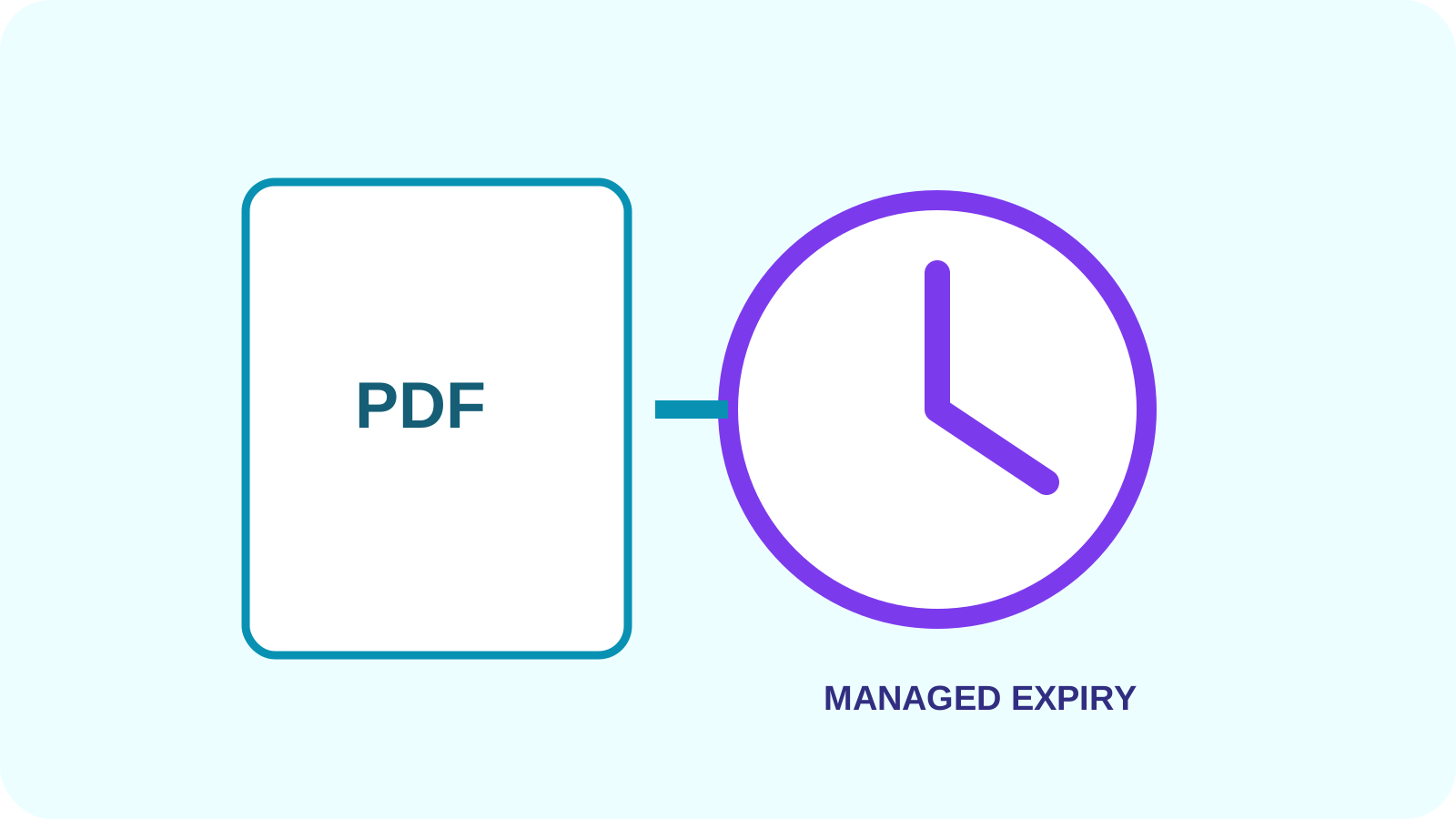
A downloadable time-locked PDF can keep its original page appearance before the chosen instant, with no watermark, footer, expiry label or advance warning. After the deadline, embedded JavaScript asks a compatible viewer to display the expired message or restrict actions.
Browser viewers, mobile apps and security settings may ignore PDF JavaScript. Describe this as viewer-dependent behavior, not universal DRM.
Downloaded copies define an important boundary
A PDF tool cannot remotely delete copies already downloaded or guarantee prevention of screenshots, extraction, modification or redistribution. Keeping pages clean before expiry does not change this limitation.
When future access must be revocable, distribute through a managed link and control whether recipients can download the original file.
Expiry, encryption and managed delivery are different
An open password protects PDF decryption. Permission flags request restrictions, but viewer enforcement varies. Embedded expiry scripts run only in supporting viewers. Managed expiry controls access through a service. These controls can complement each other without becoming equivalent.
| Control | Governs | Limitation |
|---|---|---|
| Embedded expiry script | Behavior after the deadline | May be ignored |
| Open password | PDF decryption | Password can be shared |
| Permission flags | Requested viewer actions | Enforcement varies |
| Managed link expiry | Future service access | Cannot revoke copies already downloaded |
Choose and test the right expiry workflow
Choose the exact timezone, confirm the clean before-expiry preview, review the after-expiry simulation and reopen the generated PDF. Test scripted behavior in the same desktop viewer the recipient is expected to use.
Use password protection or encryption for file access, and controlled transfer for server-enforced link expiry. Highly sensitive work also needs minimization and organizational controls.
Put the workflow into practice
Arrange source documents, select the pages you need, and create one PDF locally in your browser. Review the result before choosing any optional next step.
Try Time-Locked PDFFrequently asked questions
Clear answers before you merge
Does anything appear before expiry?
No. The tool adds no watermark, footer, expiry label or advance warning to the PDF pages.
Does a time-locked PDF delete itself?
No. A downloadable PDF remains a file and scripts depend on the viewer.
Is expiry the same as encryption?
No. Encryption protects decryption; an embedded expiry script requests viewer behavior after a deadline.
Which viewers support PDF expiry scripts?
Support varies. Compatible Acrobat desktop viewers are more likely to run PDF JavaScript than browsers or mobile viewers.
When should I use secure transfer instead?
Use controlled transfer when future access must be stopped by the service rather than requested from a PDF viewer.