On this page
Audit required fields first
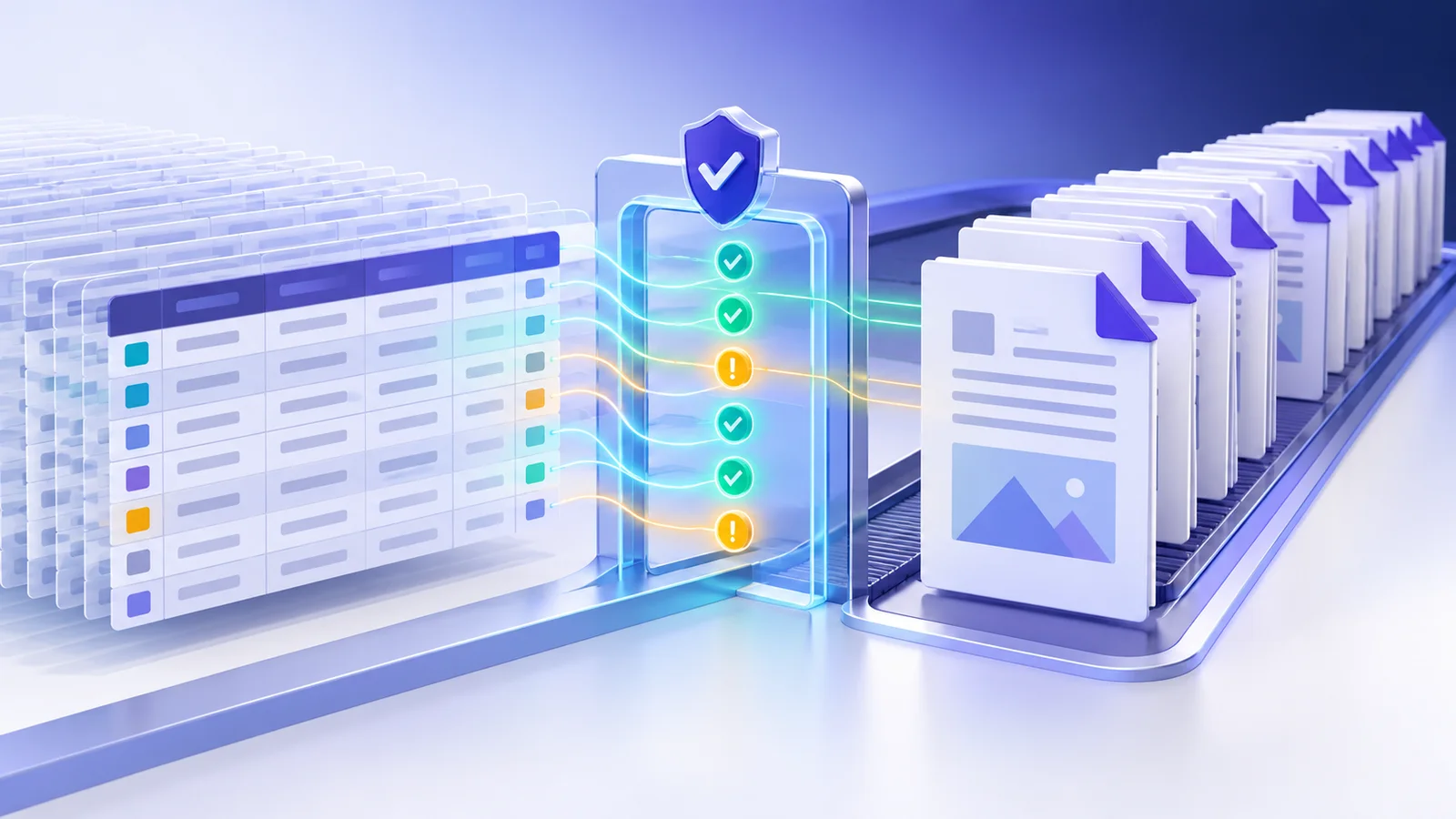
A row cannot produce a dependable form when a required mapped field is empty. Preflight should identify the row and field rather than failing the entire batch without context.
Correct the spreadsheet when possible. If the omission is intentional, revise the PDF template instead of silently inserting placeholder data.
Validate controlled choices
Dropdowns and radio groups normally accept only options defined by the PDF form author. Spreadsheet spelling, capitalization and punctuation must match an allowed option.
Checkbox values should use a deliberate vocabulary such as yes/no, true/false or 1/0 so that ambiguous data is not treated as consent.
Control records and filenames
Use a start and end row to test a small cohort or resume a large batch. Filter a status, class, department or other spreadsheet column to target the correct records. Skip truly empty rows, but do not treat partially completed rows as blank.
Build a filename pattern from stable identifiers such as {Student ID}_{Full Name}. Duplicate names should receive deterministic numeric suffixes rather than overwriting earlier results, and a downloadable preflight CSV should preserve the exception list.
Put the workflow into practice
Arrange source documents, select the pages you need, and create one PDF locally in your browser. Review the result before choosing any optional next step.
Try Spreadsheet to Filled PDFsFrequently asked questions
Clear answers before you merge
Can I generate only part of a spreadsheet?
Yes. Set the first and last data row for the batch.
What happens to a row with missing required data?
It is marked during preflight and reported as failed if you still run the batch.
How are duplicate filenames handled?
Nexynto adds a numeric suffix so that an earlier generated PDF is never overwritten.
Are blank rows included?
You can skip rows whose cells are all empty while retaining partially completed rows for review.