On this page
Choose editable or flattened output deliberately
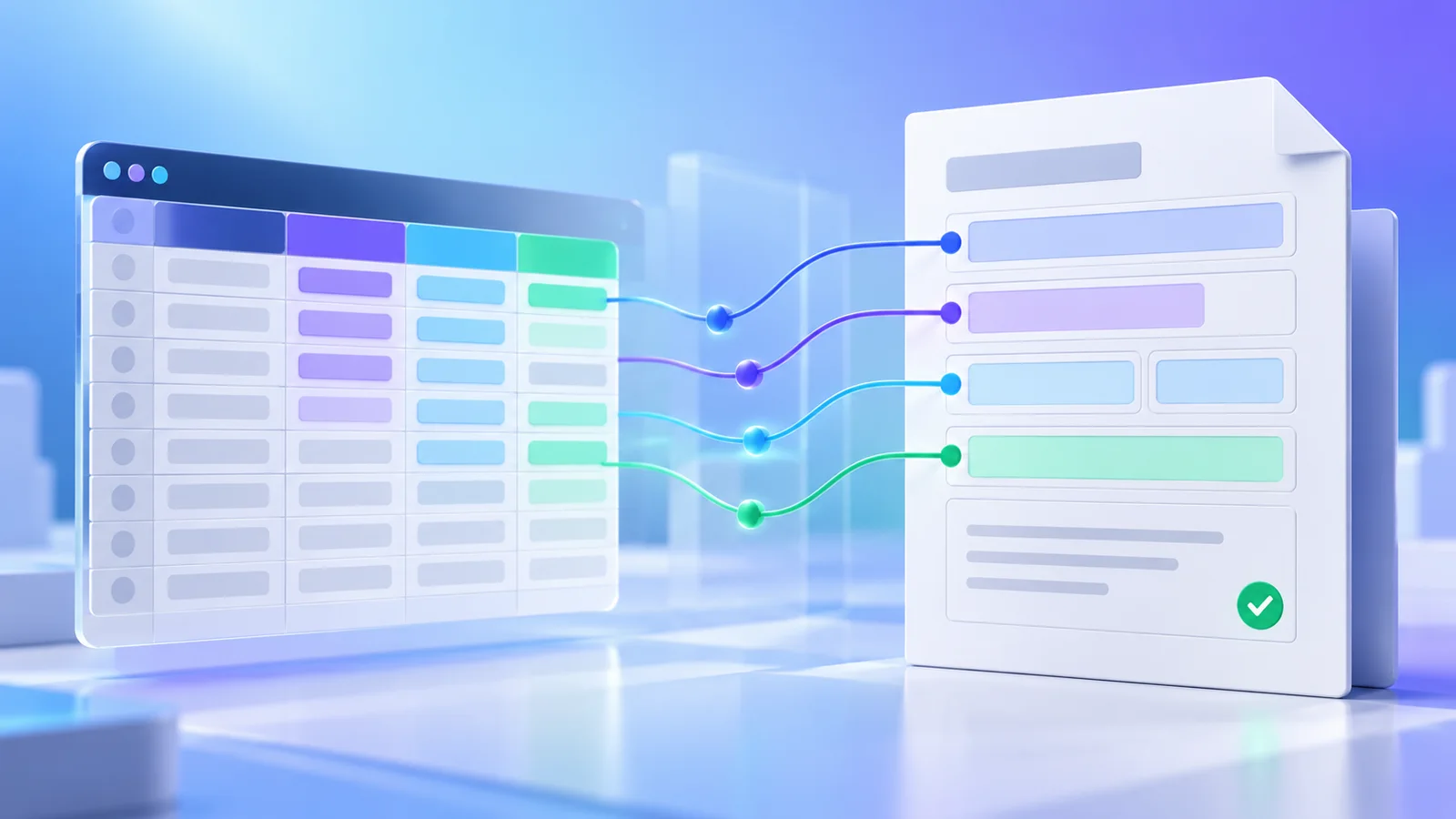
Editable forms are useful when recipients may correct or complete values. Flattened forms convert the field appearances into fixed page content and are better for final delivery when editing is not required.
Keep an editable copy before flattening important records. Flattening is not encryption and does not remove other sensitive PDF content.
Verify generated documents
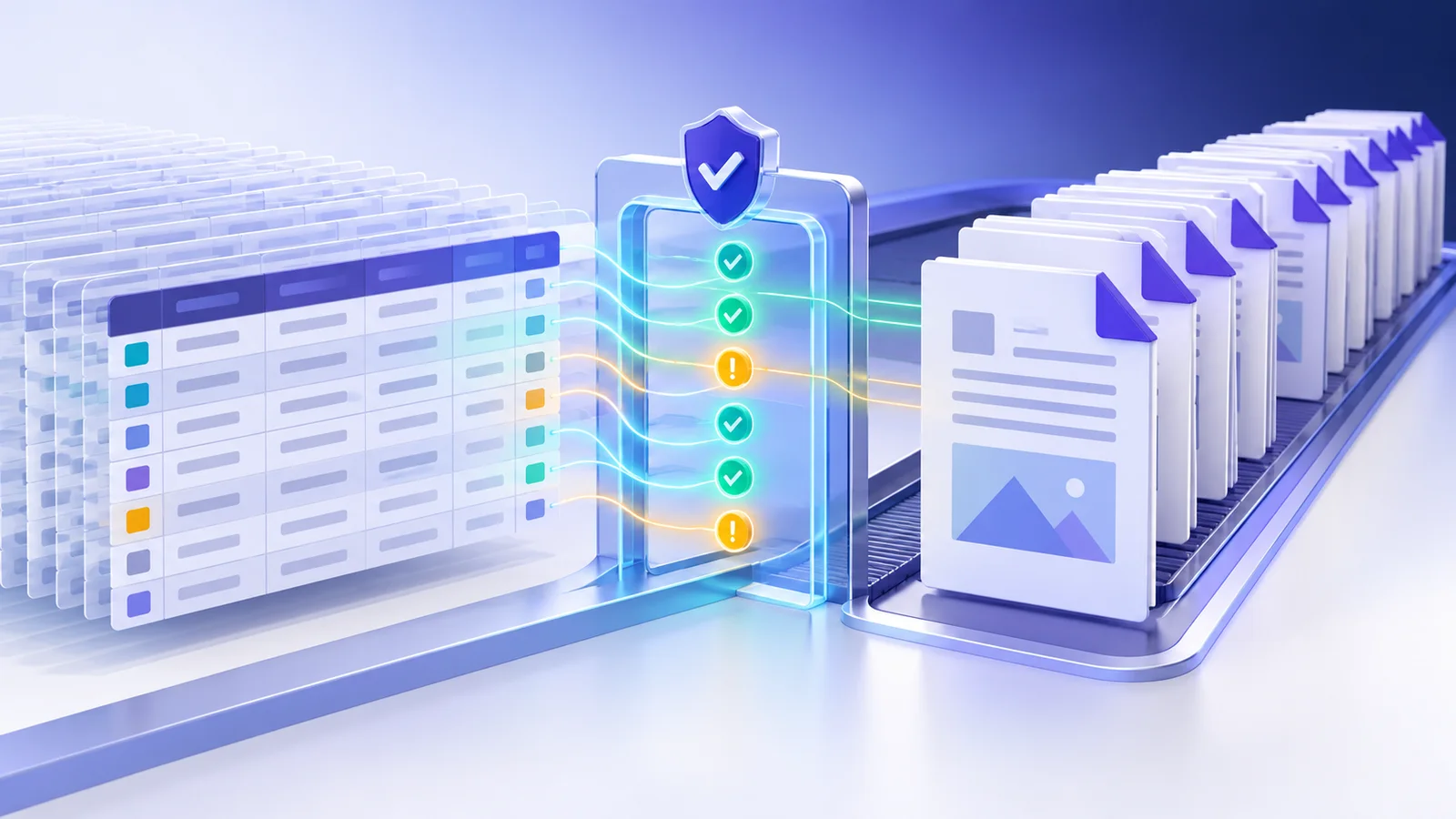
Nexynto reopens generated bytes and checks that the PDF has pages. Review the sample visually because structural verification cannot judge whether a value is semantically correct or clipped.
For regulated or high-value workflows, inspect a representative selection from the beginning, middle and end of the batch.
Package only successful results
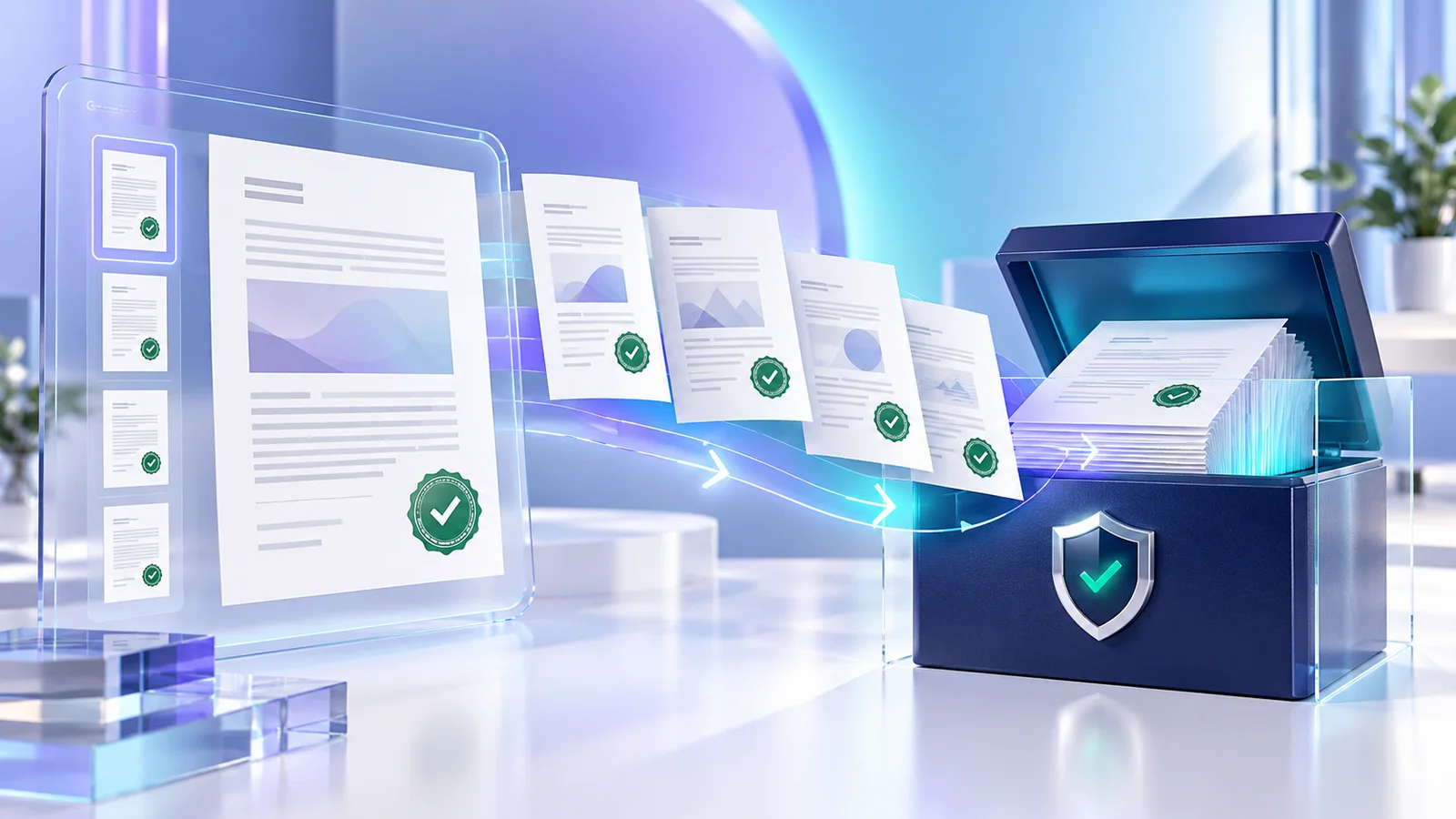
The result hub lists successful and failed rows separately. Download individual PDFs when resolving exceptions, package all successful files in a ZIP, and retain the audit CSV to reconcile spreadsheet rows with output filenames.
The operation runs locally in the browser. The downloaded PDFs still contain personal or business data, so store and transfer them according to their sensitivity.
Put the workflow into practice
Arrange source documents, select the pages you need, and create one PDF locally in your browser. Review the result before choosing any optional next step.
Try Spreadsheet to Filled PDFsFrequently asked questions
Clear answers before you merge
What does flatten output do?
It fixes form appearances into page content so the fields are no longer interactively editable.
Does verification guarantee every value is correct?
No. It verifies that output PDFs reopen; you must still review business meaning and visible layout.
Are failed rows added to the ZIP?
No. Only successfully generated documents are packaged.
Are the PDF and spreadsheet uploaded?
No. Mapping, filling, verification and ZIP creation run in your browser.