On this page
Validate before generating the output
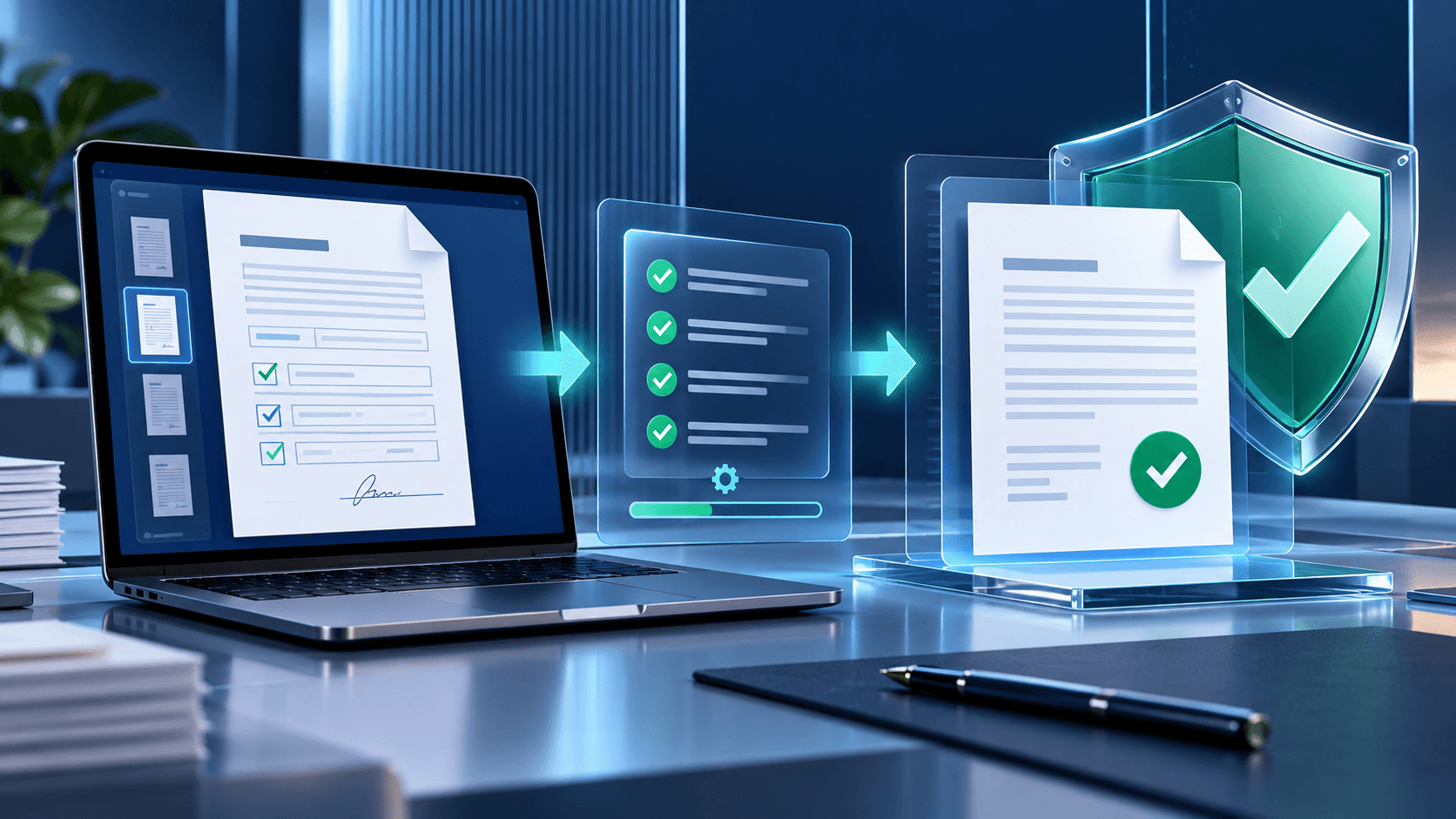
Check required fields, incomplete choice groups and responses that depend on another answer. Review names and dates carefully because forms often become official records.
Use completion progress as a navigation aid, not as proof that every answer is correct.
Preserve an editable version
An editable completed PDF supports corrections and later review. Save it separately from the blank template so neither document is overwritten.
If a fixed submission is required, create a flattened copy only after preserving the interactive version.
Reopen and inspect the download
A robust tool reopens the generated bytes and checks page and field counts. You should still inspect visible appearances because PDF viewers can render forms differently.
Test the file in the recipient environment when the workflow is important, regulated or time-sensitive.
Keep sensitive responses local when possible
Forms can contain identity, employment, financial or health information. Browser-local processing avoids transferring the source and answers to a remote conversion service.
The downloaded file still contains the responses, so store and share it according to the sensitivity of the information.
Put the workflow into practice
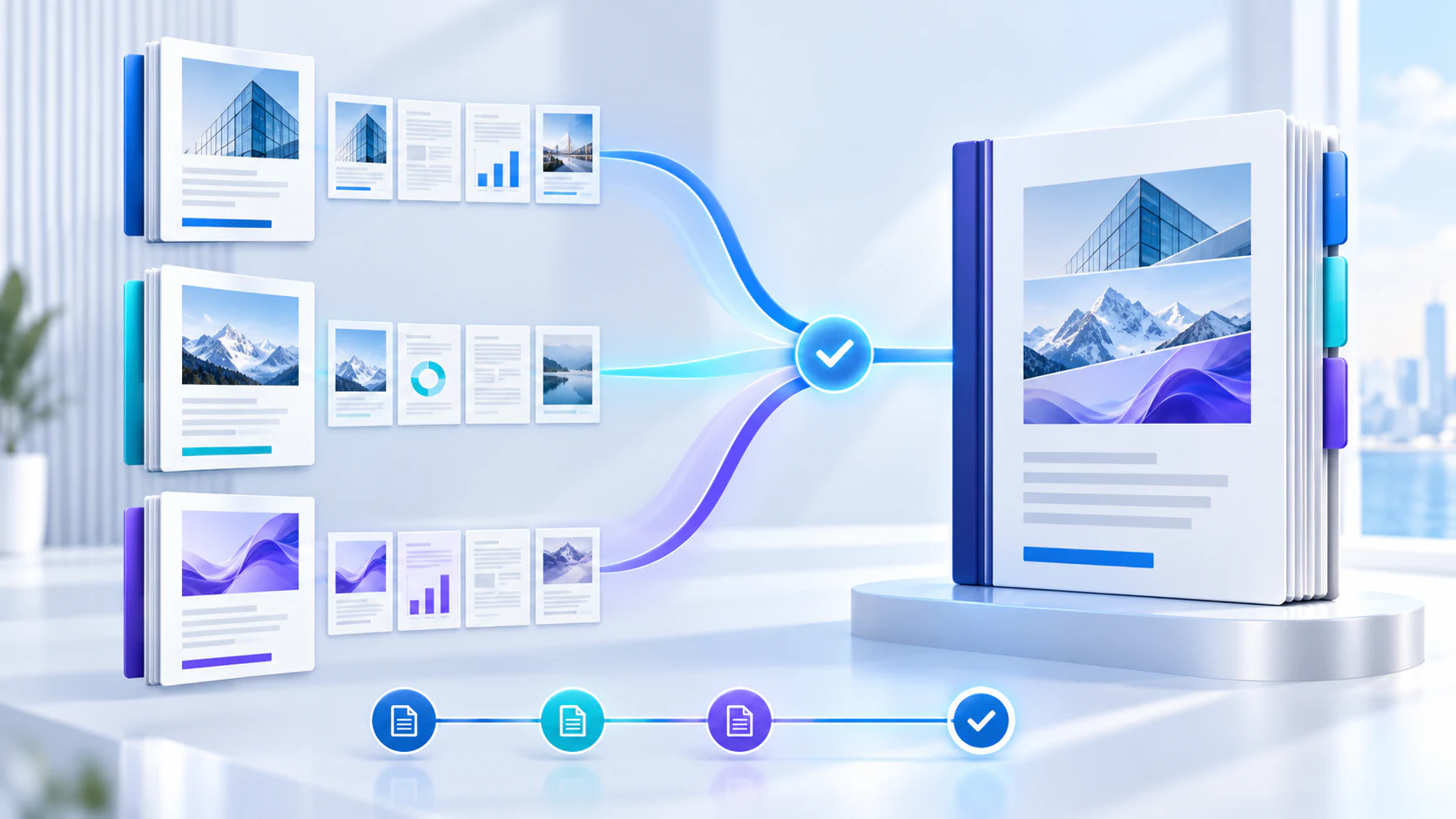
Arrange source documents, select the pages you need, and create one PDF locally in your browser. Review the result before choosing any optional next step.
Try Merge PDFFrequently asked questions
Clear answers before you merge
What does output verification check?
It confirms that the PDF reopens and preserves expected page and field counts.
Why do values look different in another viewer?
PDF viewers can render field appearances differently; review the output in the intended viewer.
Does local processing protect the downloaded file?
No. It avoids an upload, but the output must still be stored and shared safely.
Can I keep both editable and fixed copies?
Yes. Preserve the editable file and flatten a separate copy when required.