On this page
Editable forms support correction and reuse
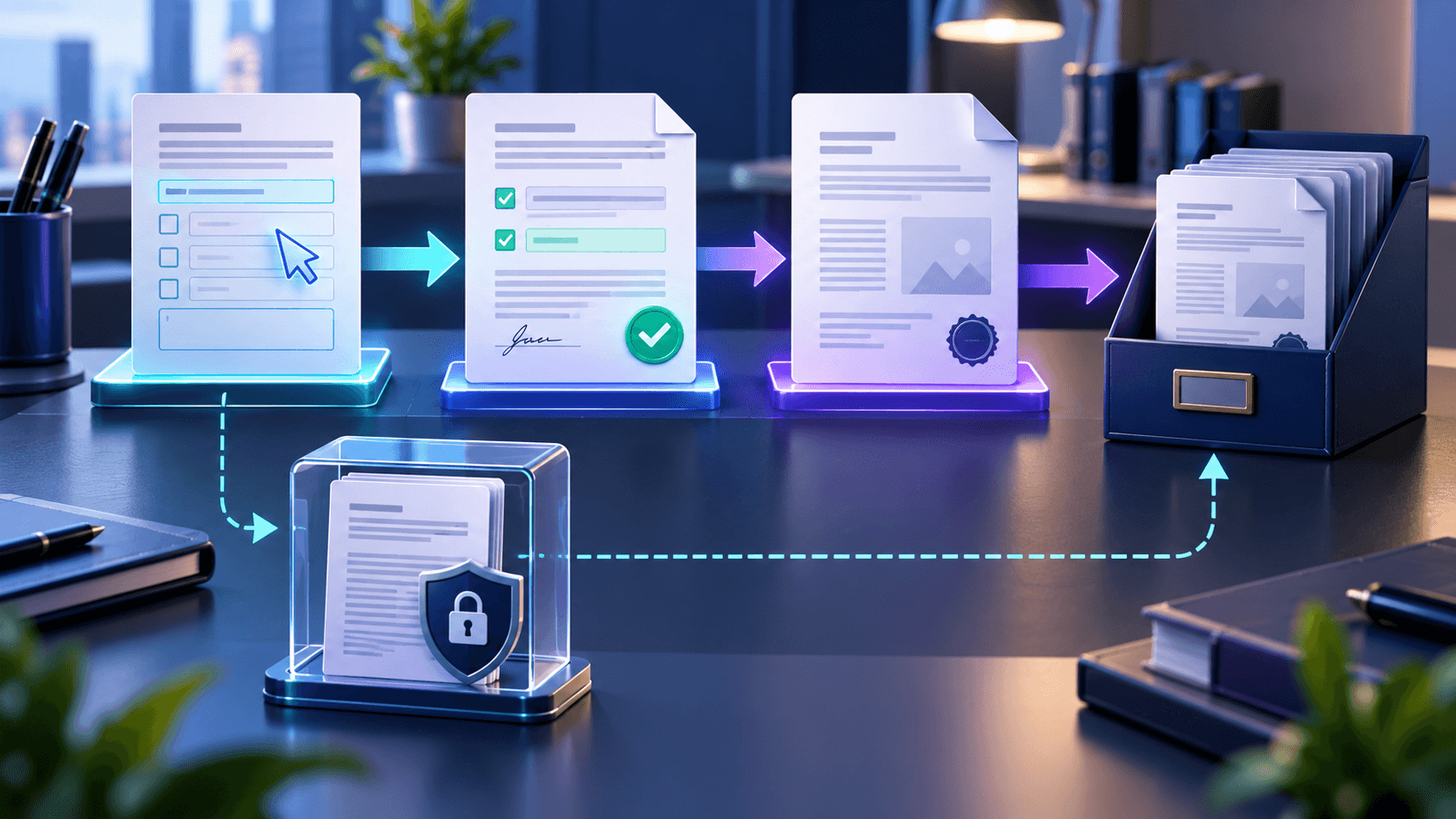
Keep the interactive version when answers may change, when the form is a template or when another person must complete additional fields.
Editable does not mean insecure, but it does mean ordinary viewers can change form controls.
Flattened copies support consistent delivery
Flattening is useful when a recipient wants a fixed submission, a print-ready record or fewer viewer compatibility problems.
It is not a complete anti-editing technology and should not be described as tamper-proof.
Keep both versions deliberately
Use separate filenames for the editable source and flattened result. Restrict the source copy when it contains sensitive responses.
If changes are needed, edit the interactive source and create a new flattened version rather than editing the fixed PDF.
Choose based on the next action
Ask whether the next person must edit fields, only review the document, print it, archive it or verify a digital signature. That answer determines the appropriate copy.
Put the workflow into practice
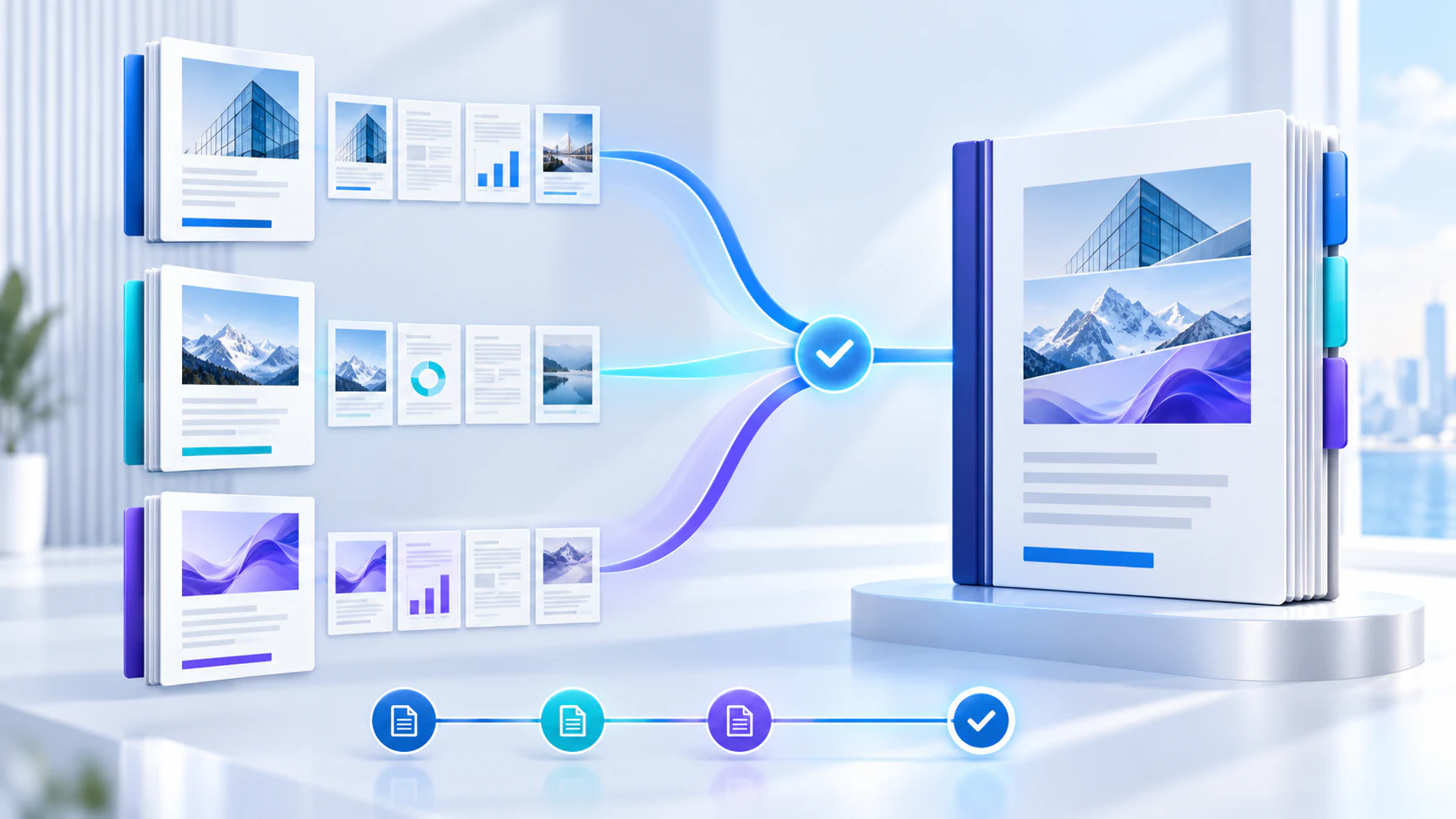
Arrange source documents, select the pages you need, and create one PDF locally in your browser. Review the result before choosing any optional next step.
Try Merge PDFFrequently asked questions
Clear answers before you merge
Which copy should I submit?
Use the format requested by the recipient; many final submissions prefer a fixed copy.
Should I delete the editable version?
Usually no. Store it securely for corrections or records.
Is a flattened PDF impossible to edit?
No. It removes form controls but does not prevent all PDF editing.
Can I flatten after signing?
Flattening may affect signature validity; follow the signature workflow requirements.