On this page
Review the form before flattening
Inspect every page and identify filled, empty and required fields. Empty controls become fixed as empty, so a visual review is essential.
Keep the completed editable PDF as a source copy. Flattening is intentionally difficult to reverse.
Update field appearances
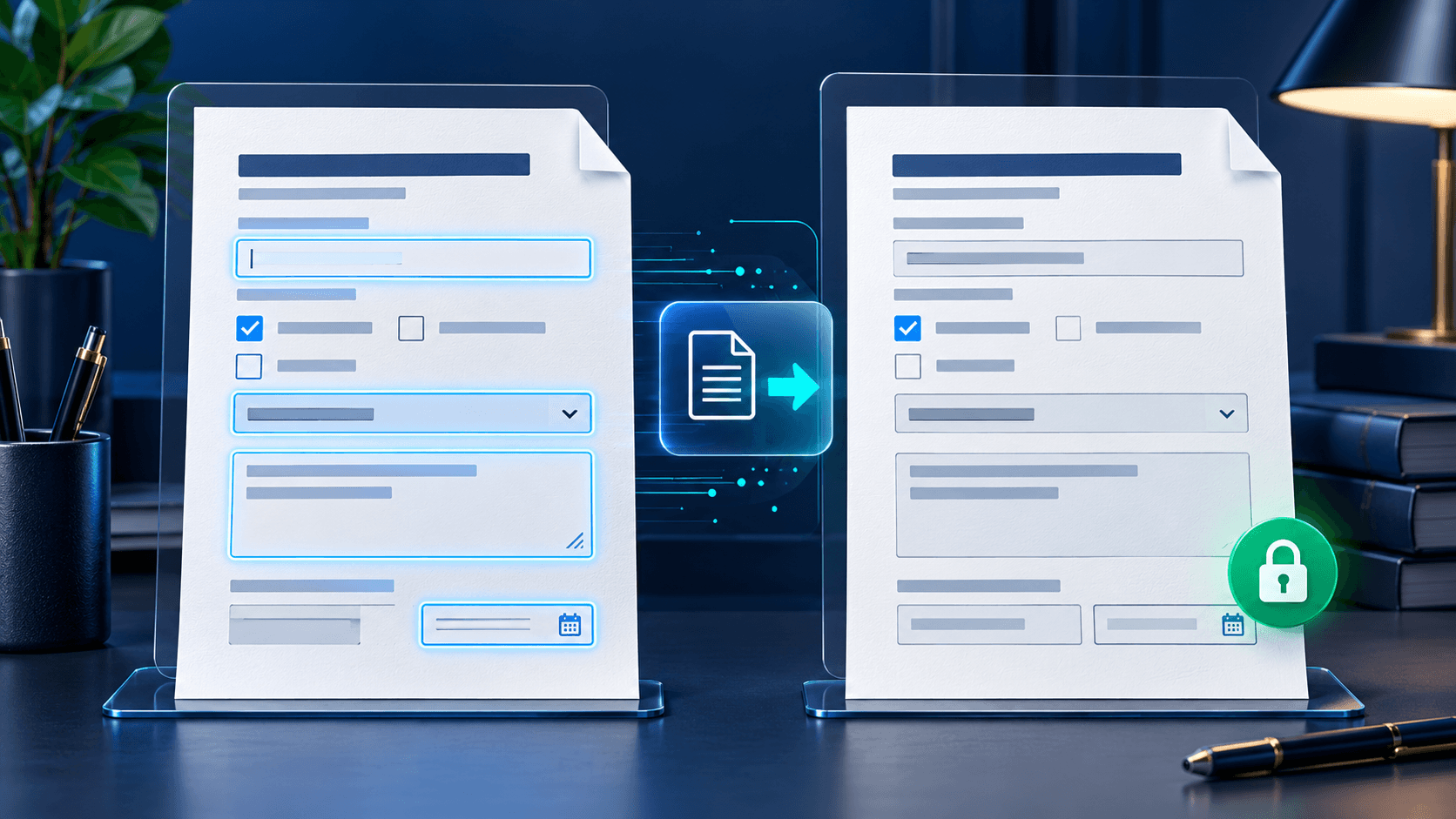
PDF fields store values separately from the visible page. A flattening engine updates each appearance before merging it into page content.
Viewer differences can expose stale appearances, so reopen and inspect the output after conversion.
Verify zero editable fields remain
A robust workflow reopens the generated PDF, checks that page count is unchanged and confirms that the form field collection is empty.
This verifies structural flattening, while visual inspection confirms the responses still look correct.
Deliver the fixed copy
Use a descriptive filename and distribute only the version required by the recipient. Preserve the editable copy securely for corrections or audit needs.
Put the workflow into practice
Arrange source documents, select the pages you need, and create one PDF locally in your browser. Review the result before choosing any optional next step.
Try Merge PDFFrequently asked questions
Clear answers before you merge
Can flattening lose values?
Values can appear missing if field appearances were not updated. Review and verify the output.
Can a flattened form be restored?
Not reliably. Preserve the editable source before flattening.
Does flattening change page count?
It should not; page count should be verified after export.
Does flattening password-protect a PDF?
No. Use a separate protection tool for access controls.